EasyManua.ls Logo

Panasonic NV-SD350 - Page 38

Panasonic NV-SD350
48 pages
Print Icon
To Next Page IconTo Next Page
To Previous Page IconTo Previous Page
Loading...
(38)
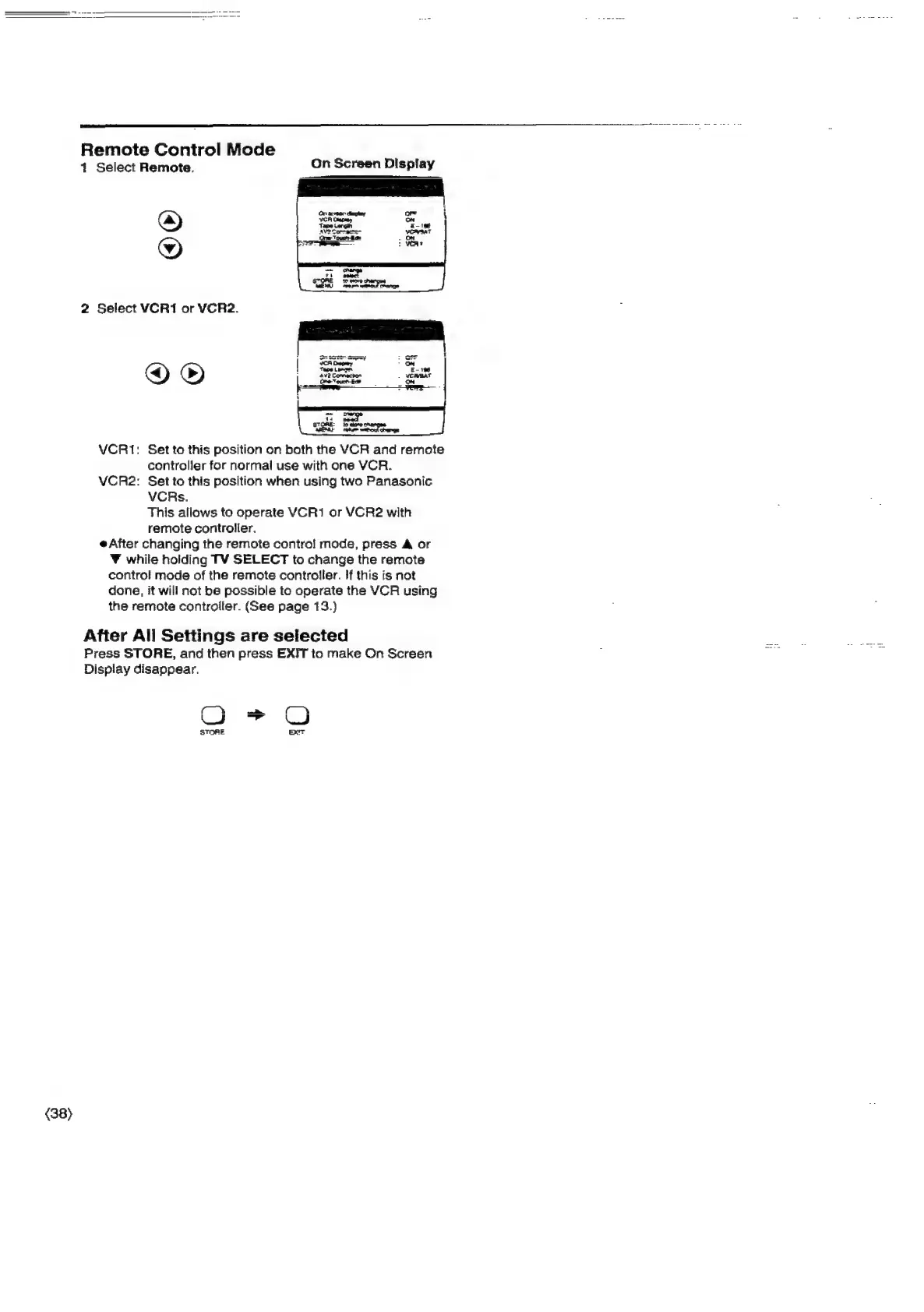
Remote
Control
Mode
4
Select
Remote.
On
Screen
Display
®
©
2
Select
VCRI
or
VCR2.
©®
fe:
et
VCRI1:
Set
to
this
position
on
both
the
VCR
and
remote
controller
for
normal
use
with
one
VCR.
VCR2:
Set
to
this
position
when
using
two
Panasonic
VCRs.
This
allows
to
operate
VCR1
or
VCR2
with
remote
controller.
After
changing
the
remote
contro]
mode,
press
A
or
¥
while
holding
TV
SELECT
to
change
the
remote
control
mode
of
the
remote
controiler.
If
this
is
not
done,
it
will
not
be
possible
to
operate
the
VCR
using
the
remote
controller.
(See
page
13.)
After
All
Settings
are
selected
Press
STORE,
and
then
press
EXIT
to
make
On
Screen
Dispiay
disappear.
f
oS
f
a
STORE
xr

Related product manuals