EasyManua.ls Logo

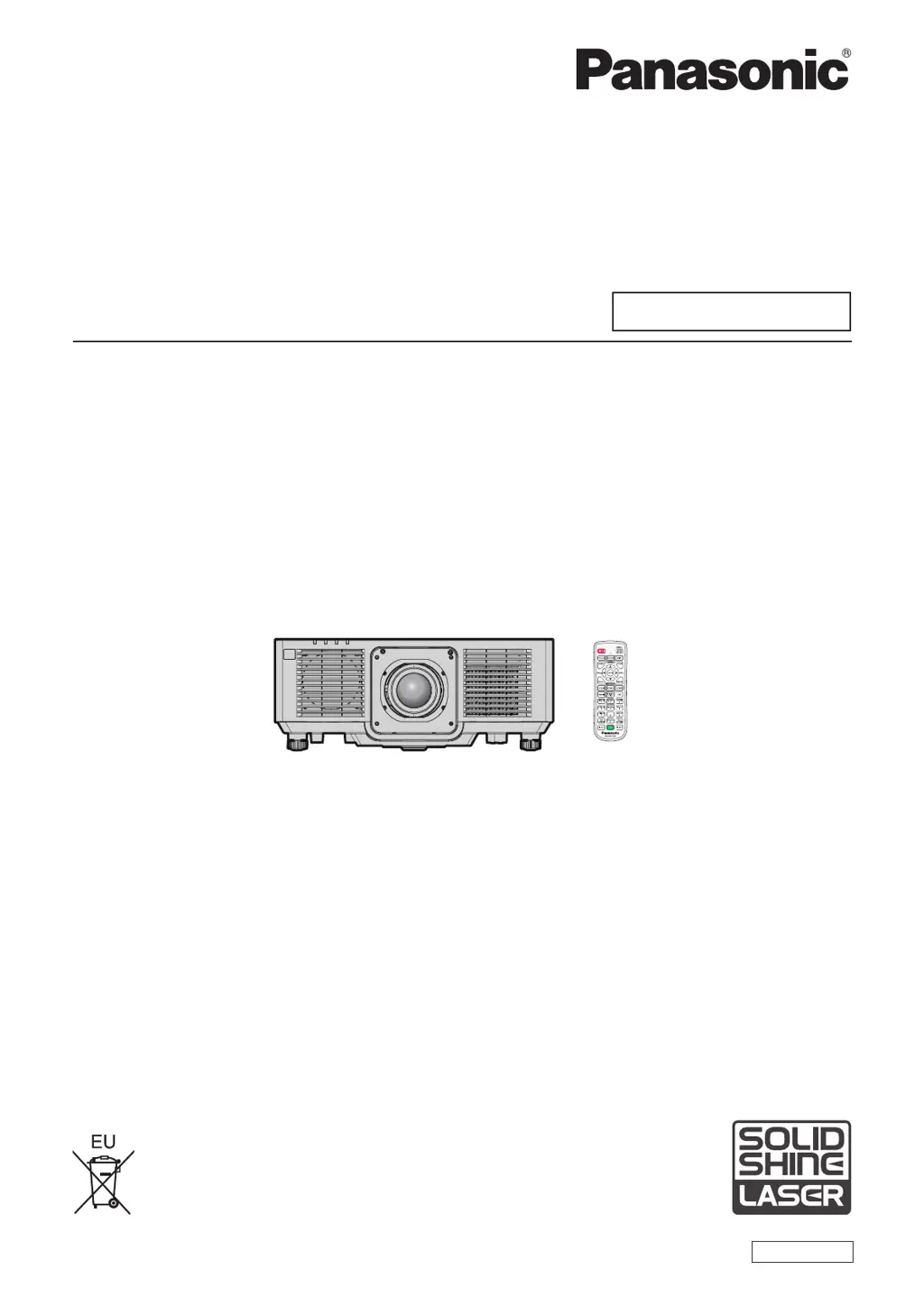
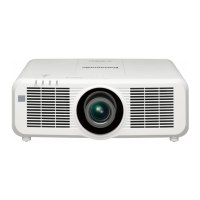
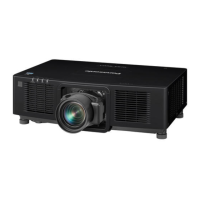
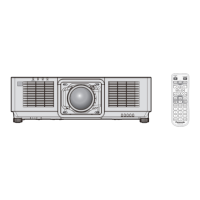
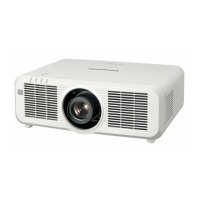
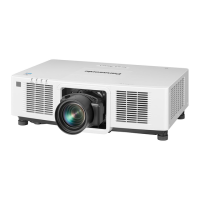
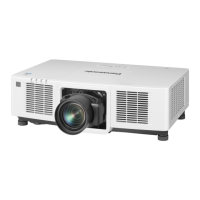
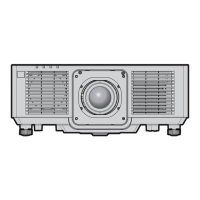
Panasonic PT-MZ680 - User Manual

Panasonic PT-MZ680
207 pages
Print Icon
To Next Page IconTo Next Page
Loading...
Thank you for purchasing this Panasonic product.
This manual is common to all the models regardless of sufxes of the Model No.
z
for India
BD: Black model WD: White model
z
for Taiwan
BT: Black model WT: White model
z
for other countries or regions
B: Black model W: White model
Before operating this product, please read the instructions carefully and save this manual
for future use.
Before using this product, be sure to read “Read this rst!” (
x
pages 5 to 16).
DPQP1370ZA/X1
LCD Projector
Commercial Use
Operating Instructions
Functional Manual
ENGLISH
Model No.
PT-MZ880
PT-MZ780
PT-MZ680

Table of Contents

Questions and Answers

  • K
    Kristin AndersonAug 21, 2025
    What to do if Panasonic Projector remote control does not respond?
    • T
      Teresa WrightAug 21, 2025
      If the remote control for your Panasonic Projector is not responding, first check if the batteries are depleted and ensure they are inserted with the correct polarity. Make sure there are no obstructions between the remote and the projector's signal receiver. Verify that you are within the remote's effective range and that other light sources, like fluorescent lights, are not interfering. Lastly, confirm that the [REMOTE CONTROL] setting in [CONTROL DEVICE SETUP] is not set to [DISABLE] and that the ID number setting is correct.
  • D
    Dustin WebbAug 25, 2025
    Why Panasonic PT-MZ680 Projector no image appears?
    • L
      Logan Reyes Jr.Aug 25, 2025
      If no image appears on your Panasonic Projector, verify that all connections to external devices are correctly performed and the input selection setting is correct. Ensure the [BRIGHTNESS] adjustment is not at a minimum. Check that the external device connected to the projector is working properly and the shutter function is not in use. If the power indicator is blinking red, consult your dealer.
  • D
    Destiny SmithAug 26, 2025
    Why Panasonic Projector image does not display correctly?
    • N
      Nicholas KellerAug 26, 2025
      If the image on your Panasonic Projector is not displaying correctly, ensure that [SYSTEM SELECTOR] is set properly. Check for any issues with the video tape or other image sources. Also, verify that the input signal is compatible with the projector.
  • M
    Manuel HarveyAug 28, 2025
    What to do if Panasonic PT-MZ680 image from a computer does not appear?
    • D
      davidjohnstonAug 28, 2025
      If the image from a computer is not appearing on your Panasonic Projector, check if the cable is too long (for D-Sub cables, it should be 10 m (32'10") or shorter). Also, ensure that the external video output on the laptop computer is set correctly. (For example, the external output settings may be switched by pressing the “Fn” + “F3” keys or the “Fn” + “F10” keys simultaneously. Refer to your computer's user manual for specific instructions.)
  • H
    Holly HayesAug 30, 2025
    Why Panasonic Projector menu screen does not appear?
    • R
      Robert RussellAug 30, 2025
      If the menu screen does not appear on your Panasonic Projector, check if the on-screen display function is turned off (hidden).
  • B
    Brian CraigSep 1, 2025
    Why Panasonic PT-MZ680 Projector buttons on the control panel do not operate?
    • R
      Rebekah RussellSep 1, 2025
      If the buttons on the control panel of your Panasonic Projector do not operate, check if the [CONTROL PANEL] setting in [CONTROL DEVICE SETUP] is set to [DISABLE].
  • J
    Jeffrey OlsonSep 3, 2025
    Why Panasonic Projector DIGITAL LINK input image is not displayed?
    • J
      jacksondonnaSep 3, 2025
      If the DIGITAL LINK input image is not displayed on your Panasonic Projector, ensure the cable is compatible with the projector's condition. Check that the connections between the twisted-pair-cable transmitter and external device, and between the transmitter and projector, are correctly done. Verify that [DIGITAL LINK MODE] is set to [AUTO] or [DIGITAL LINK], and not to [ETHERNET]. Also, ensure a signal compatible with a twisted-pair-cable transmitter is being input.
  • J
    Jamie YoungSep 5, 2025
    Why is my Panasonic Projector audio not outputting?
    • S
      Sonya BoydSep 5, 2025
      If you're not getting any audio from your Panasonic Projector, check that the external device is correctly connected to the audio input terminal and the volume is not set to minimum. Ensure the mute function is not enabled and that [AUDIO IN SELECT] in [AUDIO SETTING] is correctly set. Also, verify that there is no cable connected to the terminal.
  • N
    Nicole CarlsonSep 7, 2025
    How to fix fuzzy image on Panasonic PT-MZ680 Projector?
    • J
      jrodriguezSep 7, 2025
      To resolve a fuzzy image on your Panasonic Projector, ensure that the lens focus is set correctly and the projection distance is appropriate. Check if the lens is dirty and ensure the projector is installed perpendicular to the screen.
  • S
    Shawn GambleSep 10, 2025
    How to fix pale or grayish color on Panasonic PT-MZ680 Projector?
    • L
      Larry RiversSep 10, 2025
      If the color on your Panasonic Projector appears pale or grayish, ensure that [COLOR] and [TINT] are adjusted correctly. Check that the external device connected to the projector is adjusted correctly and the computer cable is not damaged.

Panasonic PT-MZ680 Specifications

General IconGeneral
Native aspect ratio16:10
Projection technologyLCD
Contrast ratio (typical)3000000:1
Screen size compatibility40 - 400 \
Projector native resolutionWUXGA (1920x1200)
Keystone correction, vertical-25 - 25 °
Keystone correction, horizontal-30 - 30 °
Light source typeLaser
Service life of light source20000 h
FocusMotorized
Throw ratio1.61 - 2.76:1
Zoom capabilityYes
Vertical lens shift range-67 - 67 %
Horizontal lens shift range-35 - 35 %
Audio (L/R) in1
Composite video in0
HDMI ports quantity3
Serial interface typeRS-232C
USB 2.0 ports quantityUSB 2.0 ports have a data transmission speed of 480 Mbps, and are backwards compatible with USB 1.1 ports. You can connect all kinds of peripheral devices to them.
VGA (D-Sub) ports quantity4
Ethernet LAN data rates10, 100 Mbit/s
Ethernet LAN (RJ-45) ports2
Noise level32 dB
Noise level (standby)26 dB
Operating temperature (T-T)0 - 45 °C
Operating relative humidity (H-H)20 - 80 %
Analog signal format system-
Power sourceAC
AC input voltage100 - 240 V
AC input frequency50 - 60 Hz
Power consumption (max)360 W
Power consumption (standby)- W
Power consumption (typical)330 W
Power consumption (economy mode)240 W
Product typeLarge venue projector
Product colorBlack
Market positioningBusiness
Weight and Dimensions IconWeight and Dimensions
Depth439 mm
Width561 mm
Height224 mm
Weight17600 g

Related product manuals