13
RQT8824
As the dictation recording settings are all factory-set, dictation can be recorded quickly and simply.
Use this mode when computer voice recognition software is to be used.
*
Press [STOP] to stop recording.
* The following recording information is displayed when
recording is stopped
.
*
While recording, press
[REC/PAUSE]
to pause. Press it again
to resume recording. (Recording continues in the same file.)
Recording
date
Recording
start time
Recording
time
The number of
files in folder
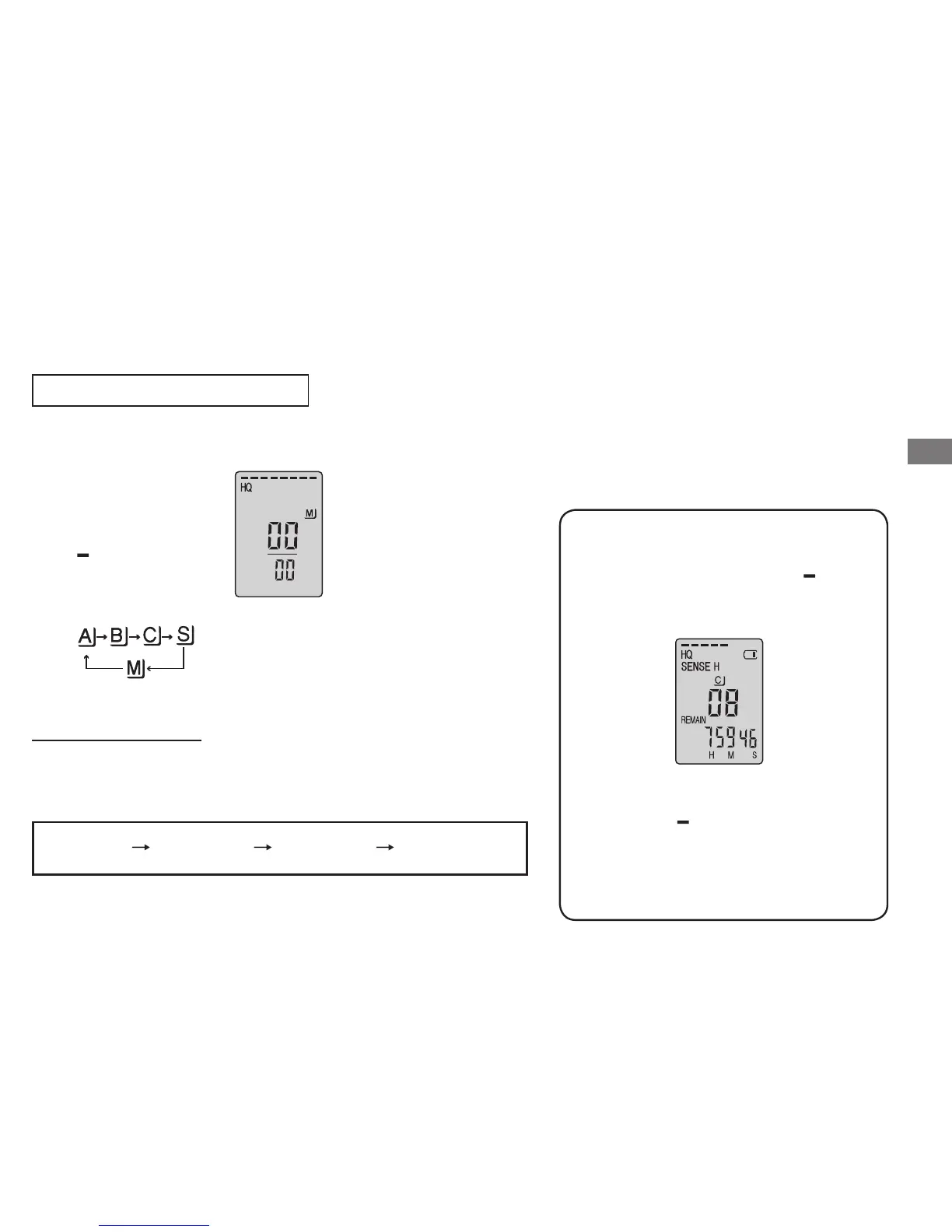
Dictation recording
1
Select folder
M
Press [
*
FOLDER/
MENU].
Each time you
press.
2
Record
Press
[REC/PAUSE].
When you press [
*
FOLDER/ MENU
]
while recording, the remaining recording
time appears
.
* To return to the initial menu, press
[
*
FOLDER/ MENU] again.
*
Remaining recording time also
appears when the time becomes very
short.
Basic use
Stop and pause
Confirming the remaining time















 To Next Page