1
Display
the menu
2
Select “ALL”
3
Select “ ”
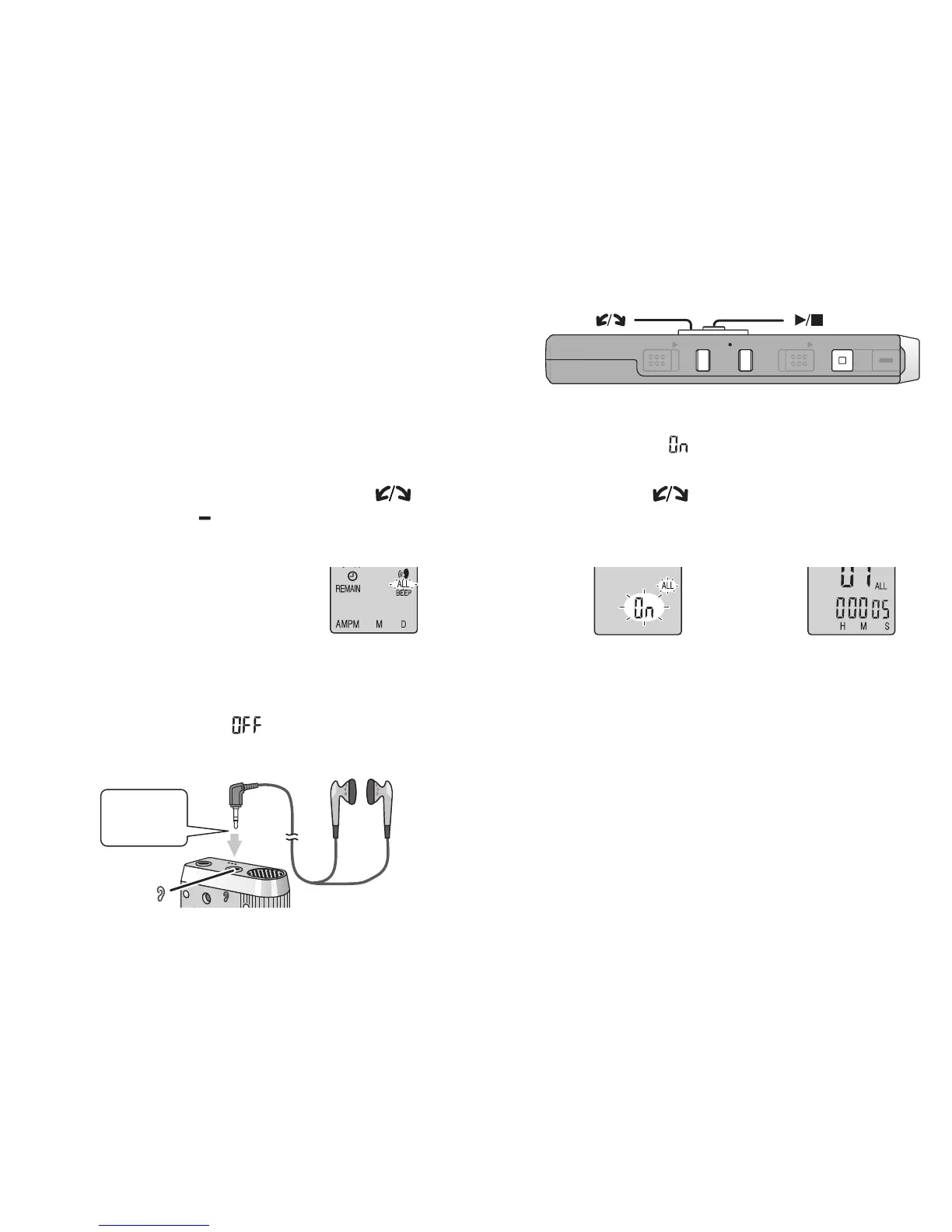
g Playing files successively
Files stored in the same folder are played successively.
g Listening with earphones
* The speaker is automatically turned off
when earphones are used.
Connect earphones (not included).
(Sounds are monaural.)
Plug type: ø 3.5 mm (
1
/8 in.) mini plug
Insert
securely
Tu r n [
] and
press
[
q
/
g
]
to confirm.
1Tur n [ ] and
press
[
q
/
g
]
to
confirm.
2
Press [STOP].
* The unit plays all files in order from the selected one to the last one.
* When the last file finishes, playback stops automatically.
*
Press [STOP] twice to stop successive play midway.
* To cancel, select
“
” in step
3
.
Other playing methods
Press and hold
[
*
FOLDER/ MENU]
for 1 second or
longer.
Press
[
q
/
g
].
4
Play
ZOOMHOLD
ERASE FOLDER
STOP
REC
/
PAU S E
[]
[]















 To Next Page