19
RQT8824
Press
[ERASE].
Press and hold
[
*
FOLDER/
MENU] for 1
second on longer.
Organizing files
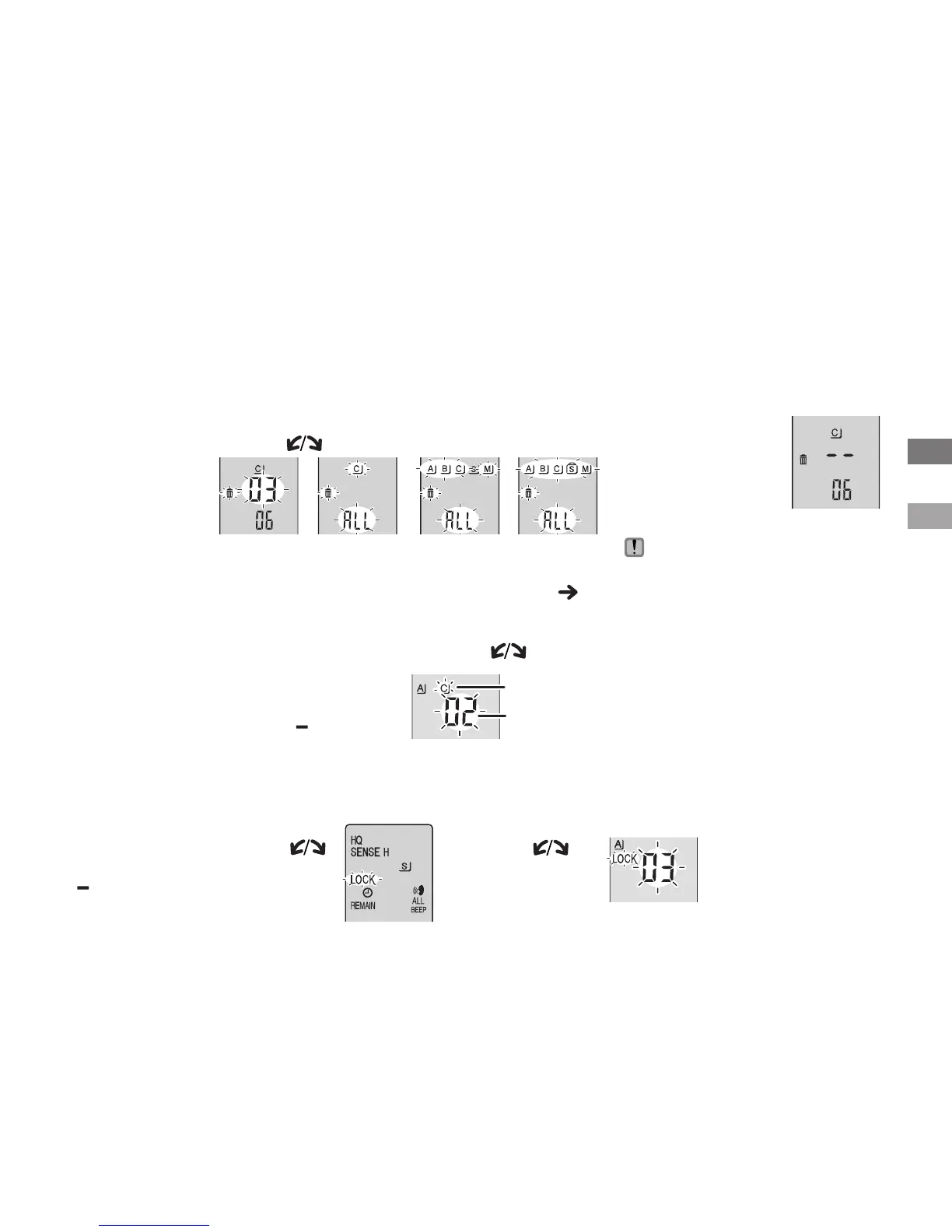
g Deleting (a file/ all files in a folder/ all folders except S/ all folders)
g Lock (file protection)
1
Display
the menu
2
Select “LOCK”
3
Select the file you want to lock
* To unlock, select
the file you want
to unlock, then
confirm.
Preparation: Select a folder containing a file to protect.
g Moving
1
Display
the moving
menu
2
Select the destination folder
Tu r n [ ].
Preparation: Play the file to be moved (
page 16).
Files can be moved both
ways among folders A, B
and C.
Files can be moved from
folder M to folders A, B, C
and S, but files cannot be
moved to folder M.
Play will stop and the
file is moved to the end
of the selected folder.
1
Display
the deleting
menu
2
Select a file or folder
Tu r n [ ].
3
Delete
Press and hold
[ERASE] for
1 second or
longer.
Deleted files cannot be recovered.
*
Protected fi les cannot be deleted.
All folders
except S
Selecting
a file
All files in
a folder
3
Move
Press and hold
[
q
/
g
] for 1 second
or longer.
Tu r n [
]
and press
[
q
/
g
] to
confirm.
All folders
Press and hold
[
*
FOLDER/
MENU] for 1
second or longer.
Destination folder
Number of files in
the destination folder
1
Tu r n [ ] and
press [
q
/
g
] to
confirm
.
2
Press [STOP].
Basic use/Advanced use
When a file is deleted.















 To Next Page