7
RQT8824
To record a low-level sound source…
•
Place the unit on a desk etc. closer to the source.
•
Use “L” microphone sensitivity for close proximity
hand-held recording.
Microphone sensitivity Dictation Recording level (fixed)
Recording mode HQ (high quality) (fixed)
Preparation
Point
3
Choose a
recording method
that best suits
the situation.
Microphone sensitivity
H (Far) L (Near)
Zoom
recording
[OFF]
A normal meeting
A meeting held in a small room
[ON] A lesson, lecture An interview during a meeting
Recording mode HQ (high quality)/ FQ (fine quality)/ SP (standard play)
Meeting recording settings (no zoom recording for RR-US430)
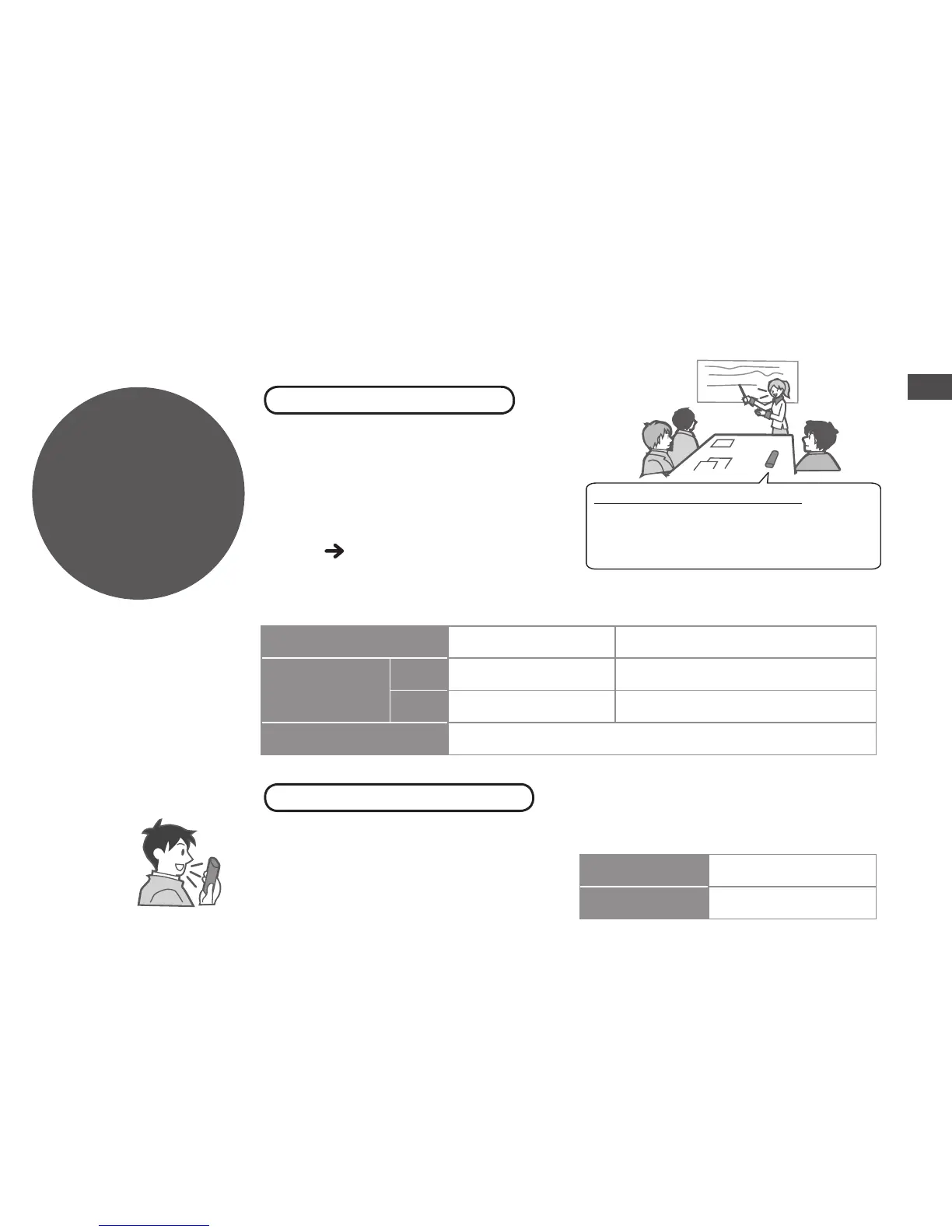
Using different combinations of
recording modes and microphone
sensitivity levels, you can adjust
audio quality according to recording
situations. Using the zoom function,
you can also record target voice
clearly (
page 14).
As the dictation recording settings
are all factory-set, dictation can be
recorded quickly and simply. Use
this mode when computer voice
recognition software is to be used.
DICTATION RECORDING
Dictation recording settings
MEETING RECORDING















 To Next Page