22
RQT8824
MIC
(PLUG IN POWER)
MIC
(PLUG
IN PO
WER)
Start playing
Audio cable (not included)
Headphone
jack
Monaural
mini plug
Monaural
mini plug
Stereo
mini plug
Monaural
mini plug
Monaural
mini plug
Monaural
mini plug
Record
Press [REC/PAUSE]
Audio cable (not included)
Audio cable (not included)
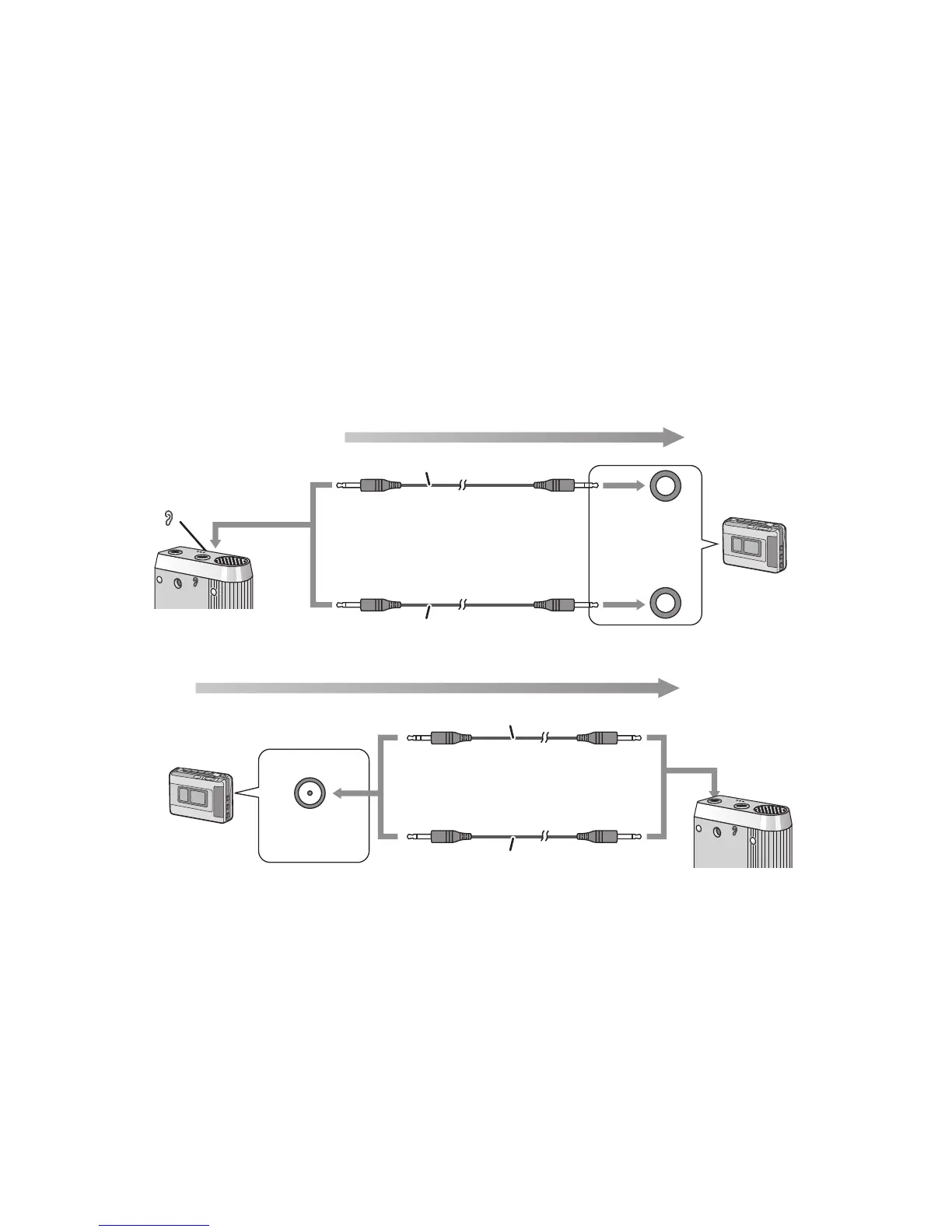
Recording to / from a cassette tape
g Recording to a cassette tape recorder etc.
g Recording from a cassette tape recorder etc.
Read the operating instructions for the connected equipment.
* The recorded sound may differ from the original recording.
* Adjust the recording volume on the source to the desired level.
Audio cable (not included)
Select the file to copy and play Record
Stereo
mini plug
Monaural
mini plug
Stereo
MIC jack
Monaural
MIC jack















 To Next Page