20
RQT8824
Security functions
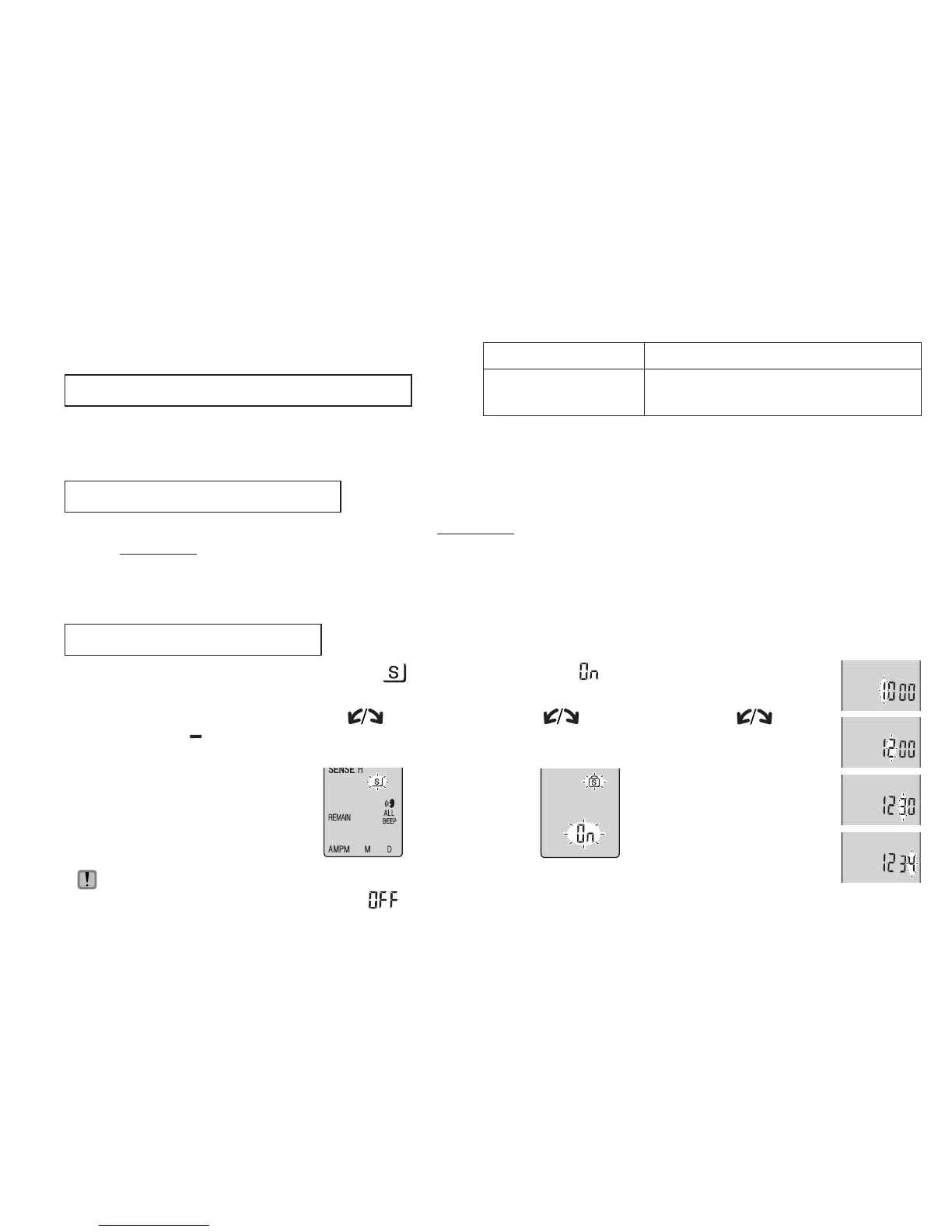
Press and hold
[
*
FOLDER/ MENU]
for 1 second or
longer.
1
Display
the menu
2
Select “
”
3
Select “ ”
Tu r n
[ ] and
press
[
q
/
g
]
to
confirm.
Tu r n
[ ] and
press
[
q
/
g
]
to
confirm.
Setting the password
This unit has 2 security functions.
1Password set in this unit
2Authentication key set with Voice Editing (See Voice Editing Ver.2.0 Operating Instructions (PDF file).)
Security functions of this unit
* Folder S is used to secure files. Once set, a password is necessary for playing files in this folder.
* The password is a 4-digit number. You can set the password using any combination of numbers. To play
files in folder S, enter the password you set.
* You can move files in other folders to folder S, but you cannot move files in folder S to any of the other
folders unless the password matches.
Folder S and password
4
Set
the password
Write down the password in the MEMO space (above) to keep it in memory.
* To initialize the password, select “
” in step 3 and enter the password you set.
* To move among digits, tilt the joystick to [
p
/
o
] in step 4.
1Tur n [
] to
select a number.
2
Press [
q
/
g
] to
move to the next digit.
After entering the
fourth number, press
[
q
/
g
] to confirm.
3Press [STOP].
Password (This unit)
Authentication key
(Voice Editing)
MEMO















 To Next Page