15
RQT8824
Tu r n [ ] and
press
[
q
/
g
]
to
confirm.
1 Tu r n [ ]
and
press
[
q
/
g
]
to
confirm.
2 Press
[STOP].
Tu r n [ ] and
press
[
q
/
g
]
to
confirm.
Tu r n [ ] and
press [
q
/
g
] to
confirm.
Tu r n [ ] and
press [
q
/
g
] to
confirm.
Tu r n [ ] and
press [
q
/
g
] to
confirm.
1
Display
the menu
2
Select “ ”
3
Select “ ”
*
To turn the function
off, select “
”
in step 3.
Turn the function
off when recording
important files
.
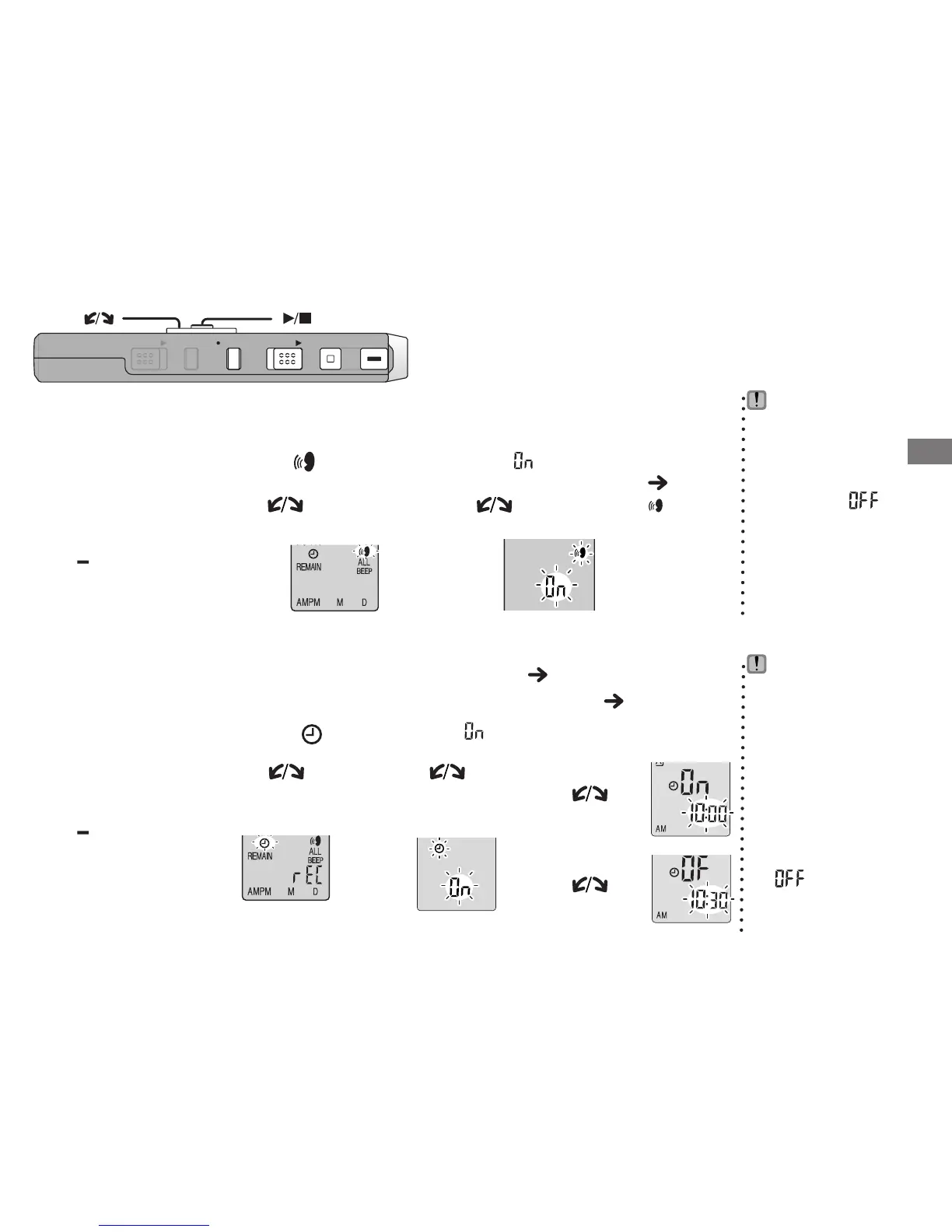
g Preventing unnecessary recording (VAS: Voice Activated System)
Recording is automatically paused if there is no sound for more than 3 seconds.
4
Record
( page 12)
“ ” flashes
when
the VAS
function is
active.
Press
and hold
[
*
FOLDER/
MENU]
for
1 second or
longer.
g Timer recording
Timer recording can be set to make 1 recording at a specified time. After setting the
timer, you can keep the unit on standby by setting hold on ( page 5).
1
Display
the menu
2
Select “ ”
3
Select “ ”
You can stop
timer recording
in progress, but
you cannot bring
it to a pause.
* To confirm the
recording start
and finish time,
perform step 2
.
*
To cancel the
timer, select
“
” in step 3.
*
To close the menu,
press [STOP].
Preparation: Select the folder to be recorded to and the recording settings ( page 12).
4
Set the time
1Start time
2Finish time
Basic use
Press
and hold
[
*
FOLDER/
MENU]
for
1 second or
longer.
ZOOMHOLD
ERASE FOLDER
STOP
REC
/
PAU S E
[]
[]















 To Next Page