Settings
1312
Settings
Change the settings to suit your equipment to the environment in which you are using it. Before making any changes, read the
descriptions of the settings, note the factory settings and ranges, and refer to the equipment's instructions.
SPK SIZE SUBW NO
YES
LR
SMALL
LARGE
C
NONE
SMALL
LARGE
S
RETURN
DISTANCE L
1.0m to
10.0m
R
C
SL
SR
FILTER FRQ 80
100
120
150
200
Repeat for each speaker channel
Set the size to suit your speakers.•
LARGE: Speakers that can reproduce a full sound range (bass below 100 Hz).
SMALL: Speakers that cannot adequately reproduce the bass range (sufficient for
most speakers when using a subwoofer).
NONE: Speakers not connected (center or surround).
The factory settings are:
LR (front), C (center), and S (surround): SMALL
For SUBW (subwoofer), select YES (factory setting) if you have connected one, or
NO if not.
Speaker size
For large speakers with satisfactory bass, set the filter to 80 Hz or 100 Hz.
For small speakers with unsatisfactory bass, raise the cut-off so the subwoofer
outputs more. (You may also have to change the filter settings on your subwoofer.)
The settings are 80 Hz, 100 Hz (factory setting), 120 Hz, 150 Hz, and 200 Hz.
Change the cut-off for bass output from the front speakers.•
Filter
Change the distance so that the sound from all the speakers (except for the
subwoofer) reaches you at the same time.
You can select distances between 1.0 and 10.0 m.
The factory settings are:
3.0 m (meters)
3.0 m (meters)
1.5 m (meters)
L, R (front):
C (center):
SL, SR (surround):
Enter the distance of the front, center and surround speakers
from the seating position.
•
Distance
Repeat for each speaker channel
3
2a 2b
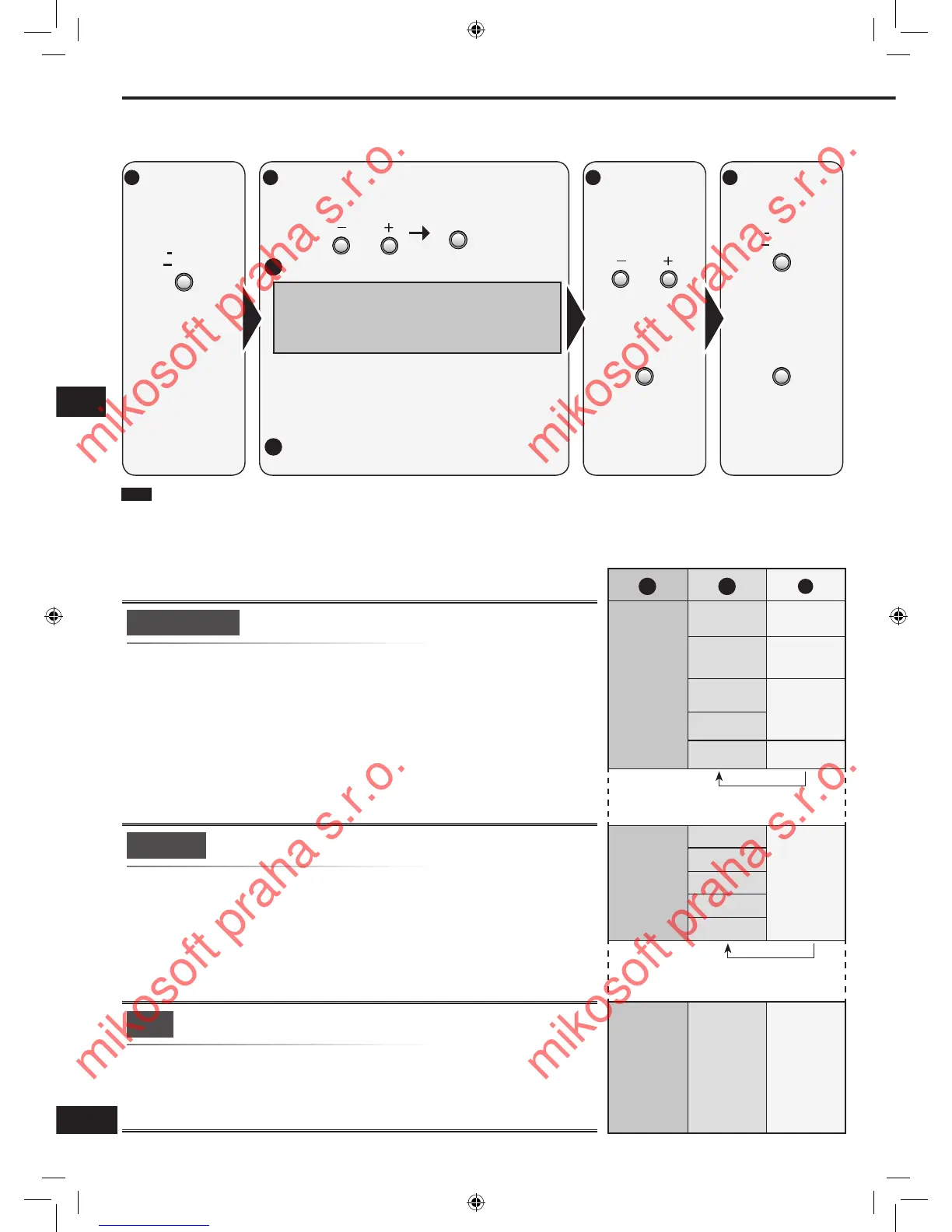
Enter the setup
mode.
Select the item you want to change.
2a
2b
Select and press [ENTER].
Refer to pages 12, 13, and 20 for each item
settings.
For “REMOTE”, refer to page 21.
For “RESET”, refer to page 17.
•
•
•
Select and press [ENTER].
Change the
setting.






 To Next Page