1312
Settings
AUTO
SETUP
DEFAULT NO
YES
HDMI STNBY
OFF
ON
CTRL
To reduce standby power consumption.
Choice for turning off the VIERA Link “HDAVI Control
TM
”
(
➡
page 7).
•
•
HDMI settings
3
2a 2b
Standby selection
OFF: Standby power consumption reduced
(approximately 0.35 W).
Signals from DVD equipment cannot
pass through HDMI connection to the
television when the unit is in standby
(
➡
page 7).
VIERA Link “HDAVI Control” (
➡
page 7)
does not work when the unit is in standby.
ON: Normal standby power consumption
(factory setting)
•
•
VIERA Link “HDAVI Control”
OFF: VIERA Link “HDAVI Control” is
OFF
ON: VIERA Link “HDAVI Control” is
ON (factory setting)
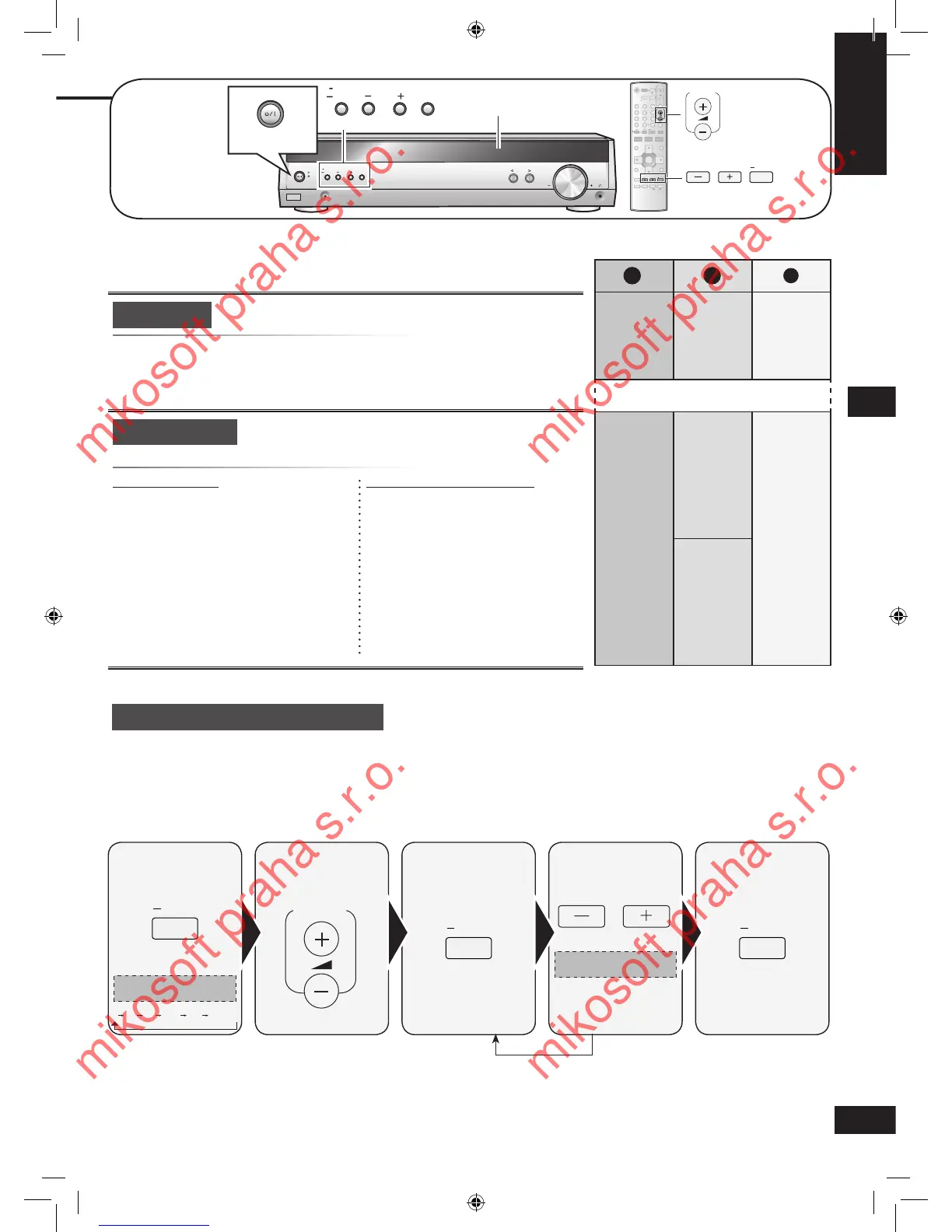
Output the signal. Adjust the main
volume.
Select the speaker
channel.
Adjust the level. Stop the test
signal.
Press and hold.
Press and hold.
Repeat for each speaker channel
C (center), SR (surround right) and SL (surround left) can be adjusted between -10 dB and +10 dB, with 0 dB being the level of
the front speakers. Adjust center and surround output to the same apparent level of the front speakers.
For SUBW (subwoofer), you can select “SUBW OFF” so there is no output, “SUBW MIN” for minimum output, a level between 1
and 19, or “SUBW MAX” for maximum output. Adjust subwoofer output so it is balanced with the front speakers.
YES: Reset all auto speaker setup settings
NO: To cancel (factory setting)
Auto setup
Reset the settings done in auto speaker setup.•






 To Next Page