The RESET function
The operation settings for the unit will be initialised to the settings made at the time of shipment.
However, any preset radio stations will not be erased.
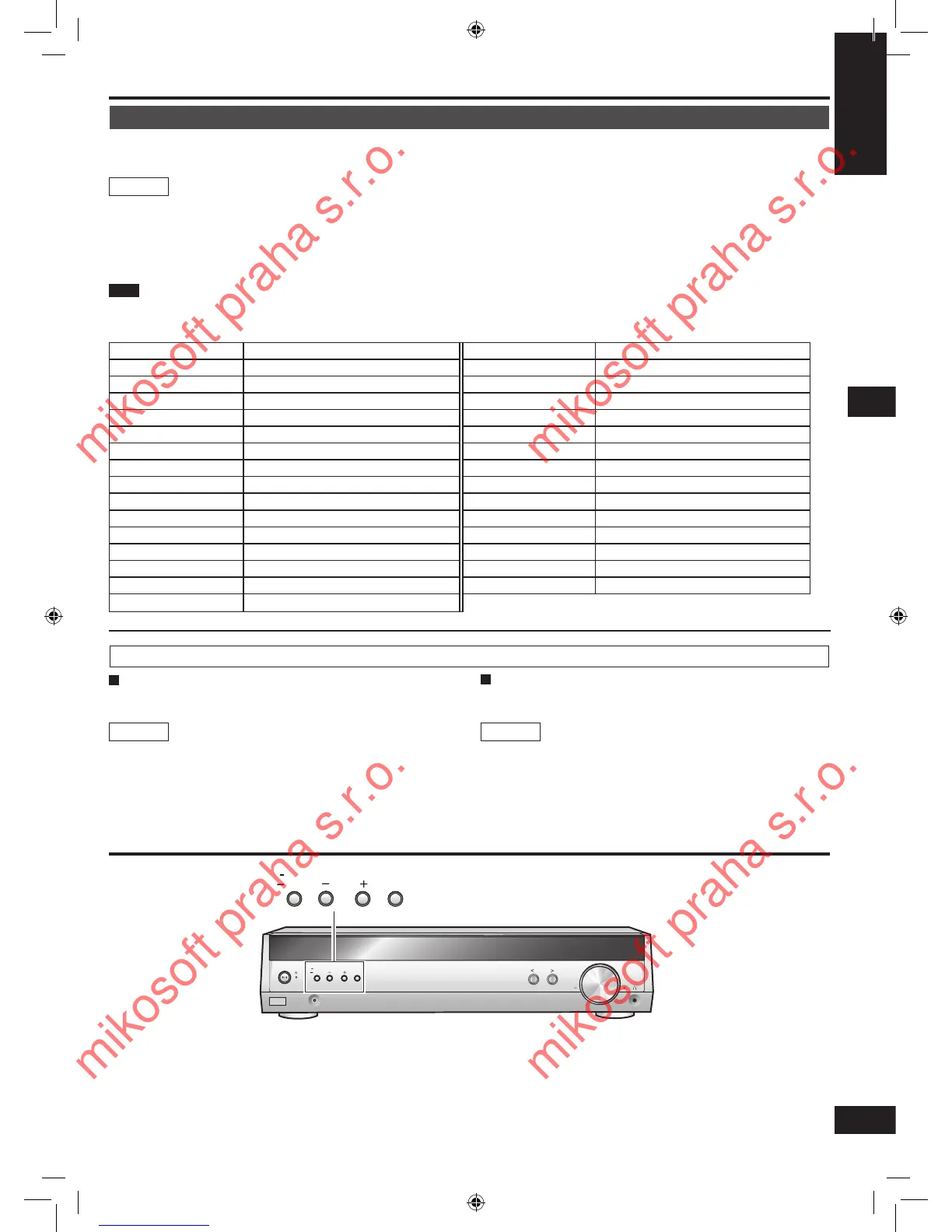
1. Press and hold [
―
SETUP] to enter the setup menu.
2. Press [TUNE - or +] to select “RESET” ➡ [ENTER].
3. Press [TUNE +] to select “RESET YES” ➡ [ENTER].
To cancel, select
“RESET NO”.
1716
RDS broadcasts
This unit can display the text data transmitted by the radio data system (RDS) available in some areas.
“RDS” lights while RDS signals are being received.
RDS displays may not be available if reception is poor.
1. Press [-MENU] to select “TUNER” ➡ “RDS DISP”.
2. Press [TUNE - or +] to select “FREQUENCY”, “PS DISP” or “PTY DISP”
➡ [ENTER].
FREQUENCY: Frequency display
PS DISP: Program service, the station name (factory setting)
PTY DISP: Program type
This unit does not have the emergency broadcast system (EBS) that tunes automatically into emergency broadcasts.
Main unit
Note
PTY Displays
NEWS News FINANCE Finance
AFFAIRS Current affairs CHILDREN Children
INFO Information SOCIAL A Social affairs
SPORT Sport RELIGION Religion
EDUCATE Education PHONE IN Phone in
DRAMA Drama TRAVEL Travel
CULTURE Culture LEISURE Leisure
SCIENCE Science JAZZ Jazz music
VARIED Varied COUNTRY Country music
POP M Pop music NATIONAL National music
ROCK M Rock music OLDIES Oldies
M-O-R- M Middle-of-the-road Music FOLK M Folk music
LIGHT M Light classical DOCUMENT Documentary
CLASSICS Serious classical TEST Test broadcast
OTHER M Other music ALARM Emergency announcement
WEATHER Weather information
You can improve FM reception by switching reception to
monaural.
Main unit
1. Press [-MENU] to select “TUNER” ➡ “FM MODE”.
2. Press [TUNE - or +] to select “MONO”
➡ [ENTER].
Select “AUTO” to cancel.
Reducing excessive noise
During FM stereo reception
During AM reception
When there is a lot of noise interference with an AM broadcast,
try switching this mode.
1. Press [-MENU] to select “TUNER” ➡ “BEAT
PROOF”.
2. Press [TUNE - or +] to select “MODE 1” or
“MODE 2” ➡ [ENTER].
Main unit
The radio/The RESET function
The radio






 To Next Page