1918
Adjusting SFC
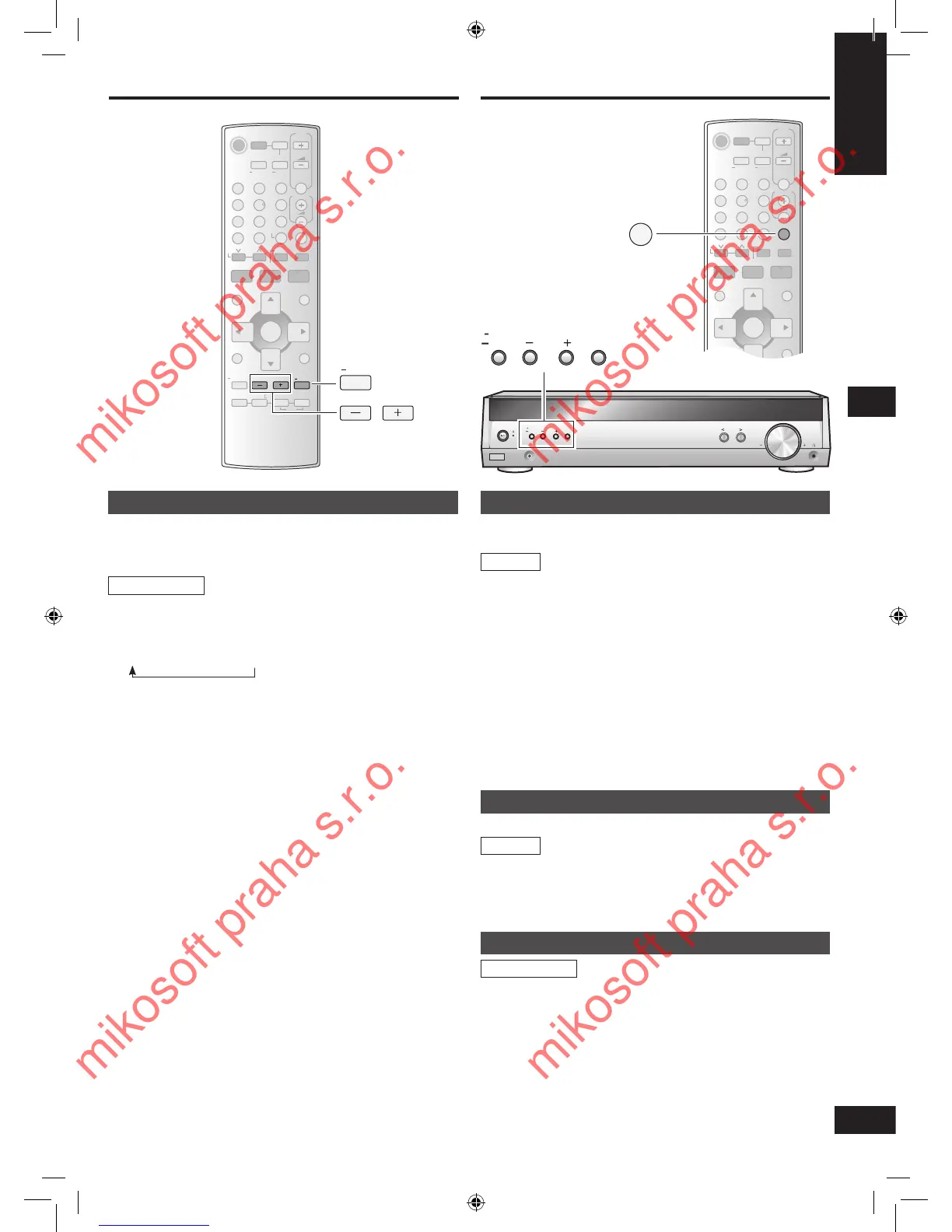
You can adjust the sound field by adjusting the level of the
speakers. This adjustment can be made for each SFC mode
(➡ page 14).
1. Press [-LEVEL,
―
TEST] to select the speaker
channel.
Each time you press the button:
C → SR → SL → SUBW
2. Press [-] or [+] to adjust the level.
C, SR, and SL: -10 dB to +10 dB
SUBW: OFF ↔ MIN ↔ 1 - 19 ↔ MAX
Remote control
Dimmer
Dim the display for better viewing in a darkened room.
1. Use the menus to select “DIMMER”.
➡ MENU operation on page 15.
2. Press [-] or [+] to select the level (1, 2, or 3) or
OFF.
Sleep timer
The SLEEP timer can turn the unit off after a set time.
It does not control any other components.
1. Use the menus to select “SLEEP”.
➡
MENU operation on page 15.
2. Press [-] or [+] to select the time (in minutes).
The display changes as follows:
SLEEP OFF ↔ SLEEP 30 ↔ SLEEP 60 ↔ SLEEP 90 ↔
SLEEP 120
To check the setting
1. Press [-MENU] to enter the main menu.
2. Press [TUNE - or +] to select “SLEEP”.
The time remaining appears.
To change the setting
Repeat the procedure from the beginning.
Muting
Press [MUTING].
To cancel
Press [MUTING] again.
Muting also cancels when you adjust the volume or switch the
unit to standby.
Remote control
Other functions






 To Next Page