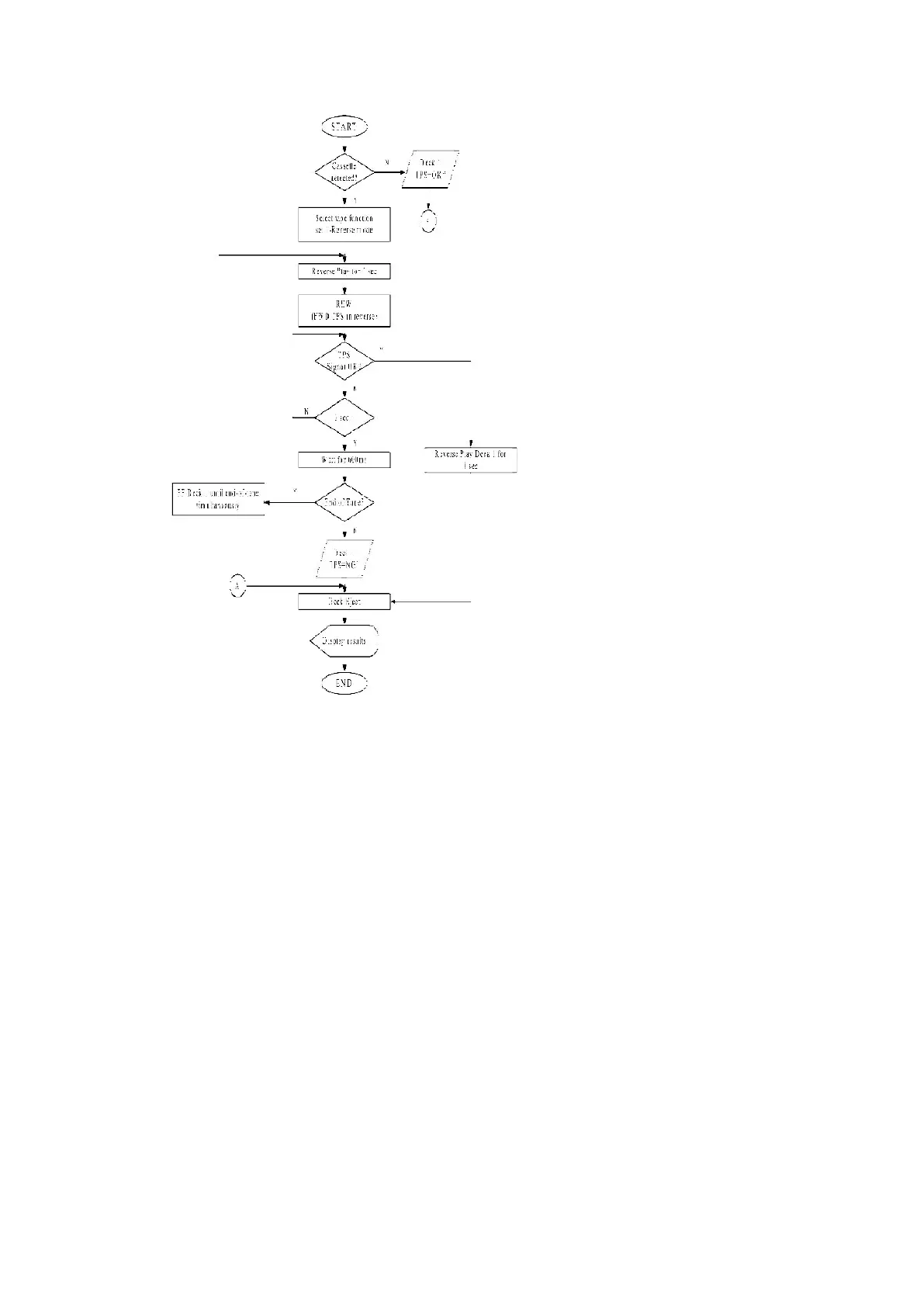
8.1.7. RDS Checking
Purpose : To check the RDS Function.
Below is the procedures for this mode.
Step 1: Enter into Doctor mode (For more information refer to section 8.1 on key operation to enter into
this mode).
Step 2 : Press [DISPLAY] button on remote control. Enter into RDS checking. (During this mode)
- BASS and TREBLE set to 0dB and preset EQ OFF.
- When [DISPLAY] key is pressed, it will enter the FM band setting.
- The data in test mode 5 shall be memorized.
- For region without RDS is shall be display.
- PS (MODE 1), PTY each shall be displayed for 2 sec each.
25












 To Next Page