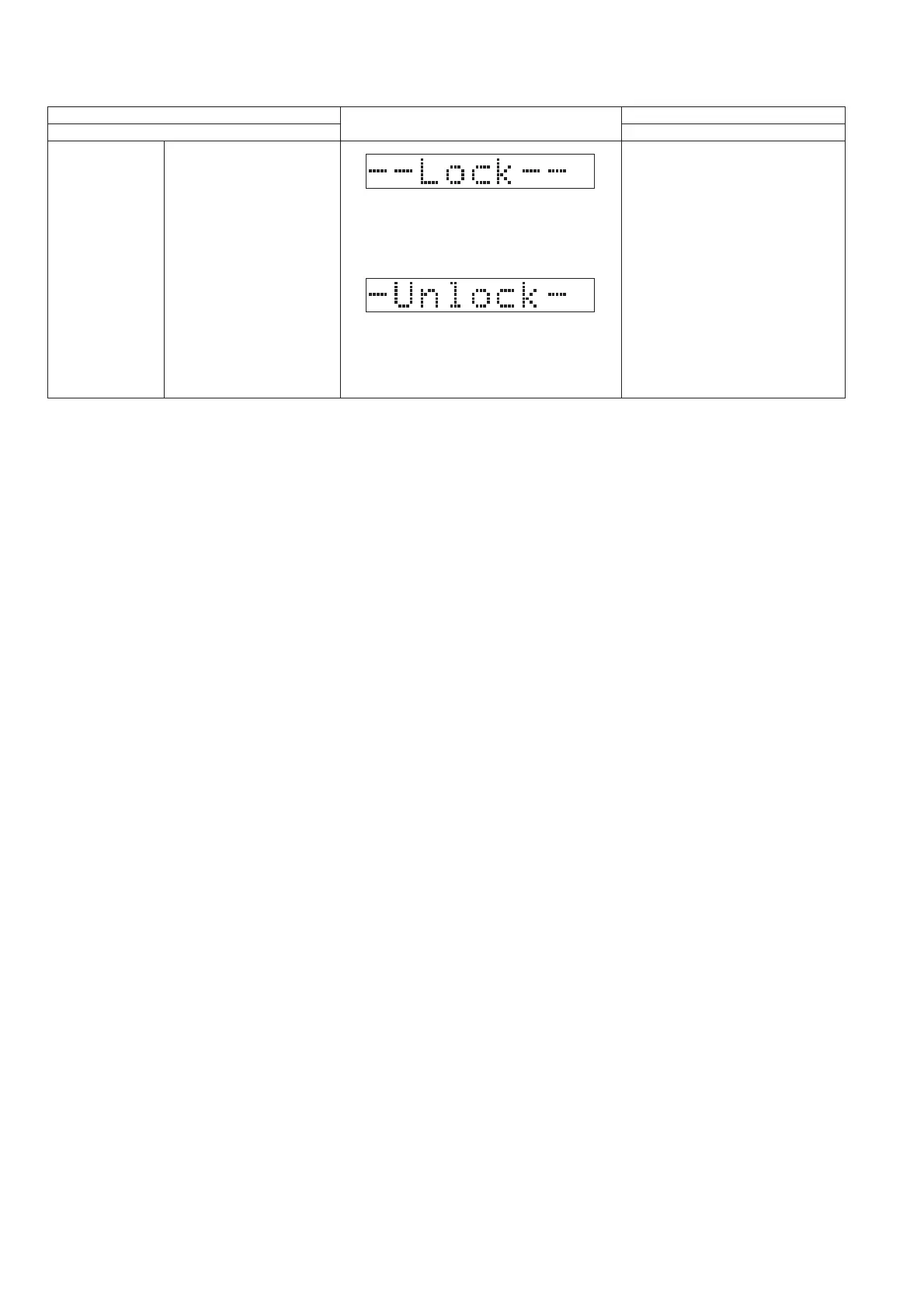
6.4. Sales Demonstration Lock Function Mode
Display will show for 2s.
Notes :
All keys are valid except [OPEN/CLOSE].
Mainly used when the system
is in display at sales division
Sales Demo
Step 1 : Turn on the unit.
Step 2 : Press and hold [OPEN/CLOSE]
and [SELECTOR] keys
for 5 secs.
Step 3 : The display will show entering
into the mode.
Item
FL Display
Key Operation
Mode Name Description
Front Key
To cancel,
Step 1 : Select CD Mode and adjust
volume level to 19.
Step 2 : Press and hold [OPEN/CLOSE]
and [SELECTOR] keys
for 5 secs.
Step 3 : The display will show after exit
from the mode.





 To Next Page