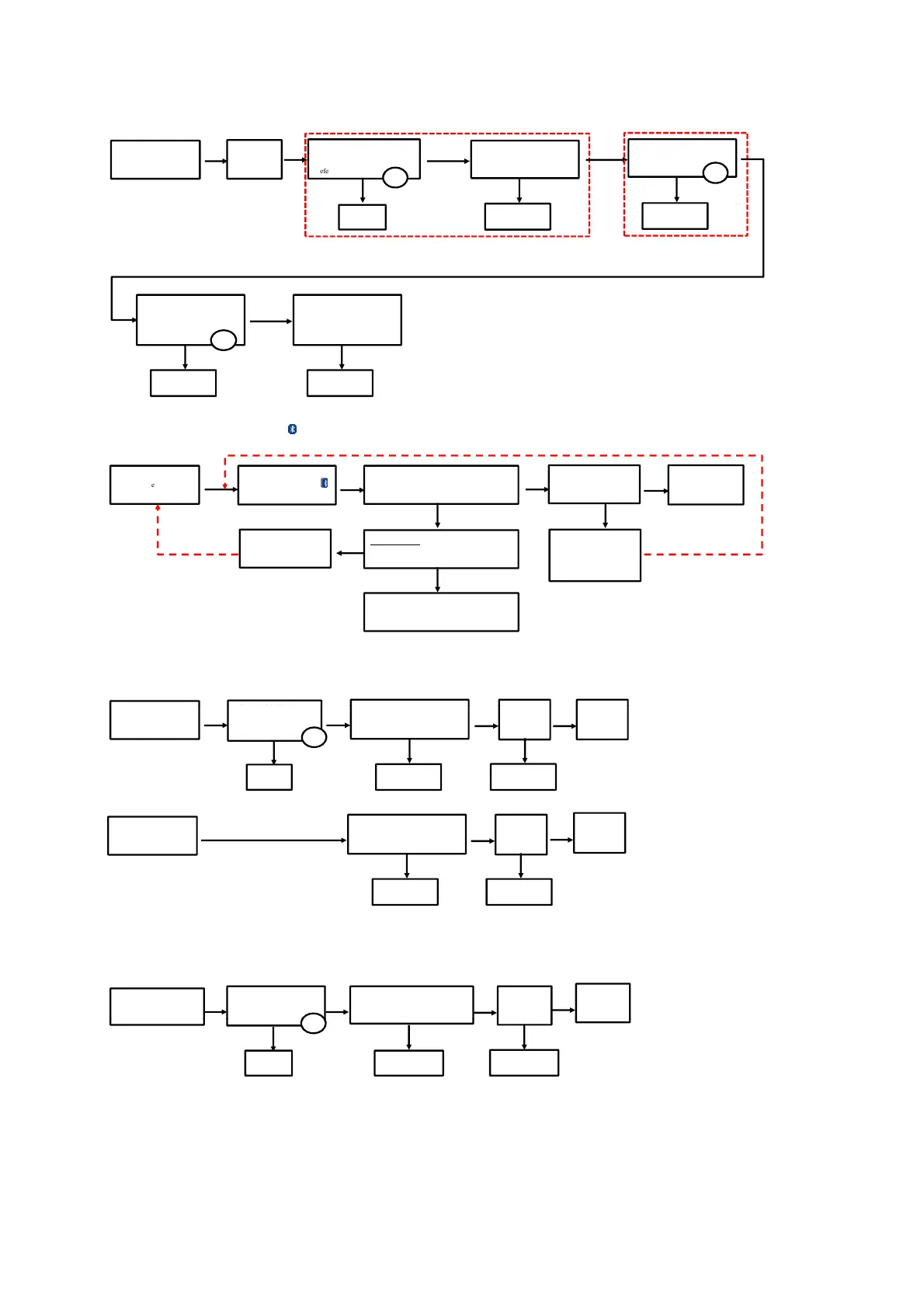
3. Cannot Power ON due to Error code F61
Press Power Button
of Unit or Remote Control
to Turn ON the Unit
FL Display
"F61"
OK
Check DCDC IC
(IC2900)
Measured 14.5V at C2905
[refer to check point ]
Check Connector (CN1100)
Measured 14.5V at Pin 6
Check wire
connector
NG
Change
IC2900
NG
NOTICE:
14.5V in PMX150/152 only
12V used in PMX80/82/84 only
Check Transistor (Q4204)
Measured 12V at LB4208
[refer to check point ]
Change Q4204
NG
13
Check DAMP IC (IC4200)
Measured 12V at Pins
1/21/22/23/44
[refer to check point ]
Change IC4200
NG
14
NOTICE:
PMX150/152 only
Check EUT speaker wire
terminals short to Chassis
Change Main PCB
NG
OK
OK
6
4. Bluetooth® Pairing Failure
5. Main Set any buttons "NO function"
Press Power Button
of Unit or Remote Control
to Turn ON the Unit
Press [ PAIRING] on the Set
or Remote Control
Display " BLUETOOTH"
NG
Blinking "PAIRING' will display, during
Pairing check/select on smartphone or other
devices the "EUT" and confirm "Connected"
The set will display
"BLUETOOTH"
Bluetooth
operating
normally
OK OK
OK
Do the Cold Start
AC Plug-out. Press and Hold "Power" button on
Main set then ac plug in. FL Display "------------"
OK
Go back the Start step
(1st Step)
Change Main PCB or BT Module PCB
NG
OK
If the set displayed the
"READY" then followed
by "BLUETOOTH"
redo the Pairing step
NG





 To Next Page