5
Introduction
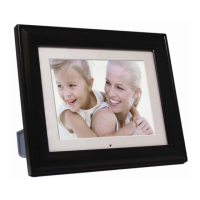
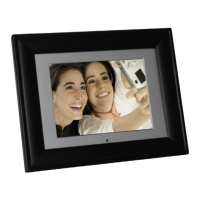
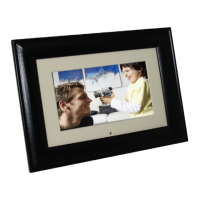
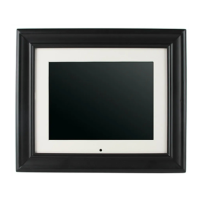
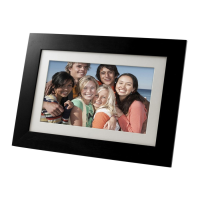
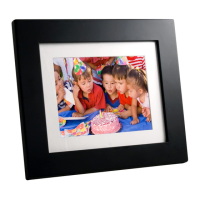
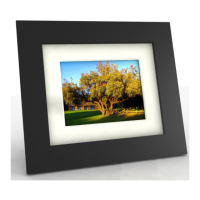
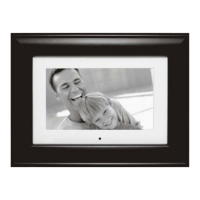
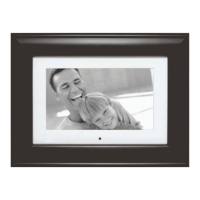
Welcome to the Pandigital Multimedia Photo Frame! Now you can
display your digital photos directly from your memory card, no computer
is
necessary. Simply insert a memory card into the Digital Photo Frame,
and turn
on
the power. You'll be treated to a slideshow of your photos.
It's as easy as that. You can also display individual photos, play video
clips, and play background music with your slide show.
The Digital Photo Frame includes these key features:
• Displays digital photos, plays music files and digital videos
without a computer; simply insert a compatible memory card into
the digital frame. Memory card
is
not included and supported file
types are described below.
• Displays Slideshows
of
Digital Photos with background music.
• Compatible memory cards include Secure Digital™, MultiMedia
Card
TM,
xD Card, Memory Stick
TM,
MemoryStick Pro
TM,
and
Memory Stick Pro Duo™(required adapter).
• Supported file types: JPEG images (up to
16
Mega Pixels), most
video, and MP3 music formats.
• Control the main functions with buttons
on
the frame or with the
included infrared remote control.
• Bright TFT active matrix LCD screen.
• USB2.0 high-speed connection to connect to your PC.
• USB2.0 (Host) for connecting to your digital camera.
• Built-In Flash Memory.
To learn more about your new Digital Photo Frame's features and take
full advantage of them, please take a few minutes to read this Guide.
What's
In
the Box
• Digital Photo Frame
• AC Power Adapter
• This User's Guide
• Remote Control
• USB Cable
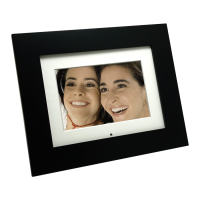
• Decorative Frame


 To Next Page
 Loading...