110
CONNECTIVITY
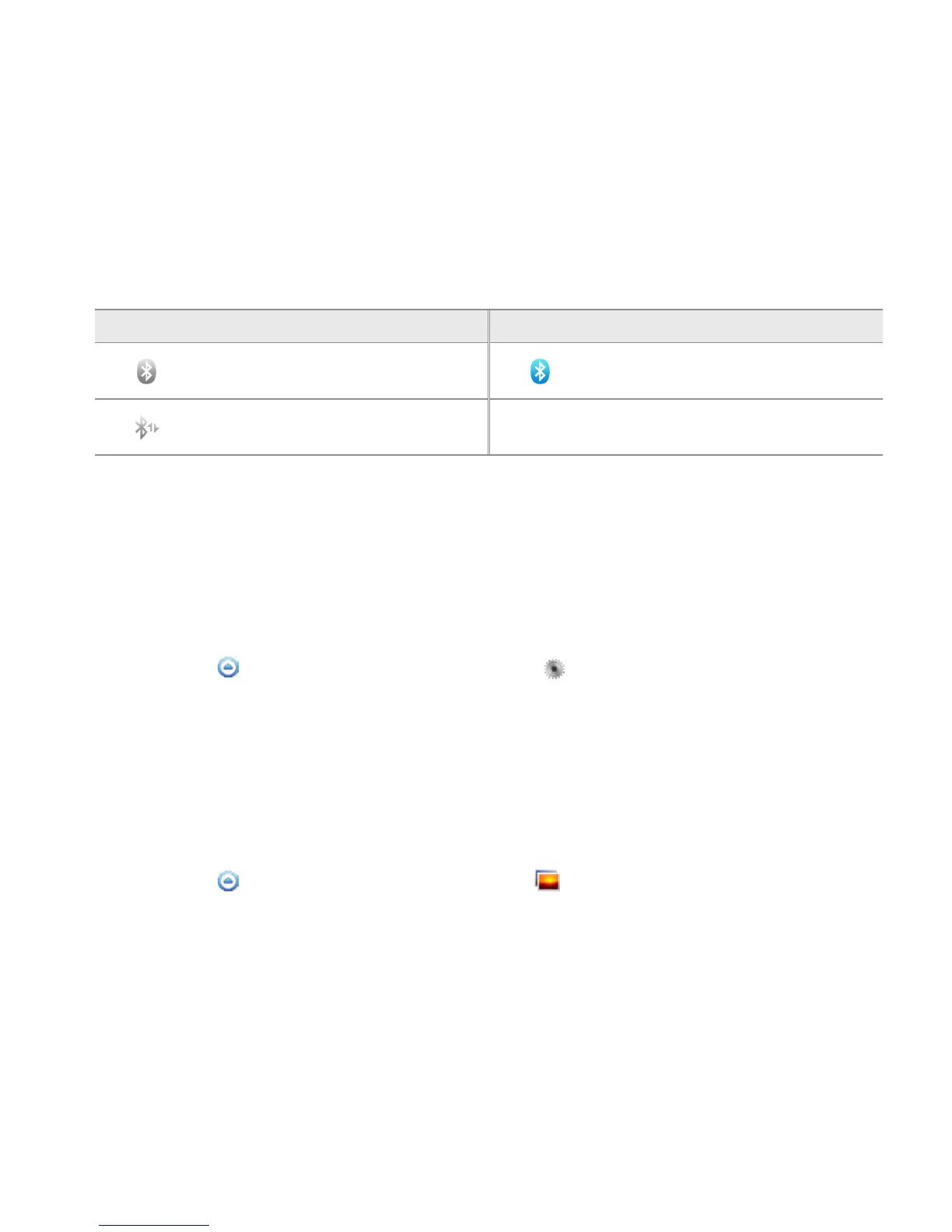
ICONS FOR Bluetooth
Icon Description Icon Description
Bluetooth is connected
Bluetooth is active but not
connected to other device
A file is ready to be delivered from
other device
USING THE EASY SETTING
1 Touch on the top of the Home screen and drag it down.
2 Touch Bluetooth. The icon turns light green when the function is on.
Bluetooth SETTINGS
1 Touch Apps from the Home Screen. Touch Settings .
2 Touch Wireless & networks > Bluetooth settings.
3 Touch Bluetooth to activate the technology.
4 Touch Discoverable if you want to let other people pair their devices with the Breakout™. The status
lasts for 60 seconds.
SHARING A PICTURE USING Bluetooth
1 Touch Apps from the Home Screen. Touch Gallery .
2 Select and touch a picture to share.
3 Touch Menu > Share > Bluetooth.



 To Next Page