121
LOCATION-BASED SERVICES
NAVIGATION
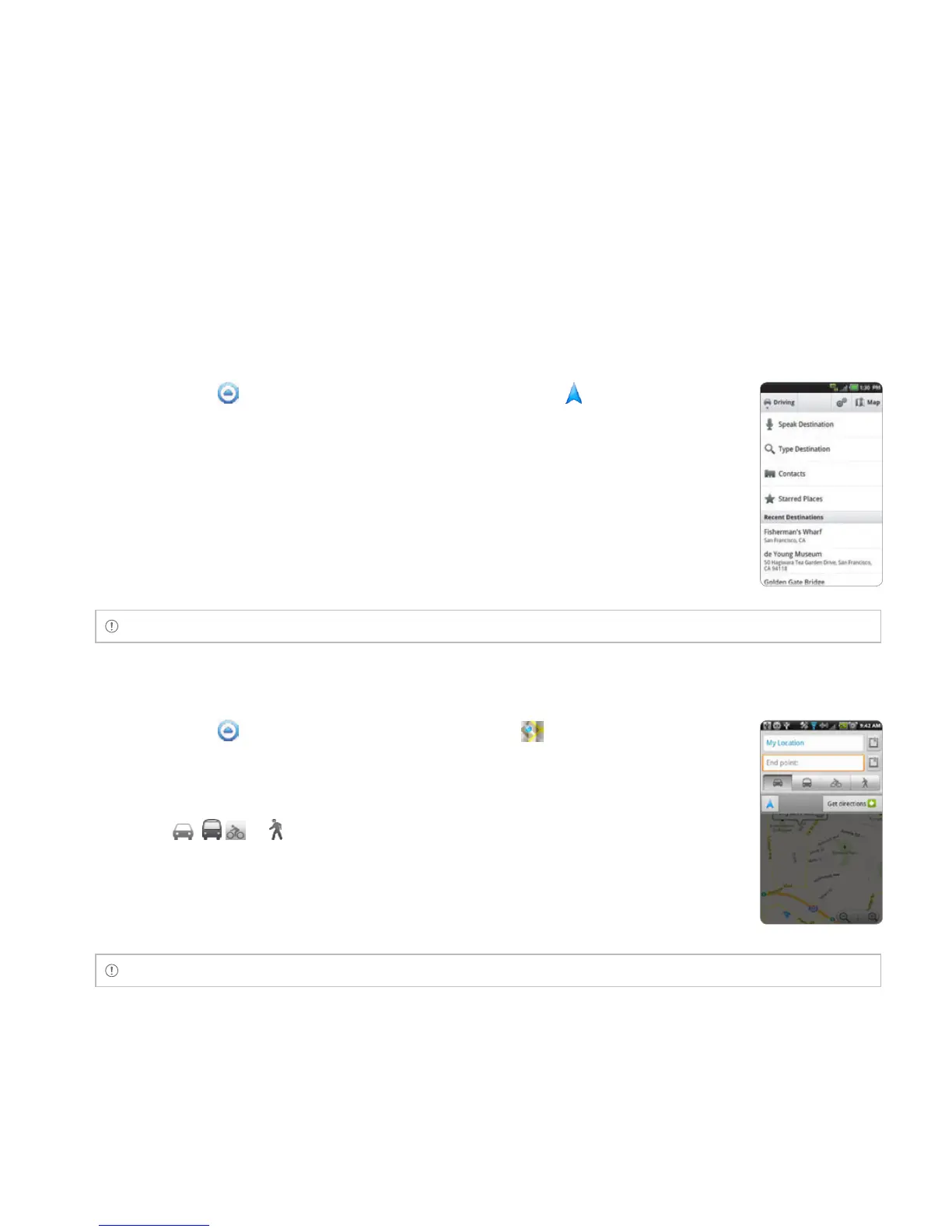
SEARCHING FOR THE DESTINATION BY VOICE
1 Touch Apps from the Home Screen. Touch Navigation .
2 Touch Speak Destination and speak your destination into the Breakout™.
3 Select and touch a destination in the list when there are many
destinations.
Note You can also search the destination by typing it or selecting it in the contacts.
FINDING DIRECTIONS USING Google MAPS
1 Touch Apps from the Home Screen. Touch Maps .
2 Press the Menu Key B and touch Directions.
3 Enter the name of the end point.
4 Touch , or , and touch Get directions.
5 Select and touch a place in the results.
Note For more information on Google Maps, refer to Using Google Maps on page 115.



 To Next Page