67
COMMUNICATION
EMAIL
SETTING UP AN EMAIL ACCOUNT
1 Touch Apps from the Home Screen. Touch Email .
2 Enter your email address and password for the first use.
3 Touch Manual setup or Next. If you touch Manual setup, touch POP3, IMAP or Exchange, set
necessary options and touch Next.
4 Enter a name for the account.
5 Enter the name that will be displayed on the outgoing messages.
6 Touch Done.
Note The screen varies depending on the email service provider.
ADDING A NEW EMAIL ACCOUNT
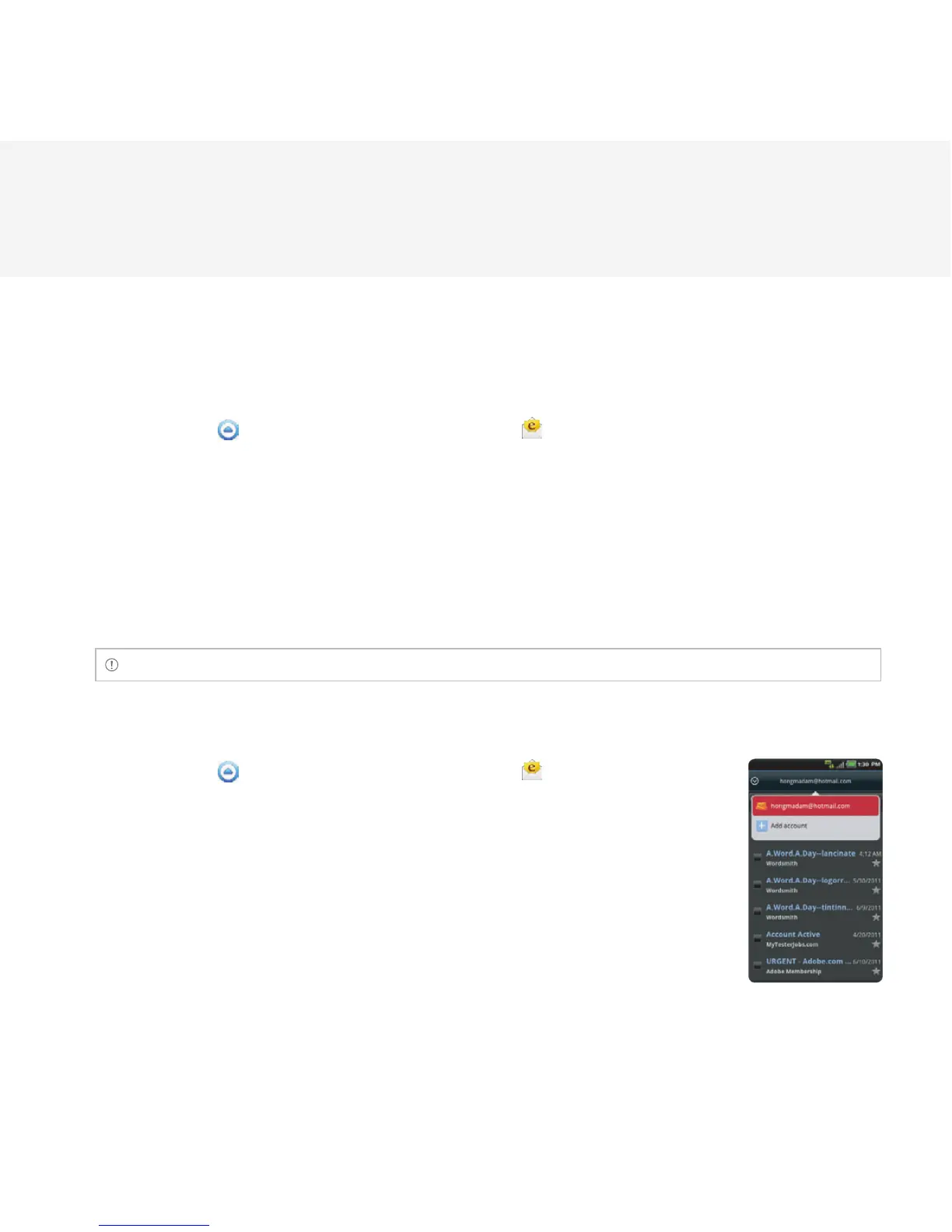
1 Touch Apps from the Home Screen. Touch Email .
2 Touch your account on the top of the inbox screen and touch Add
account.
3 Select and touch an email service provider.
4 Follow the steps to set up an email account.



 To Next Page