20
GETTING STARTED
OVERVIEWING PRODUCT
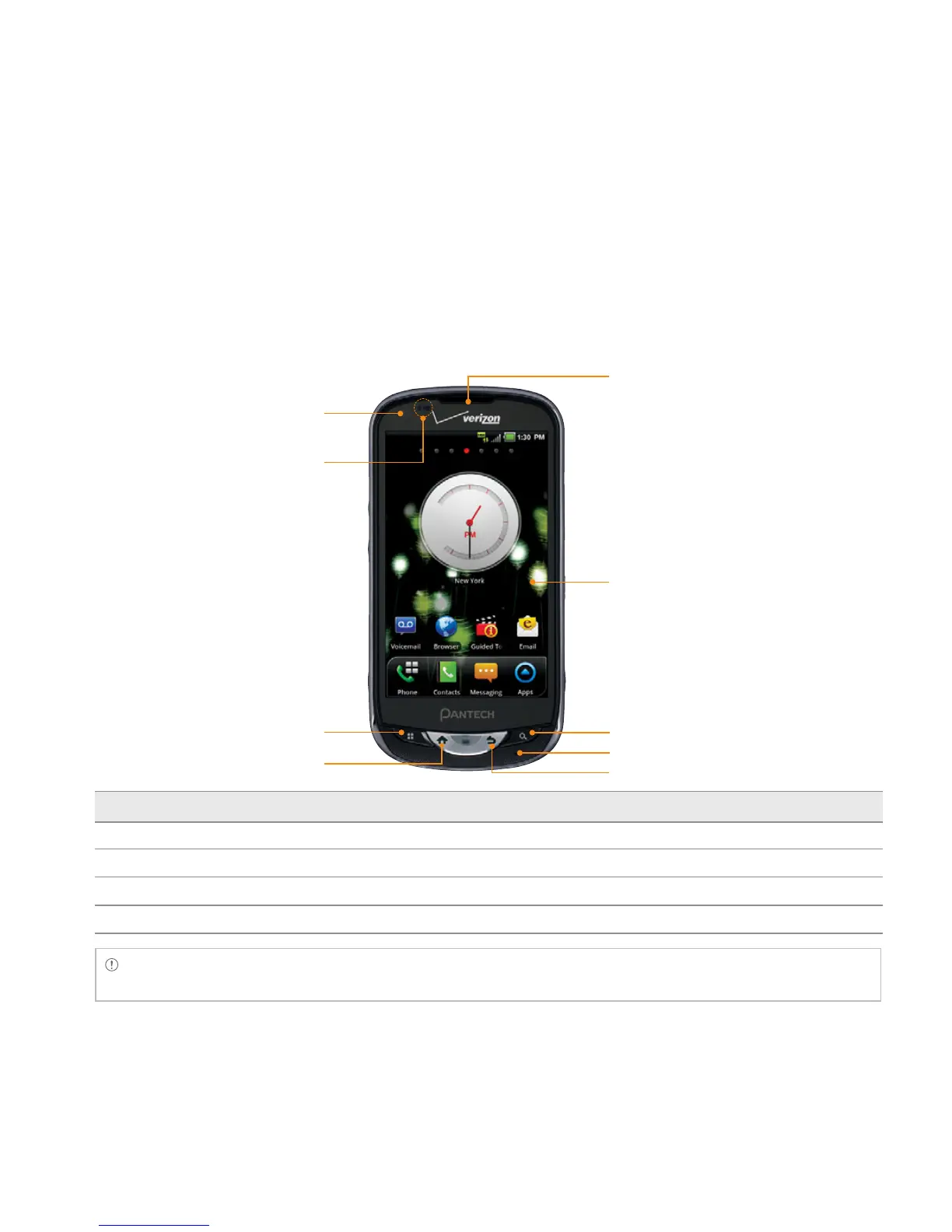
FRONT VIEW
Key Function
MENU B Displays options available; rearranges the Home screen
HOME A
Moves to the Home screen; runs the task manager when you press and hold this key
BACK C Ends an application; returns to the previous menu
SEARCH D Opens a search window
Note Make sure not to cover the proximity sensor with the LCD protection film. If the sensor is covered, you
might experience difficulties using the touch screen.
FRONT CAMERA
TOUCH SCREEN
HOME KEY
MENU KEY
SEARCH KEY
BACK KEY
MICROPHONE
EARPIECE
PROXIMITY SENSOR



 To Next Page