2
BASIC INSTRUCTIONS
BASIC INSTRUCTIONS
USEFUL TIPS USING Breakout™
To understand information contained in this user guide and activities that you can do with the
Breakout™, please keep in mind the following tips:
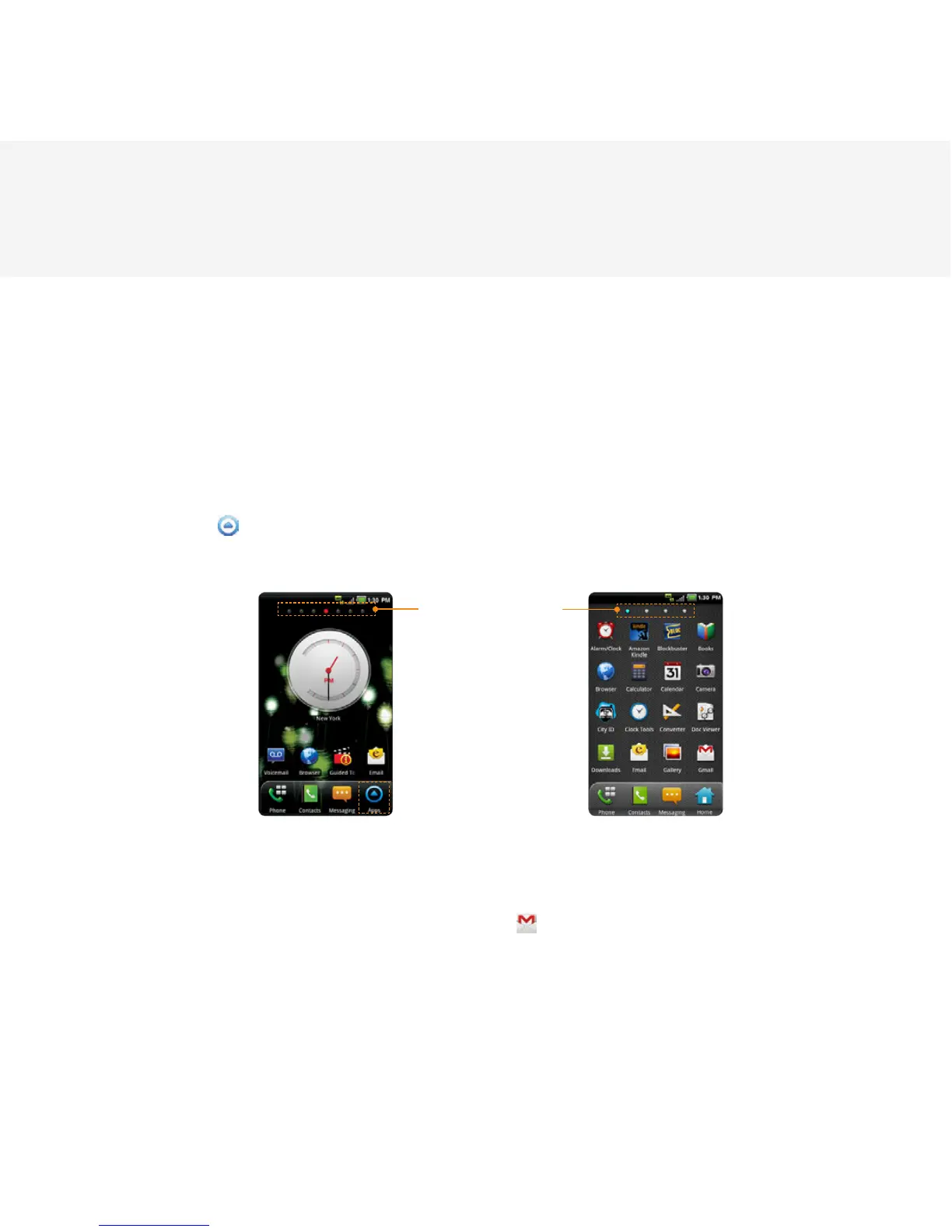
x It is assumed that you start operating applications of the Breakout™ from the Applications menu.
1 Touch Apps from the Home screen to access the Applications menu.
2 Swipe the screen left or right and run the application you want to use.
Screen Indicators
Accessing Applications Navigating Applications
x Words in bold fonts refer to the relevant action on the screen. For example, “Touch Gmail” means
that you have to touch Gmail below the Gmail icon
. Words might be placed below or next to an
icon or included in the text.
x The symbol “>” refers to the next action. For example, “Touch Settings > Language & keyboard”
means that you should touch Settings first and then Language & keyboard next.



 To Next Page