141
TOOLS
TIP CALCULATOR
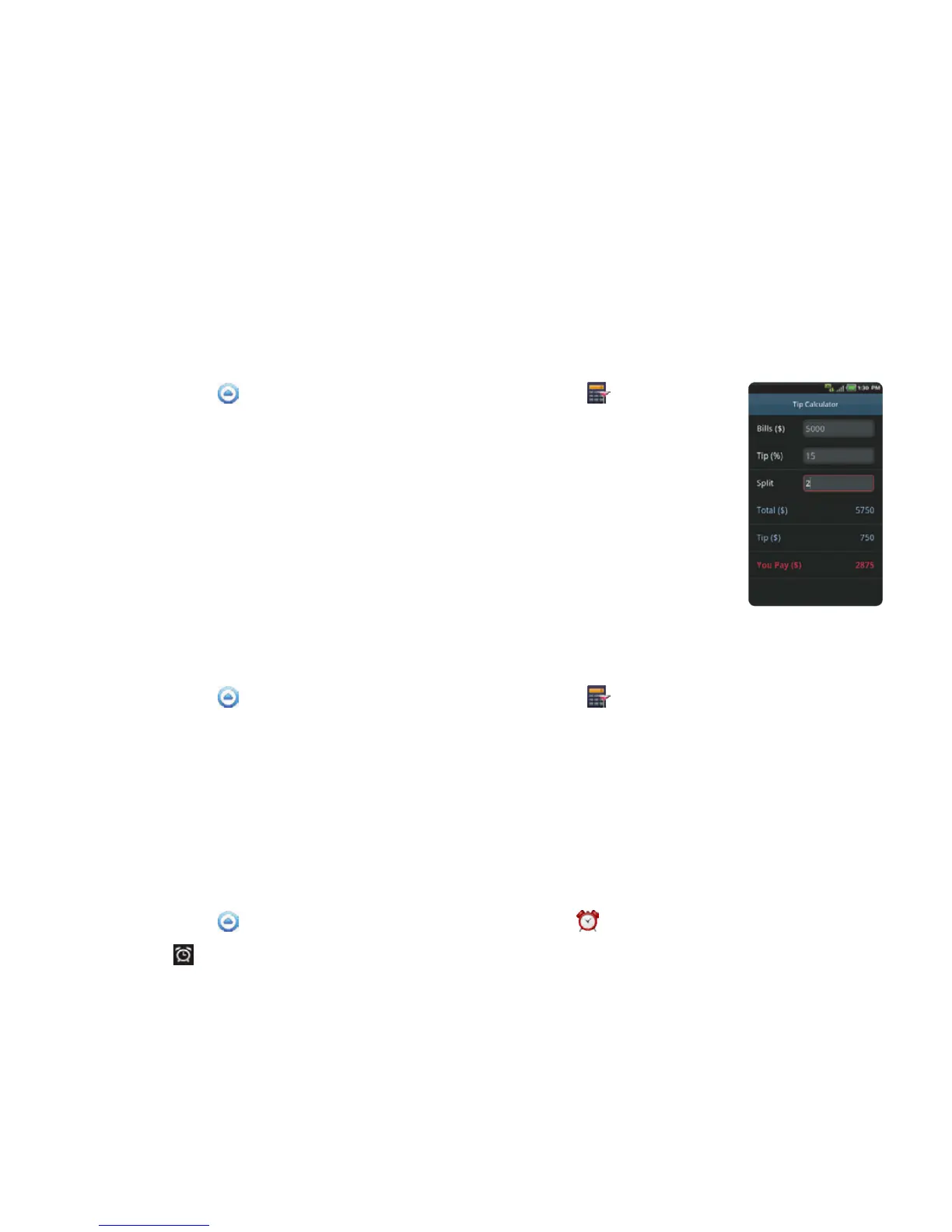
CALCULATING TIPS
1 Touch Apps from the Home Screen. Touch Tip Calculator .
2 Type the amount of the bill.
3 Type the percentage for Tip. If you want to divide the tip, type the
number of persons for Split. Touch J to delete a number. Touch and
hold J to delete the whole number.
4 Touch Done. The calculated value appears below.
RESETTING CALCULATION
1 Touch Apps from the Home Screen. Touch Tip Calculator .
2 Press the Menu Key B and touch Reset.
ALARM/CLOCK
Alarm/Clock helps set the alarm and see basic information on your region including time and weather.
ADDING NEW ALARMS
1 Touch Apps from the Home Screen. Touch Alarm/Clock .
2 Touch and touch Add alarm. You can also press the Menu Key B and touch Add alarm.
3 Touch the check box next to Turn alarm on.



 To Next Page