156
TOOLS
WEATHER
CREATING LIST OF CITIES
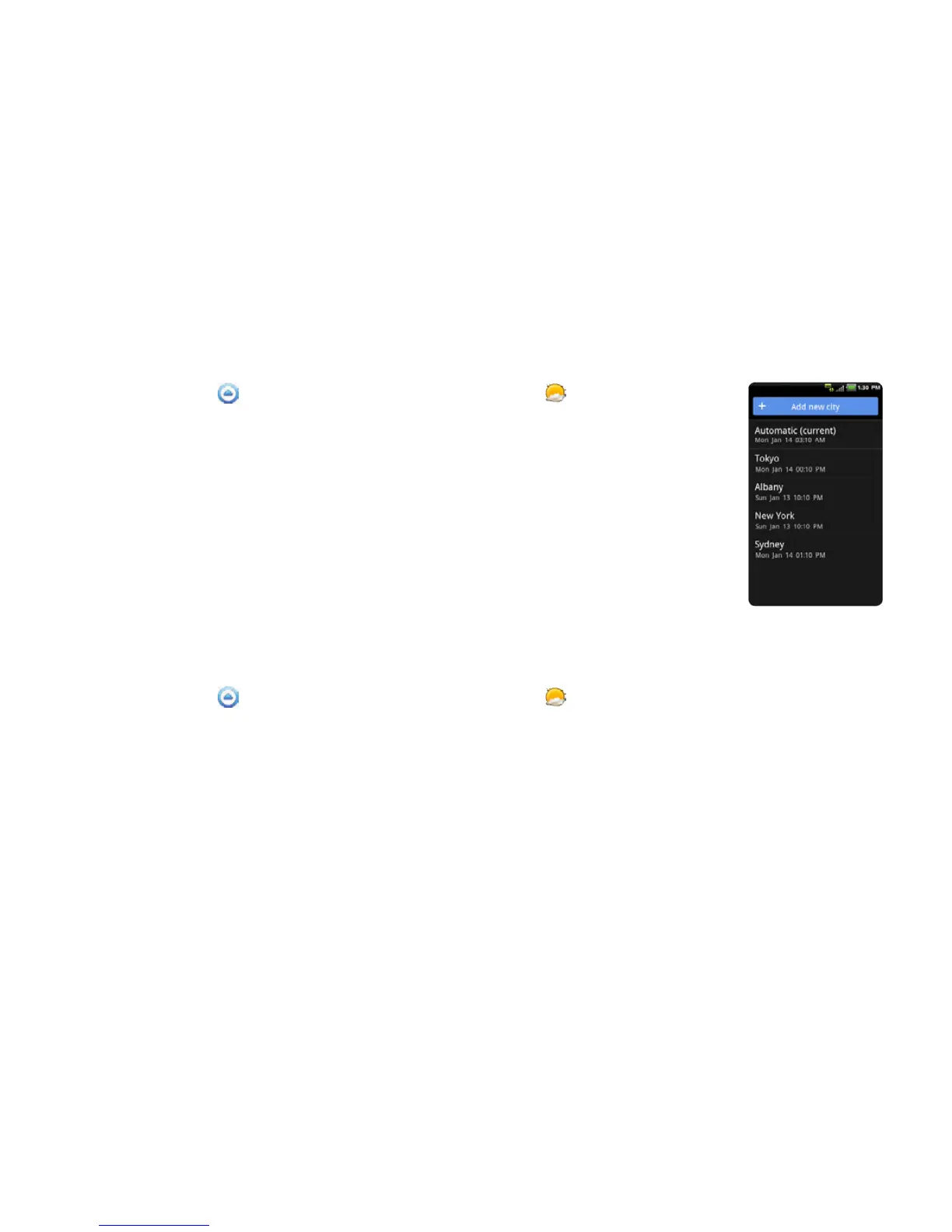
1 Touch Apps from the Home Screen. Touch Weather .
2 Touch Add new city.
3 Type the name of the city you want, or swipe the screen upwards while
you type and touch a city. Weather information of the city appears in the
list. You can add up to 15 cities in the list.
VIEWING WEATHER INFORMATION
1 Touch Apps from the Home Screen. Touch Weather .
2 Select and touch a city in the list you want to see.
3 If you want to see more information:
x Touch Update if you want to see the current weather information.
x Press the Menu Key B and touch Forecast, and you can see weather forecast for the next five
days including today.



 To Next Page