157
TOOLS
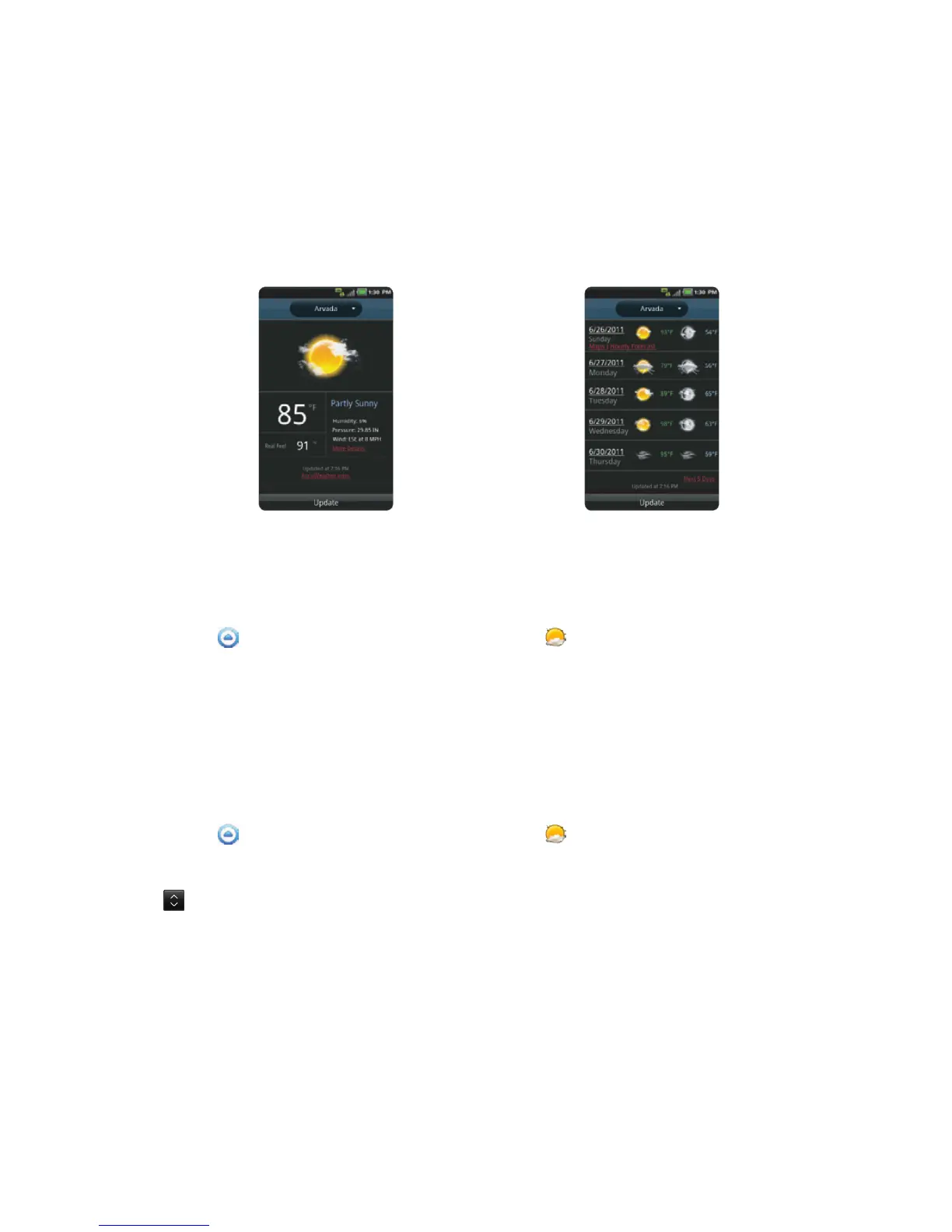
Current weather Weather forecast
CHANGING THE TEMPERATURE UNIT
1 Touch Apps from the Home Screen. Touch Weather .
2 Press the Menu Key B and touch Settings.
3 Touch O or P. The temperature changes from Fahrenheit to Celsius.
4 Press the Back Key C when you finish changing the unit.
REARRANGING THE ORDER OF CITIES
1 Touch Apps from the Home Screen. Touch Weather .
2 Press the Menu Key B and touch Rearrange.
3 Drag next to the city to move upward or downward.
4 Touch Save.



 To Next Page