163
STORAGE
USB MODE ICONS
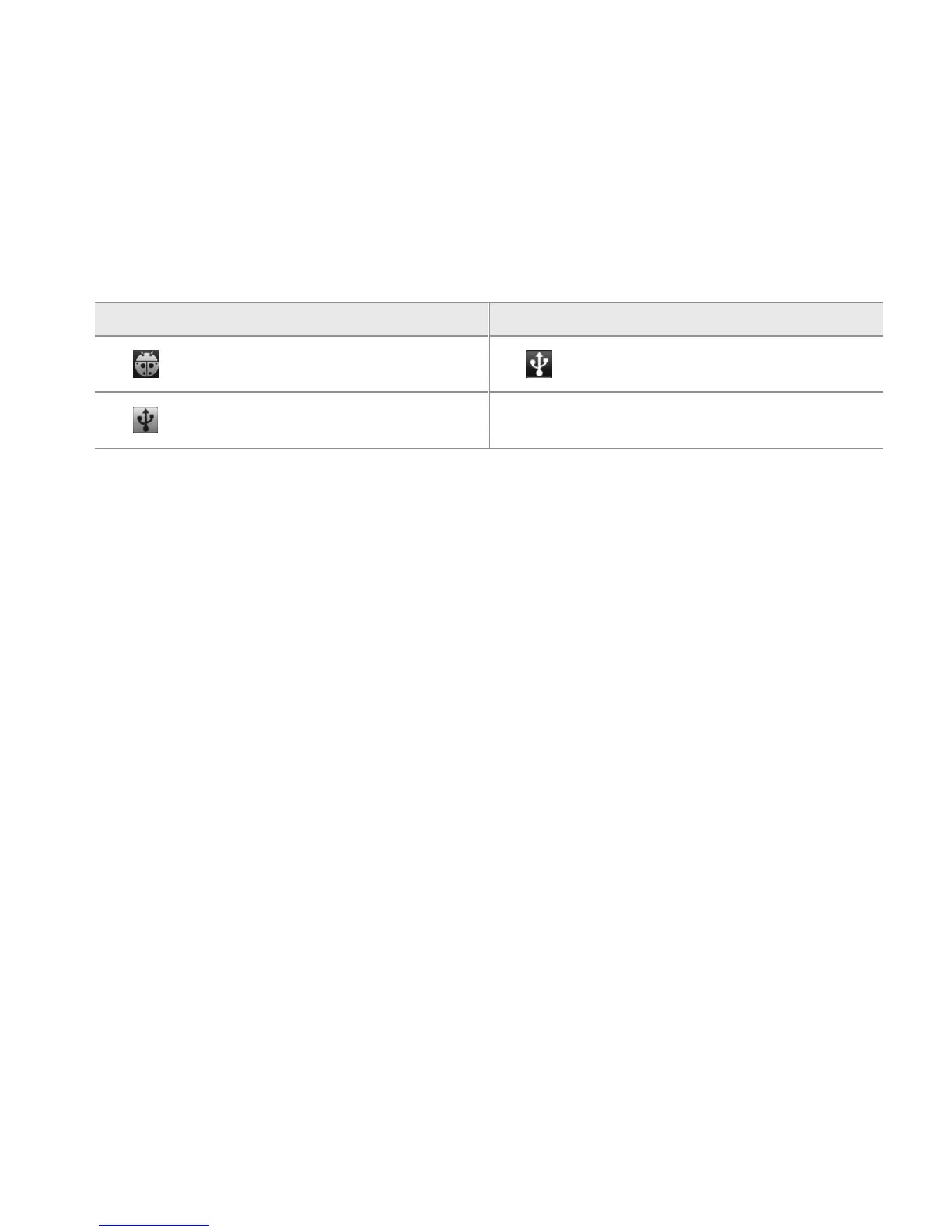
Icon Description Icon Description
USB debugging is connected
USB Switch connected: Change the
USB mode
USB is connected: Turn on/off USB
storage mode
TRANSFERRING FILES THROUGH WINDOW MEDIA SYNC
1 Set the USB mode for Window Media Sync. A window appears where you can see what is saved in
the Breakout™.
2 Select and copy files to transfer between the Breakout™ and your PC.



 To Next Page