134
WEB-BASED SERVICES
ADDING Google SEARCH WIDGET
1 Touch and hold on the empty space on the Home screen, or press the Menu Key B from idle mode
and touch Widget.
2 Touch Android Widgets.
3 Touch Google Search in the list.
4 Select the item that should be included for search. You can edit the items later.
VOICE SEARCH
Search the Internet by speaking on the phone.
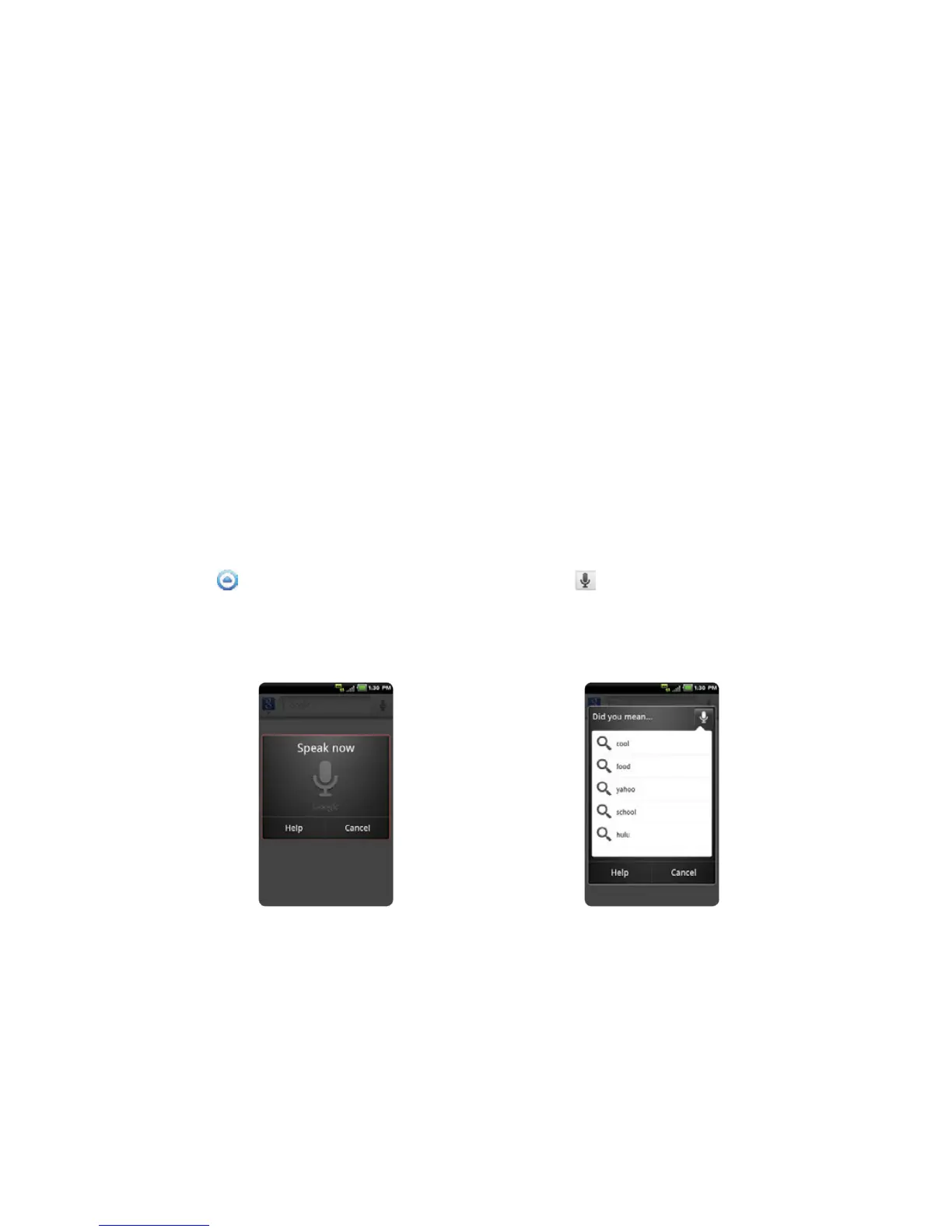
1 Touch Apps from the Home Screen. Touch Voice Search , or touch and hold the Search Key D.
2 Say a keyword on the mic.
3 Select and touch the result. Speak again when no matches are found for the keyword.
Voice search Search results



 To Next Page