139
TOOLS
CALCULATOR
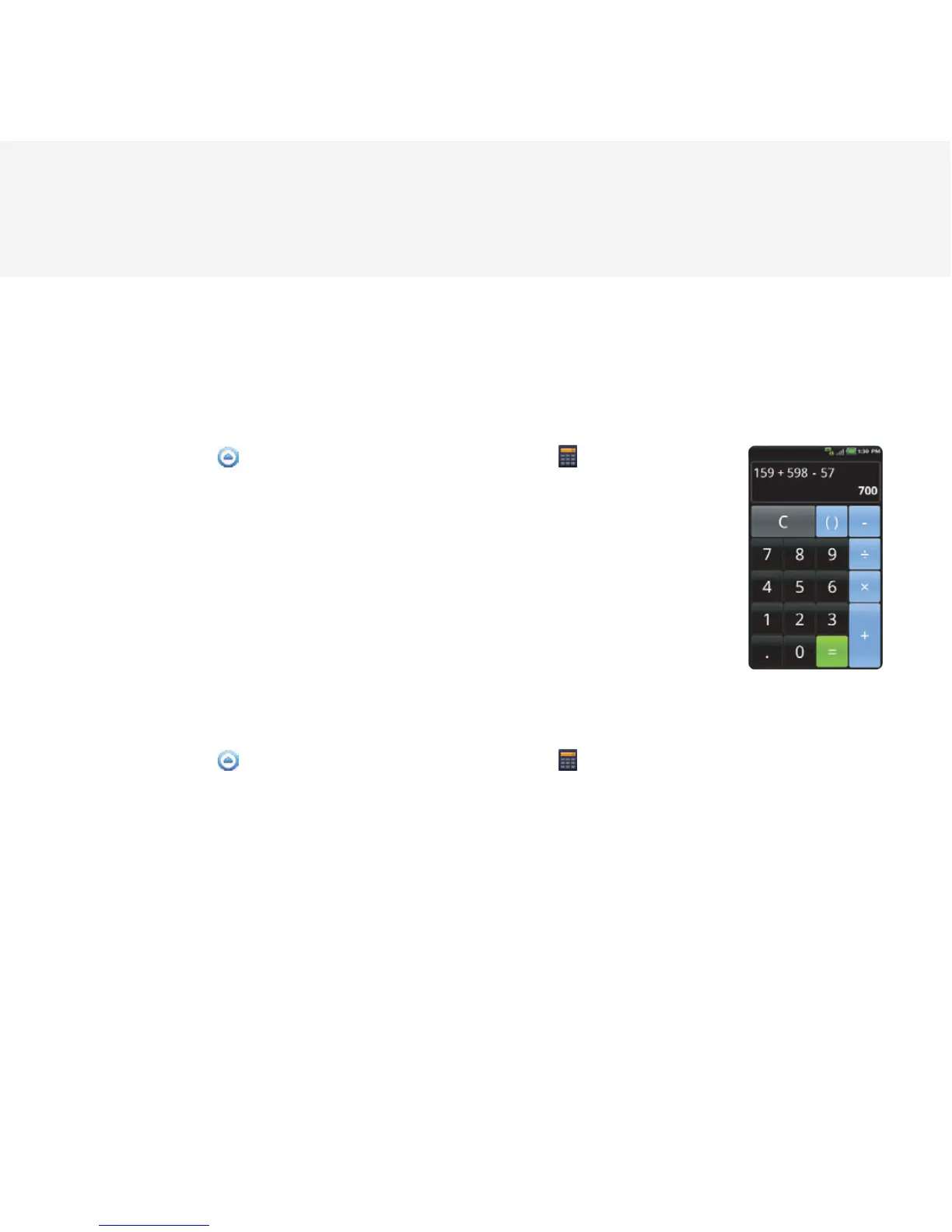
Perform basic mathematical calculations with the calculator in the Breakout™.
DOING CALCULATIONS
1 Touch Apps from the Home Screen. Touch Calculator .
2 Enter a number and touch a mathematical sign you want to use.
3 Touch C to delete a number. Touch and hold C to delete the whole
number.
SAVING CALCULATIONS
1 Touch Apps from the Home Screen. Touch Calculator .
2 Press the Menu Key B during a calculation and touch Save.
3 Enter a name and touch Save. The final value appears under the name by default.



 To Next Page