145
TOOLS
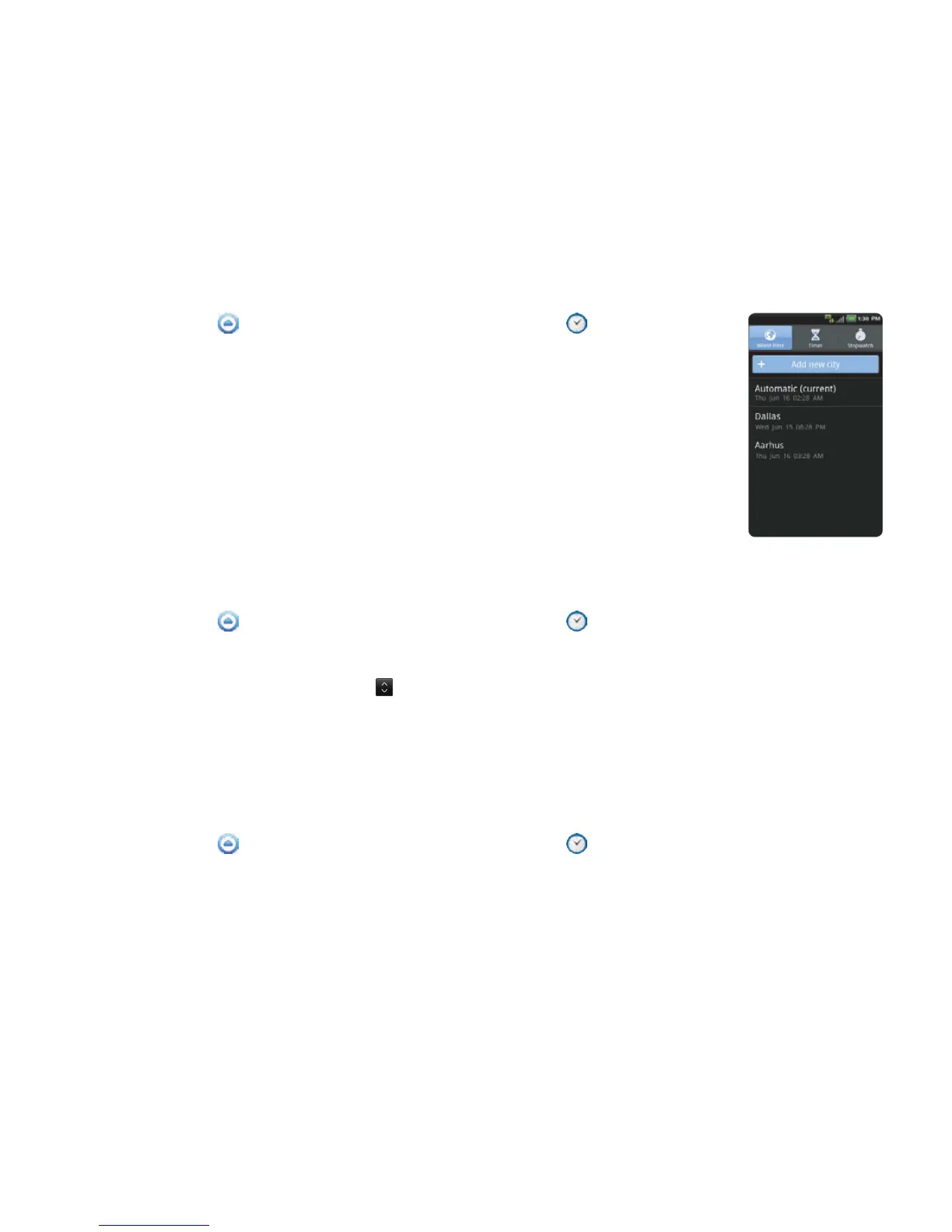
VIEWING THE WORLD TIME
1 Touch Apps from the Home Screen. Touch Clock Tools .
2 Touch Add new city and enter the name of a city. Type the first letter and
you can find the city easily.
3 Select and touch the city. The time for the newly added city appears
below the current time.
REARRANGING THE ORDER OF CITIES
1 Touch Apps from the Home Screen. Touch Clock Tools .
2 Press the Menu Key B and touch Rearrange.
3 Select a city to relocate and drag up or down to rearrange the order. You cannot move the
location of the current city.
4 Touch Done.
DELETING A CITY
1 Touch Apps from the Home Screen. Touch Clock Tools .
2 In order to delete cities:
x If you want to delete one or more than one cities, press the Menu Key B and touch Delete, and
touch the check box next to the city.
x If you want to delete all cities at once, press the Menu Key B and touch Delete, press the Menu
Key B and touch Select All.
3 Touch Done > Yes.



 To Next Page