147
TOOLS
USING TIMER
1 Touch Apps from the Home Screen. Touch Clock Tools .
2 Touch Timer.
3 Press the Menu Key B and touch Set for setting the time.
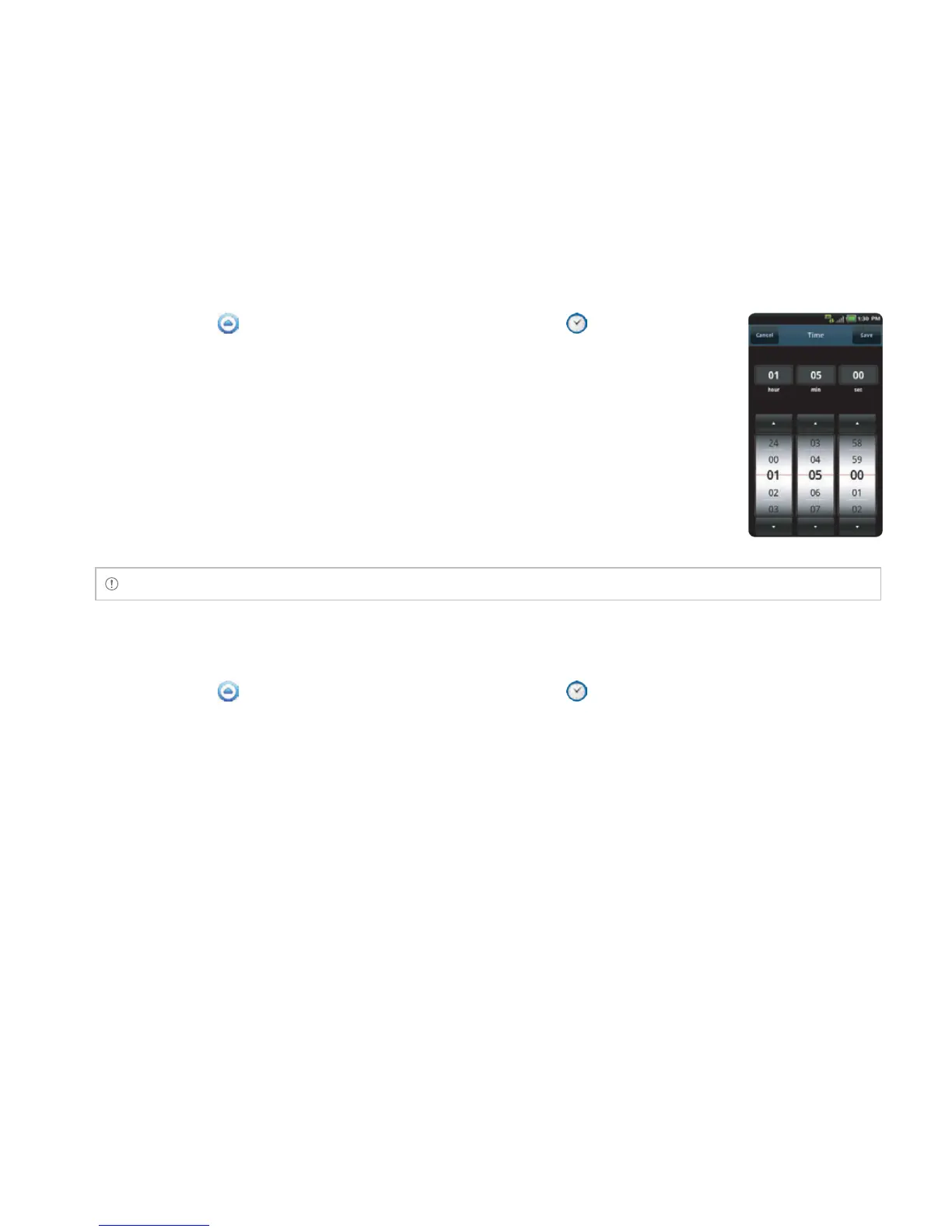
4 Set the hour, minute and second and touch Save.
5 Touch Start. Timer begins to run and makes sound when time is up even
when the vibration mode is set for the Breakout™.
Note You can reset the time by touching Reset while timer is running.
USING STOPWATCH
1 Touch Apps from the Home Screen. Touch Clock Tools .
2 Touch Stopwatch.
3 In order to use stopwatch:
x Touch Lap on the top of the screen and touch Start. This function is used when you want to
measure time that takes to run for a certain distance.
x Touch Lap > Split on the top of the screen and touch Start. This function is used when you
want to measure the accumulated time. You can split it up to 100 times.
4 Touch Reset to restart the stopwatch.



 To Next Page