30
GETTING STARTED
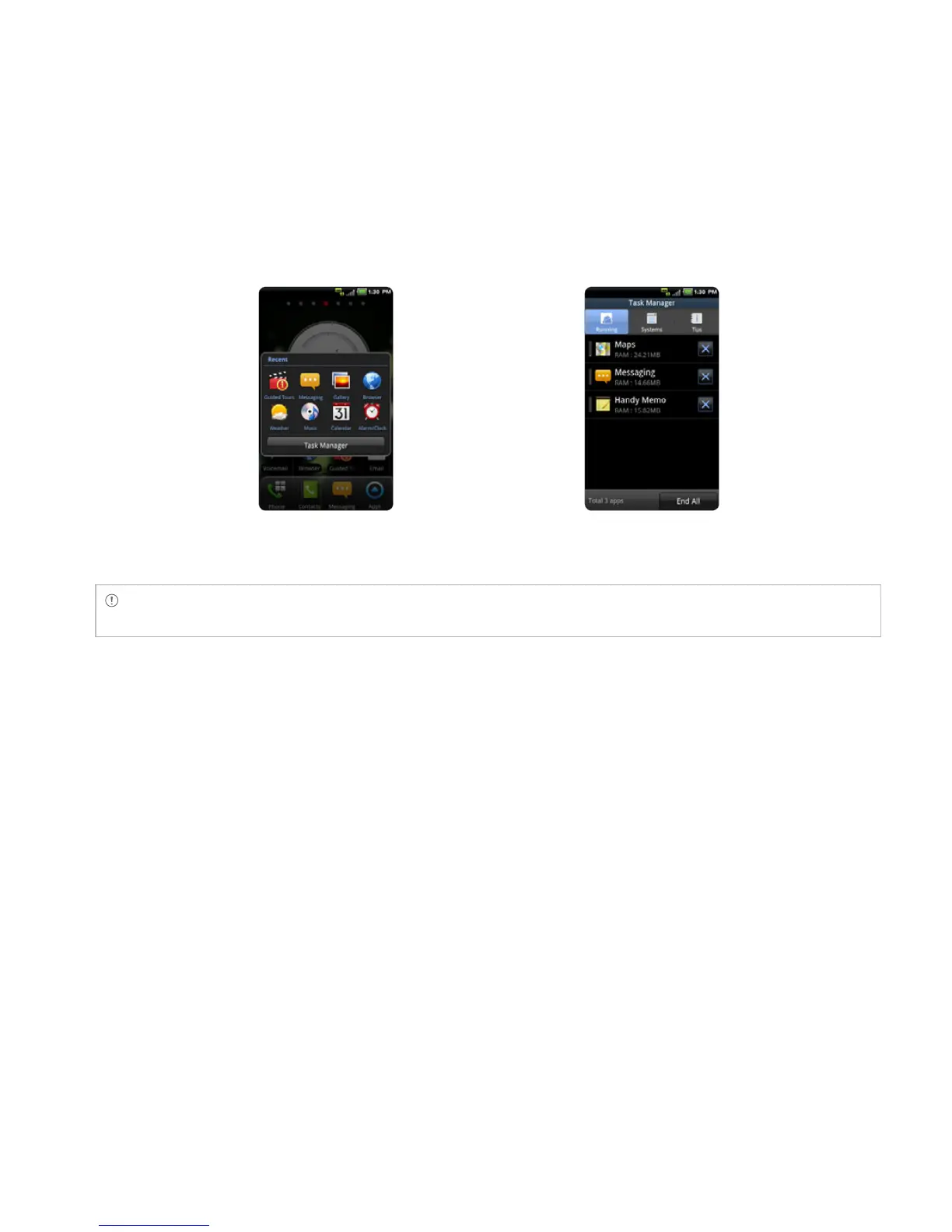
Running Task Manager Ending applications
Note Make sure to press the Back Key C and move to the Home screen if you want to finish using an
application. Otherwise, the application continues to run and will use memory and battery.
SETTING STATUS BAR AND EASYSETTING
The status bar offers quick access to Easy Setting and ongoing events.
1 Touch on the top of the Home screen and drag the status bar down.
2 Touch an icon in Easy Setting that you want to run. The icon turns to light green when the function
is on.
3 Touch Clear if you want to remove notifications in the bar.



 To Next Page