33
GETTING STARTED
SHORTCUTS LIST
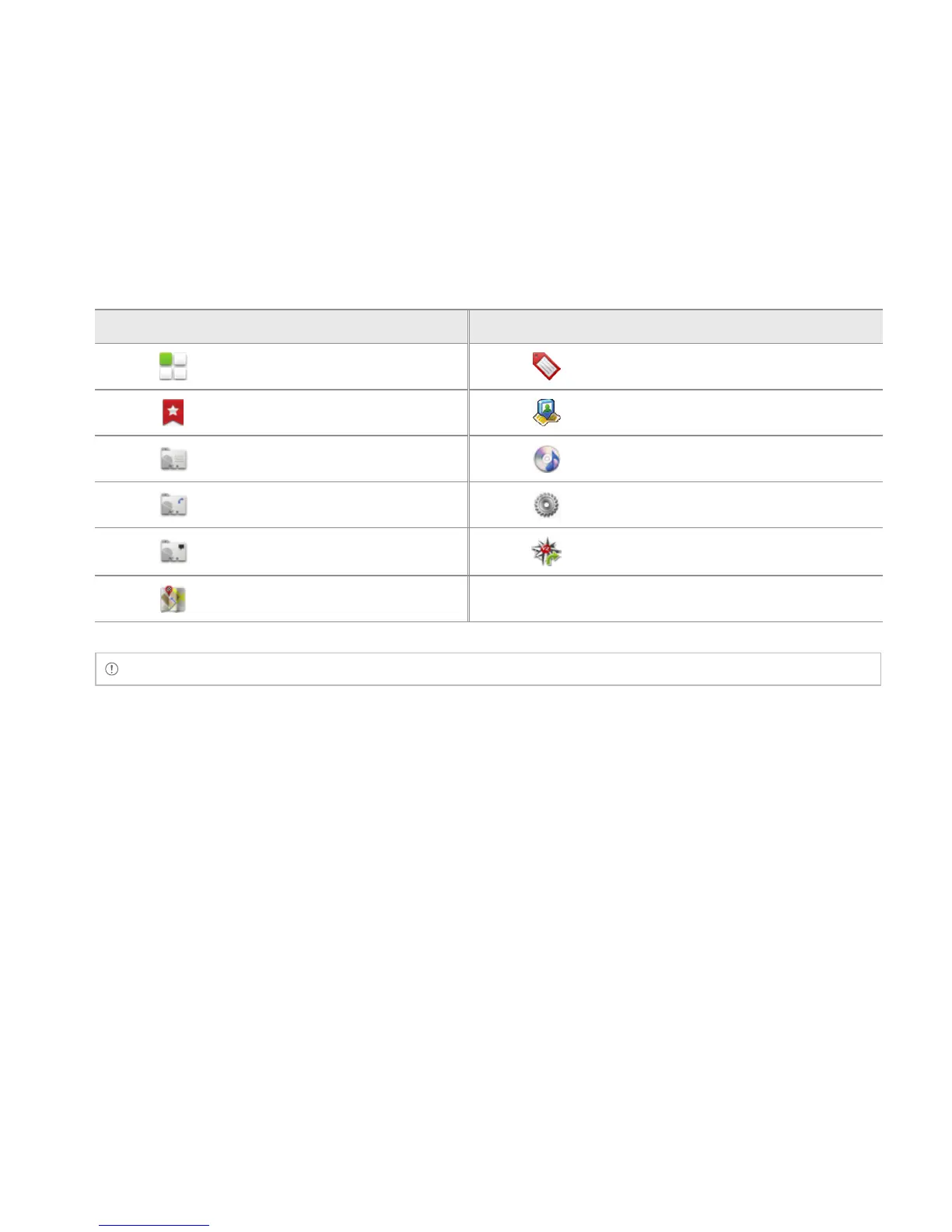
Icon Description Icon Description
Applications Gmail label
Bookmark Latitude
Contact Music Playlist
Direct dial Settings
Direct message VZ Navigator
Directions & Navigation
Note You can also make a shortcut to an application by pressing and holding it in the Applications menu.
ADDING A WIDGET
1 Touch and hold on the empty space of the screen or press the Menu Key B from idle mode.
2 Touch Pantech Widgets or Android Widgets. Types of widgets may increase as you install
applications on the Breakout™. Refer to the relevant chapter for more information about widgets.
x Touch and hold the widget to add, and select a style if you have touched Pantech Widgets.
x Select and touch the widget to add if you have touched Android Widgets.



 To Next Page