40
CALLS AND MESSAGES
CALLING
MAKING A CALL
1 Touch Phone from the Home screen.
2 Enter the area code and the phone number. Touch to delete the previous number. Touch and
hold to delete the whole number.
3 Touch to dial the number.
ANSWERING AND ENDING A CALL
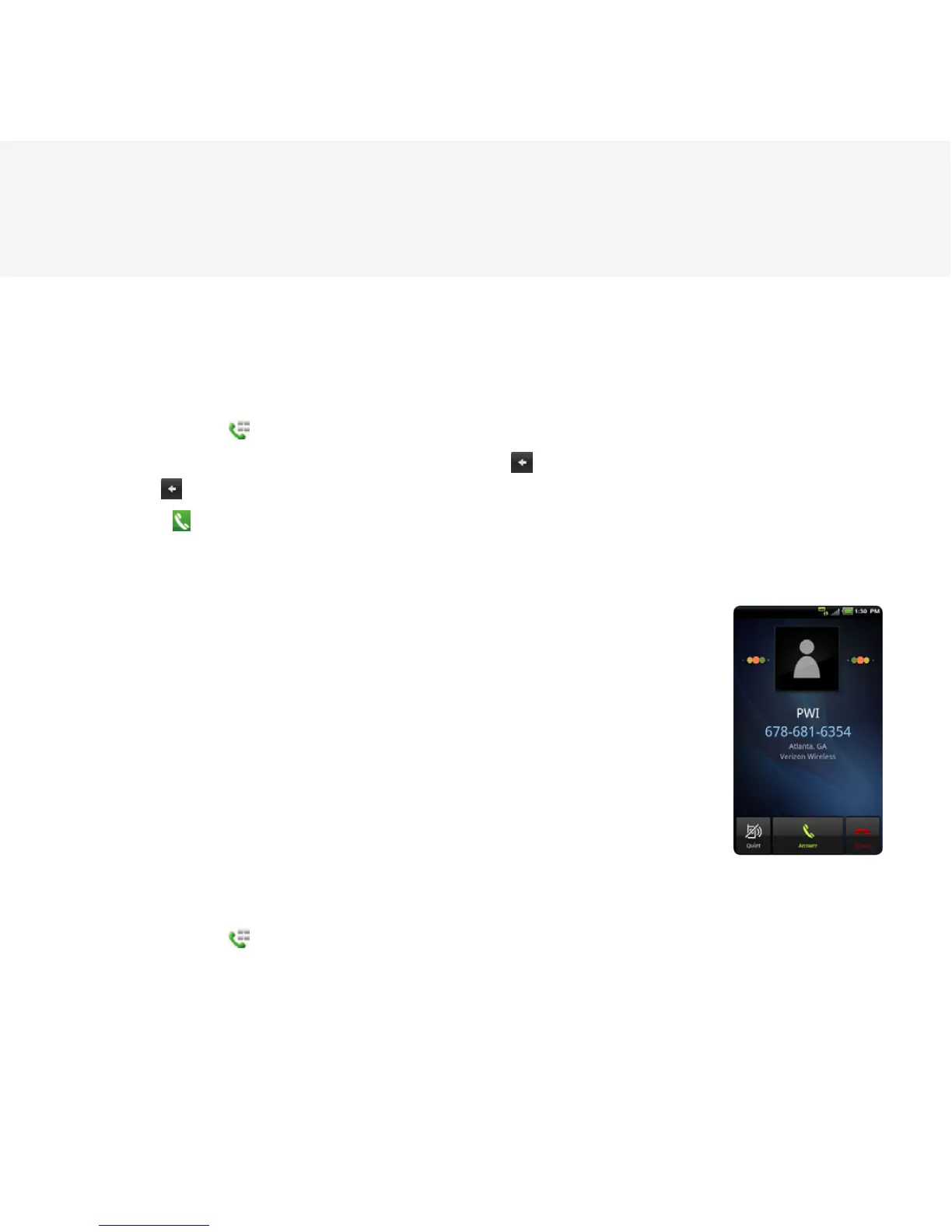
1 Touch Answer to answer the call.
2 Touch Quiet if you want the Breakout™ to make no sound or vibration
from the incoming call.
3 Touch Ignore if you do not want to answer the call.
4 Touch End to end the call during the conversation. After ending a call, a
call summary appears.
MAKING A CALL USING SPEED DIALING
1 Touch Phone from the Home screen.
2 Touch and hold a number to which you have assigned a telephone number as a speed dial entry.
Refer to page 56 for more information.



 To Next Page