49
CALLS AND MESSAGES
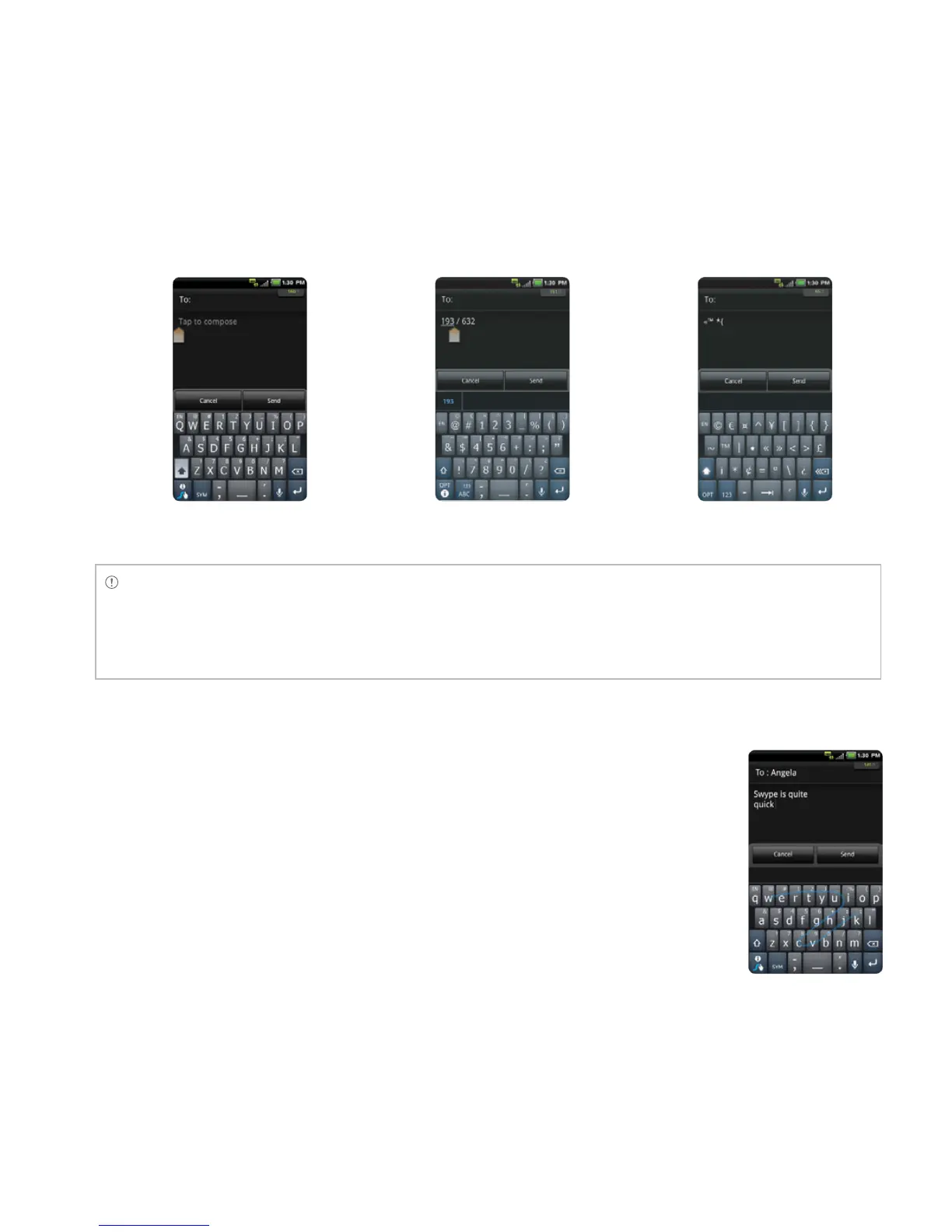
Capital letters Numbers and common
symbols
Complicated symbols
Note
If you want to enter a number or/and common symbol in between common letters for a message:
x Touch and hold a key for one second and you can enter the secondary character on the right of each key.
For example, touch and hold y for one second and you can enter the number “3.”
x Touch and hold a key for two seconds and you can enter additional characters assigned for each key.
For example, touch and hold y for two seconds and you can enter “¥” in addition to “y” and 3.
ABOUT SWYPE
Swype is a fast and easy way to enter a message. For example, drag your
finger on the screen keyboard as shown and input “Quick” rather than
touching all the letters individually.
Entering “Quick”



 To Next Page