51
CALLS AND MESSAGES
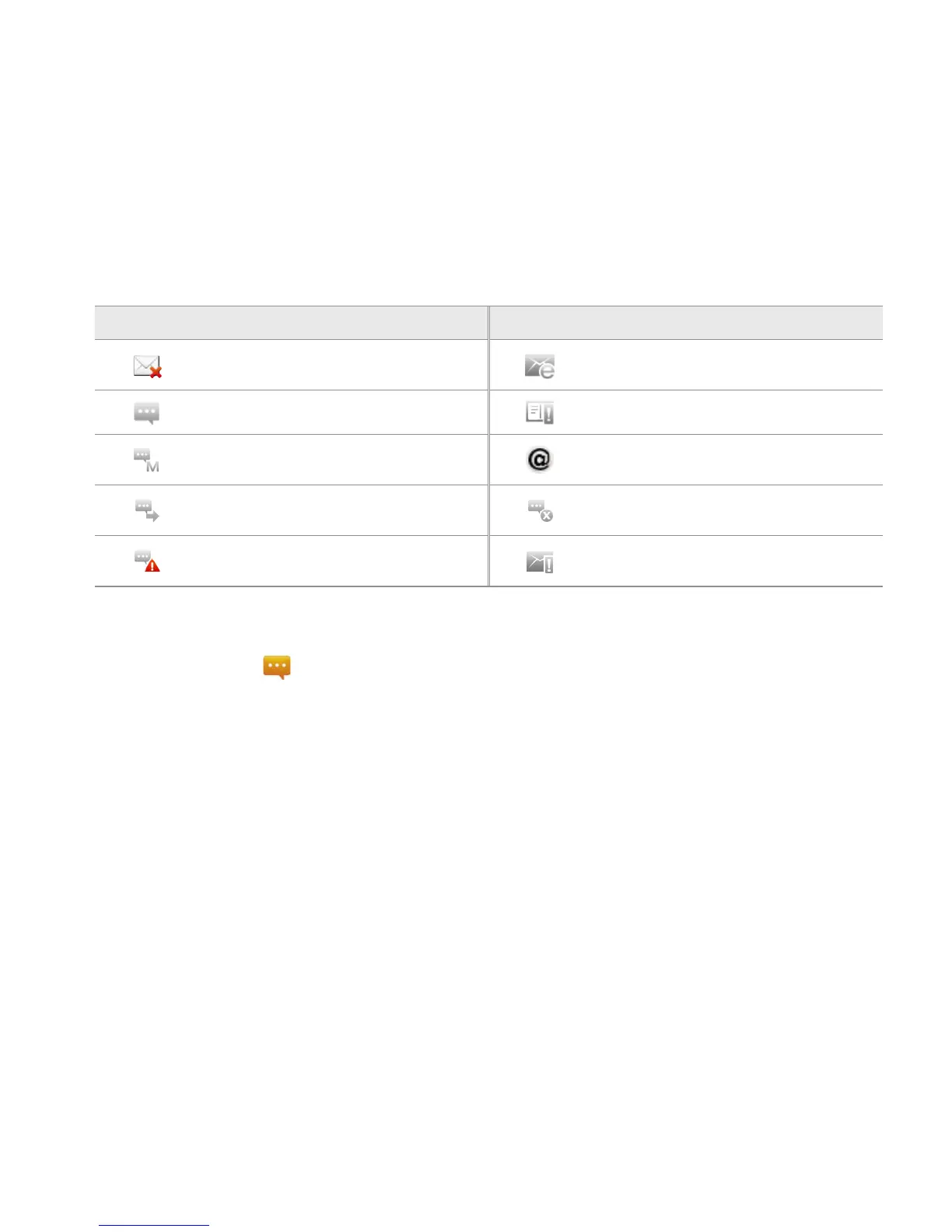
ICONS FOR MESSAGES
Icon Description Icon Description
There is a message that is not sent.
There is an incoming message from
the email server.
There is an incoming message. There is an error with the message
A new message with a picture has
arrived.
A new email has arrived.
Messages have been successfully
sent.
There is a missed message.
There is an urgent message.
The memory is full. Unable to
receive messages.
DELETING MESSAGES
1 Touch Messaging from the Home screen.
2 Press the Menu Key B and touch Delete.
3 Touch K next to the message(s) to delete. If you want to delete all messages, press the Menu Key B
and touch Select all.
4 Touch Done > OK.
ADDING SHORTCUTS FOR DIRECT MESSAGES
1 Press and hold on the empty space of the Home screen, or press
the Menu Key
B from idle mode,
and touch Add.
2 Touch Shortcuts > Direct message.
3 Select and touch a contact in the list that you want to create a shortcut on the Home screen for a
direct message.



 To Next Page