77
ENTERTAINMENT
3 Touch and hold a playlist that you want to manage.
x If you want to listen to all songs of the playlist, touch Play all.
x If you want to delete the playlist, touch Delete.
x If you want to add tracks to the list, touch Add tracks, select songs and touch Add.
x If you want to remove tracks from the list, touch Remove tracks, touch next to the song to
remove and touch Done.
x If you want to create a new name for the playlist, touch Rename, enter the new name and
touch OK.
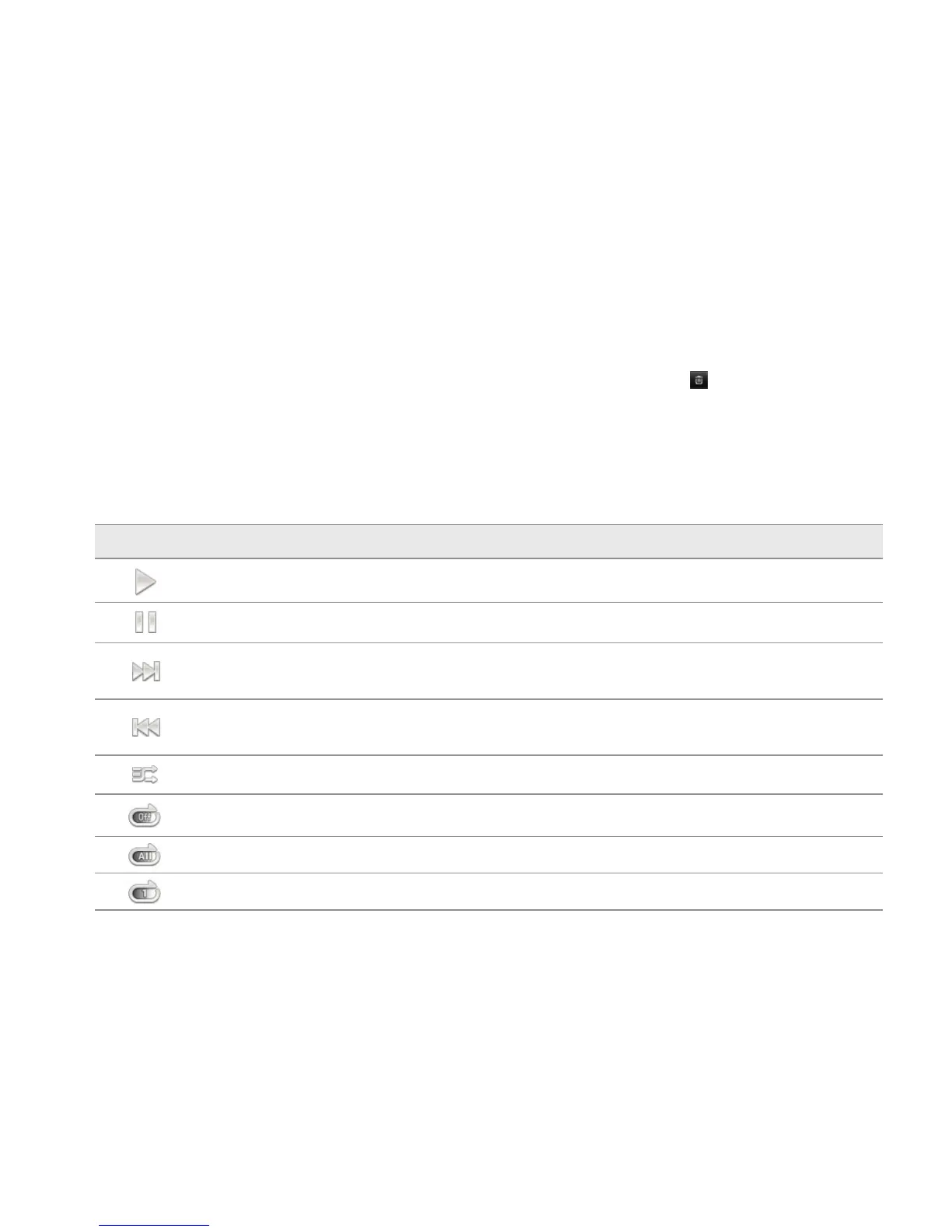
MUSIC PLAYER ICONS
Icon Description
Play: Plays a file
Pause: Pauses the song
Fast-forward: Fast-forwards the song (touch and hold)
Next file: Moves to the next file (touch)
Rewind: Rewinds the song (touch and hold)
Previous file: Moves to the previous file (touch)
Shuffle: Shuffles songs (green); Shuffle is off (white)
Repeat is off
Repeat: Repeats all songs
Repeats current song



 To Next Page