82
ENTERTAINMENT
TAKING INSTANT PICTURES
1 Touch on the screen or press the Menu Key B while in the camera mode.
2 Touch and touch Instant.
Instant
on the top of the screen indicates the
instant camera mode.
3 Focus on the object and touch or press the Camera/Video Key G. The
picture starts to appear in ten seconds. Touch on the screen or shake the
Breakout™ if you want to see the picture quickly.
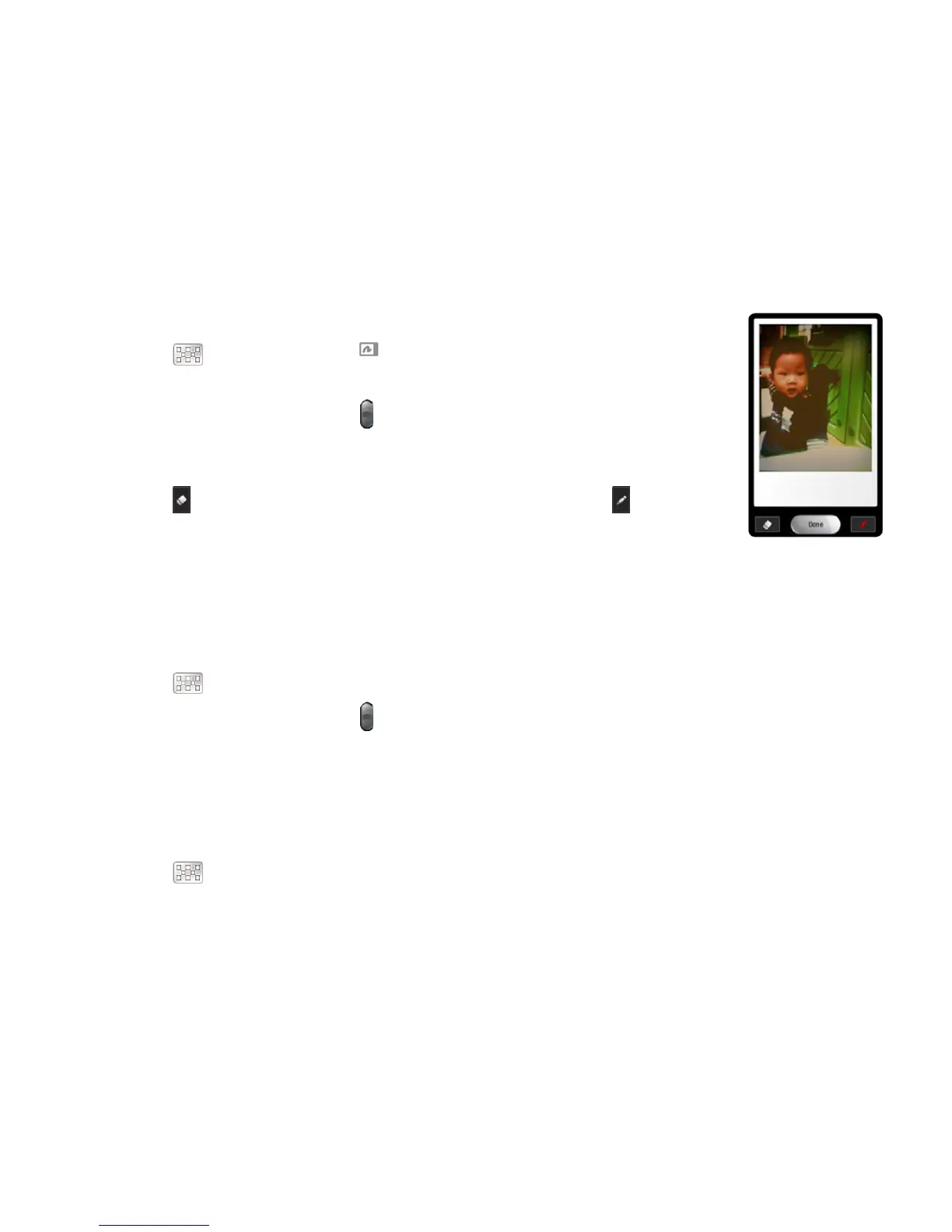
4 Touch if you want to erase some part of the picture. Or touch if you
want to write on the picture.
5 Touch Done.
TAKING MULTISHOT
1 Touch on the screen or press the Menu Key B while in the camera mode.
2 Touch and touch Multi Shot.
3 Focus on the object and touch or press the Camera/Video Key G. The camera will take four
photos (nine for 640x480) in a row.
TAKING DIVISION SHOT
1 Touch on the screen or press the Menu Key B while in the camera mode.
2 Touch and touch Division Shot.
3 Select and touch Auto 4 cut or Auto 9 cut, or Split 2 cut, Split 4 cut or Split 6 cut.



 To Next Page