92
ENTERTAINMENT
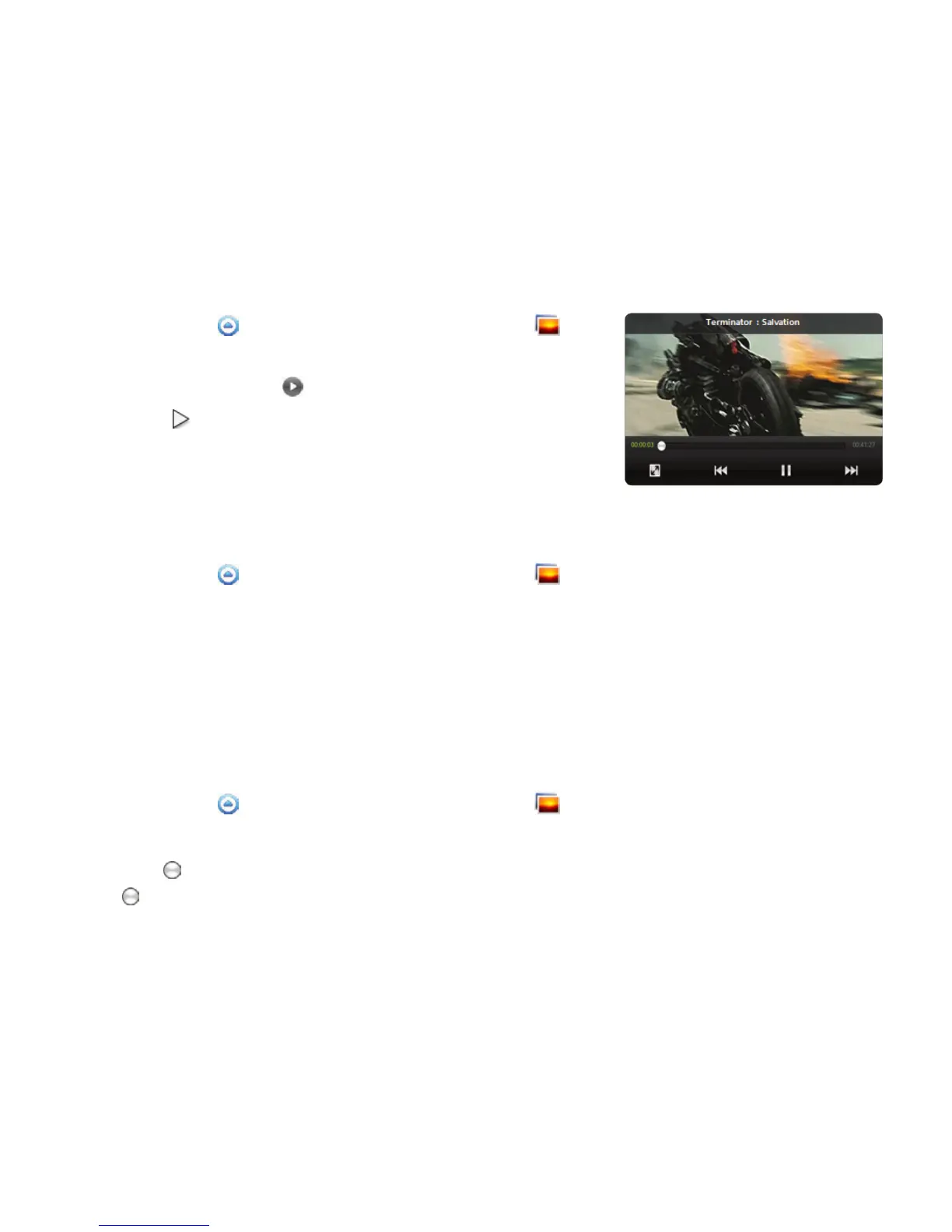
VIEWING VIDEOS
1 Touch Apps from the Home Screen. Touch Gallery .
2 Select a video to view. Video Player is run by default to play
videos. An item with is a video.
3 Touch to play the video. The screen turns to the landscape
view by default.
VIEWING PICTURES IN A SLIDESHOW
1 Touch Apps from the Home Screen. Touch Gallery .
2 Select and touch the pictures that you want to view in a slideshow.
3 Touch Slideshow.
4 Touch on the screen if you want to stop the slideshow.
5 Touch on the screen and touch Slideshow if you want to resume the slideshow.
ARRANGING PICTURES
1 Touch Apps from the Home Screen. Touch Gallery .
2 Select and touch a folder.
3 Drag to the right if you want to see pictures with information including date and location. Drag
to the left if you want to see pictures by the order of date.



 To Next Page