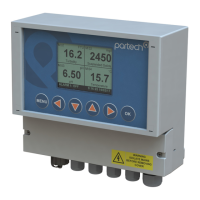
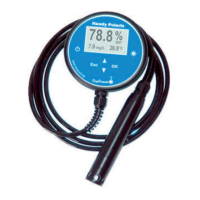
740 Portable Suspended Solids
1. Select Preset
2. Profile Name (up to 21 characters)
3. Profile User (up to 21 characters)
4. Profile Date (dd/mm/yyyy)
5. Measurement Title*
6. Display Units*
7. Display Range*
8. Damping*
On successful completion of the new profile wizard, the calibration of the profile should
be checked, it may be necessary to calibrate the profile. (See Profile Calibration). It
may be necessary to amend some parameters to suit the application.
Page 18 of 46 172430IM-Iss07 Issue Date 23/10/2014



 To Next Page