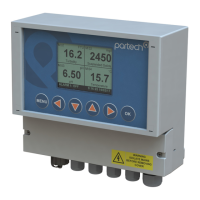
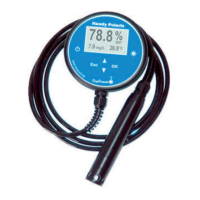
740 Portable Suspended Solids
7.4 Measurement Title
This menu is used to select the measurement title displayed in measure mode. The
user can select from a list of predefined titles or enter a custom title. To select a
measurement title, use the keys to highlight the required title and press the OK
key. If a predefined title is selected, a small tick will appear next to the selected title. If
the user defined option is selected, a new screen will be displayed which allows editing
of the user defined title.
7.4.1 User Defined Title
To edit the user defined title, use the keys to select a character, and the keys
to change the selected character. When all changes are complete press the OK key to
store the measurement title. To exit without saving changes press the MENU key. The
user measurement title can be up to 21 characters long.
7.5 Display Units
The measurement units displayed in measure mode can be selected using this menu
such that they are appropriate for the measurement being made. The user can select
units from a predefined list, enter custom units (user defined) or switch off the display
of units.
To select the measurement units, use the keys to highlight the required title and
press the OK key. If a predefined title is selected, a small tick will appear next to the
selected title. If the user defined option is selected, a new screen will be displayed
which allows editing of the user defined units.
7.5.1 User Defined Units
To edit the user defined units, use the keys to select a character, and the keys
to change the selected character. When all changes are complete press the OK key to
store the new units. To exit without saving changes press the MENU key. User units
can be up to 4 characters long.
Note: There is no mathematical relationship between FTU and mg/l or g/l. If FTU
are used, Formazin should be used for calibration.
Page 20 of 46 172430IM-Iss07 Issue Date 23/10/2014



 To Next Page