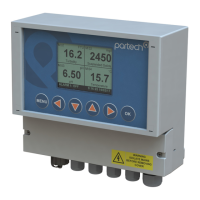
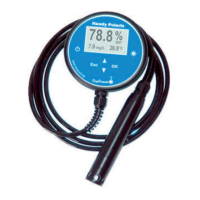
740 Portable Suspended Solids
10.4.1 Cal Wizard Keys
Once the calibration wizard has been entered, the MENU key can be used to exit at
any time. Pressing the key moves forward to the next step and pressing the
moves back to the previous step. Pressing the OK key will activate the displayed
activity.
10.4.2 Cal Wizard Stages
The Cal Wizard guides the user through the process of setting the instrument zero and
span. For more information about setting zero and span, refer to the applicable section
of this manual.
10.5 Set Zero
This menu is used to set the instrument display zero for the attached sensor. To zero
the instrument, go to the Calibration menu, select Set Zero and press the OK key.
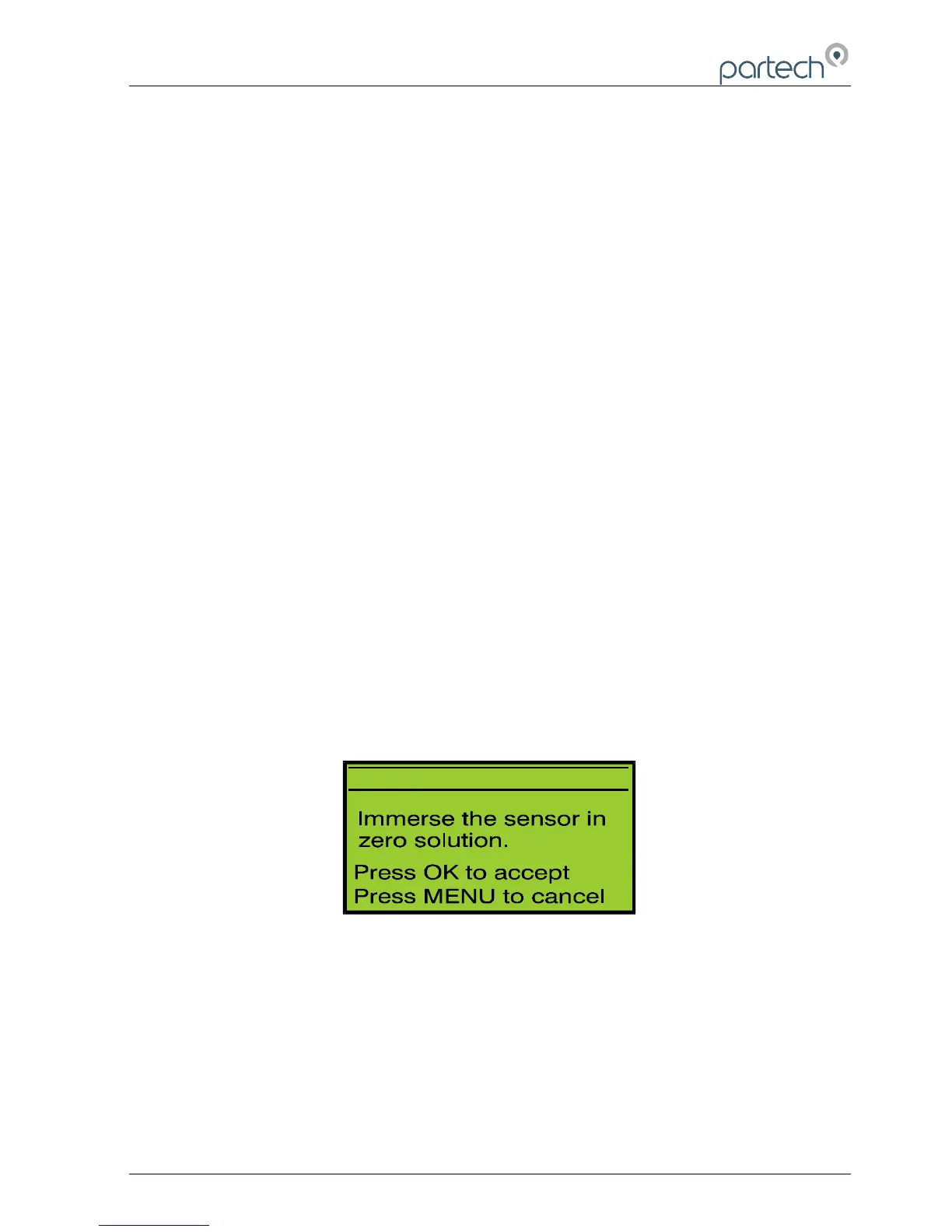
Immerse the sensor into the zero solution and press the OK key. The 740 Monitor
collects data for the zeroing operation for approximately 5 seconds to ensure that the
zero is set accurately. During this period do not move the sensor, as this could effect
the zero operation. If the zeroing process is successful, the monitor will return to
measure mode and the display value will be zero. If a problem occurs during the
zeroing operation, an error message will be displayed and the monitor will return to the
Calibration menu.
172430IM-Iss07.odt 172430IM-Iss07 Issue Date 23/10/2014 Page 27 of 46



 To Next Page