740 Portable Suspended Solids
6 New Profile Wizard
When the New Profile Wizard is selected you will be taken through a series of display
screens that will prompt you to select the correct configuration for your application. The
selections can be modified after creation by editing the profile.
6.1 New Profile Wizard Keys
Once the Create Profile feature has been entered, the MENU key can be used to exit at
any time. Pressing the key moves forward to the next step and pressing the
moves back to the previous step. Pressing the OK key will activate the displayed
function.
6.2 New Profile Wizard Stages
The Create Profile feature guides the user through the configuration of the following
items, for more information about the item, refer to the applicable section of this
manual. (* These stages are shown if the User Defined preset was selected)
172430IM-Iss07.odt 172430IM-Iss07 Issue Date 23/10/2014 Page 17 of 46
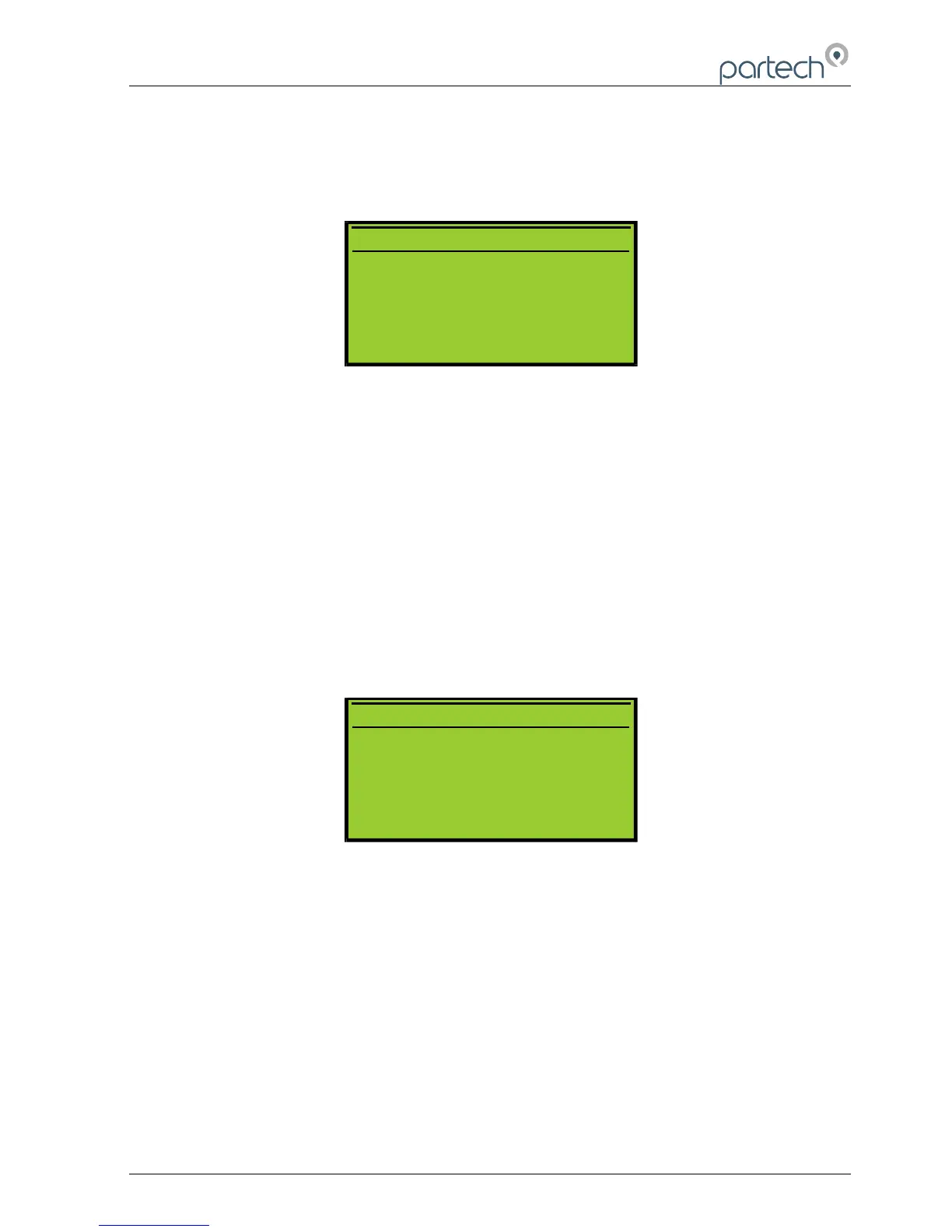
7 4 0 P R O F I L E W I Z A R D
U s e t h e 7 4 0 p r o f i l e w i z a r d
t o g u i d e y o u t h r o u g h t h e
s e t t i n g u p o f a p r o f i l e .
N E X T
Y
7 4 0 P R O F I L E W I Z A R D
U s e t h e 7 4 0 p r o f i l e w i z a r d
t o g u i d e y o u t h r o u g h t h e
s e t t i n g u p o f a p r o f i l e .
N E X T
Y
7 4 0 P R O F I L E W I Z A R D
T h e w i z a r d c a n b e e x i t e d
b y p r e s s i n g t h e m e n u k e y .
N E X T
Y



 To Next Page