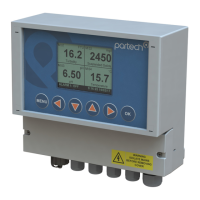
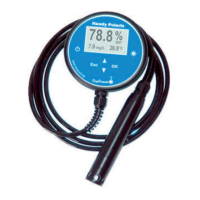
740 Portable Suspended Solids
7 Profile Config
7.1 Profile Name
This menu is used to set/edit the profile name. The profile name should be set to
describe the measurement that the profile has been set up for. For example
"Charlestown STW MLSS".
To edit the profile name, use the keys to select a character, and the keys to
change the selected character. When all changes are complete press the OK key to
store the measurement title. To exit without saving changes press the MENU key. The
profile name can be up to 21 characters long.
Note: If the profile name is not set during the creation of the profile it will be
automatically named "Profile x" where x is the profile number.
7.2 Profile User
This menu is used to set/edit the profile user. The profile user can be used to record
the name of the person who set up the profile.
To edit the profile user, use the keys to select a character, and the keys to
change the selected character. When all changes are complete press the OK key to
store the measurement title. To exit without saving changes press the MENU key. The
user name can be up to 21 characters long.
Note: If the profile user is not set during the creation of the profile it will be
automatically named "User x" where x is the profile number.
7.3 Profile Date
The profile date can be set/changed using this menu. The profile date can be used to
record when the profile was created or when the profile was last calibrated.
To edit the profile date, use the keys to select a digit, and the keys to change
the selected digit. When all changes are complete press the OK key to store the
measurement title. To exit without saving changes press the MENU key.
Note: The profile date will be set to a default value if it is not set when the profile
is created. It is possible to enter non-calendar dates - however this will have no
effect on the instruments operation.
172430IM-Iss07.odt 172430IM-Iss07 Issue Date 23/10/2014 Page 19 of 46



 To Next Page