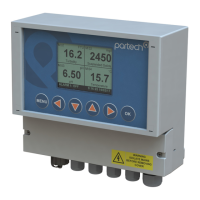
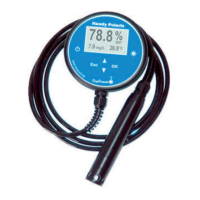
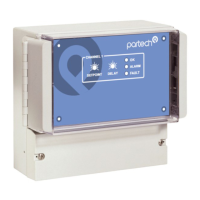
740 Portable Suspended Solids
10.3 Preparing for Calibration ..............................................................................26
10.4 Calibration Wizard .......................................................................................26
10.4.1 Cal Wizard Keys .....................................................................................27
10.4.2 Cal Wizard Stages ..................................................................................27
10.5 Set Zero .......................................................................................................27
10.6 Set Span ......................................................................................................28
10.6.1 Step 1. Calibration Value Entry ..............................................................28
10.6.2 Step 2. Calibrating ..................................................................................28
10.7 Take Sample ................................................................................................29
10.8 Enter Sample Result ....................................................................................30
11 Information................................................................................................................31
11.1 Profile Information ........................................................................................31
11.2 Software Version .........................................................................................31
11.3 Contact Information .....................................................................................31
11.4 Battery Status ..............................................................................................31
11.5 Sensor Input ................................................................................................31
12 Instrument Security...................................................................................................32
12.1 Lock Instrument ...........................................................................................32
12.2 Change Password .......................................................................................32
13 Error Messages.........................................................................................................33
13.1 Measurement ...............................................................................................33
13.1.1 Display Over Range ...............................................................................33
13.1.2 Display Under Range .............................................................................33
13.2 Sensor .........................................................................................................33
13.2.1No Sensor ................................................................................................33
13.2.2Sensor Low Limit .....................................................................................33
13.2.3Sensor High Limit ....................................................................................33
13.2.4Not Available - Sensor Fault ....................................................................33
13.2.5Sensor Input Too High (Set Zero) ...........................................................33
172430IM-Iss07.odt 172430IM-Iss07 Issue Date 23/10/2014 Page 5 of 46



 To Next Page