8200w² Monitor Instruction Manual
Press to exit this option.
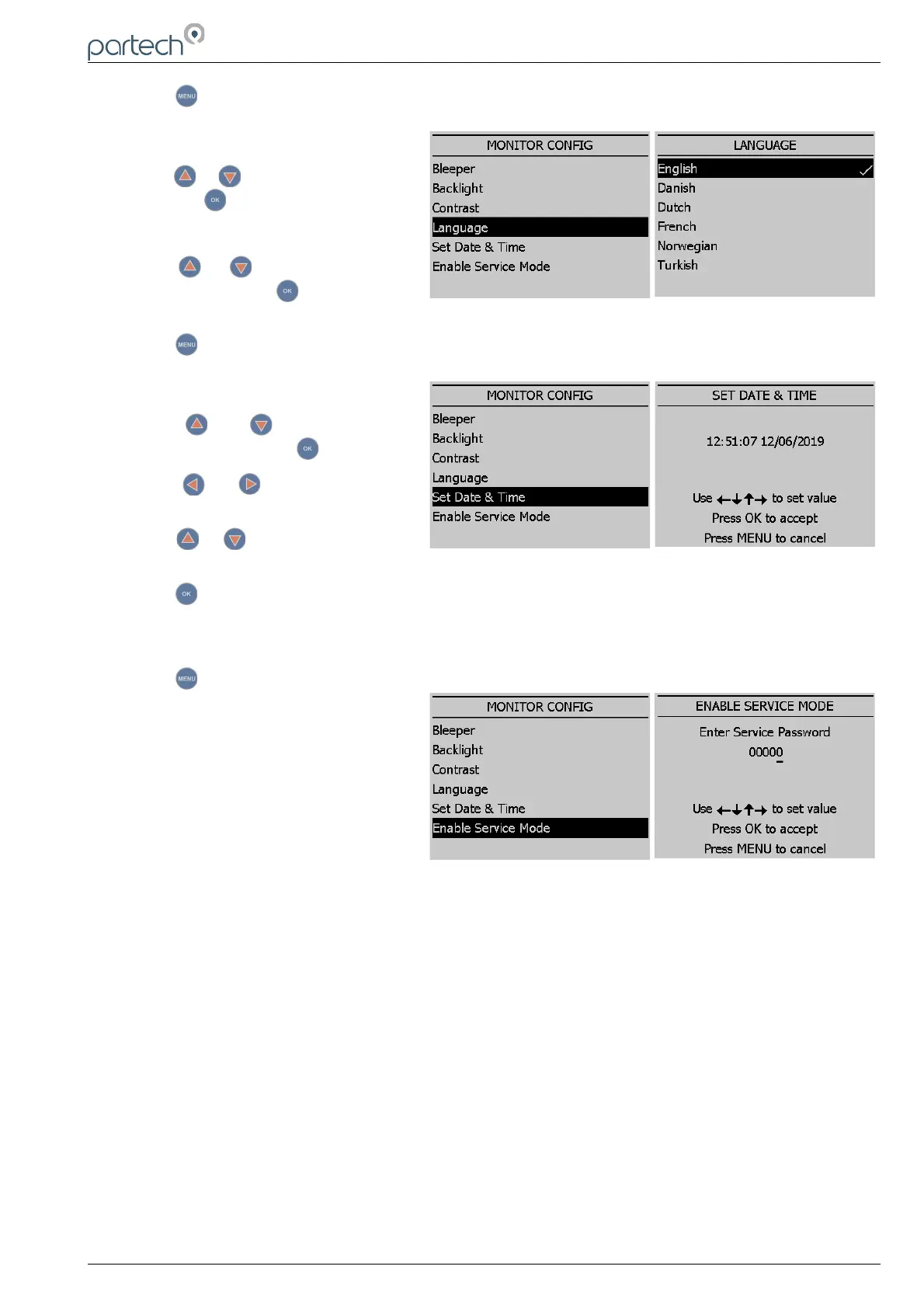
6.1.4 Language
From the MONITOR CONFIG menu
press or to highlight LANGUAGE,
and press to select.
The factory default setting is English.
Press or to highlight the option
required, and press to select. A tick
will appear next to your selection.
Press to exit this option.
6.1.5 Set Time/Date
From the MONITOR CONFIG menu
press or to highlight SET
TIME/DATE, and press to select.
Press or to move the cursor
below the digit to be changed.
Press or to increase or decrease
the digit.
Press to accept.
Daylight Savings: The monitor does not automatically update the time to take into account “Daylight
Savings”.
Press to exit this option.
6.1.6 Enable Service Mode
Service mode allows the user access to
diagnostic information and detailed set-
up parameters. This will normally be
used under the guidance of a Partech
engineer, see section 7.
229844IM Issue 01 Issue Date 24/06/2019 ` Page 19 of 34



 To Next Page