8 CHAPTER 2 BIOS SETUP
Main Screen
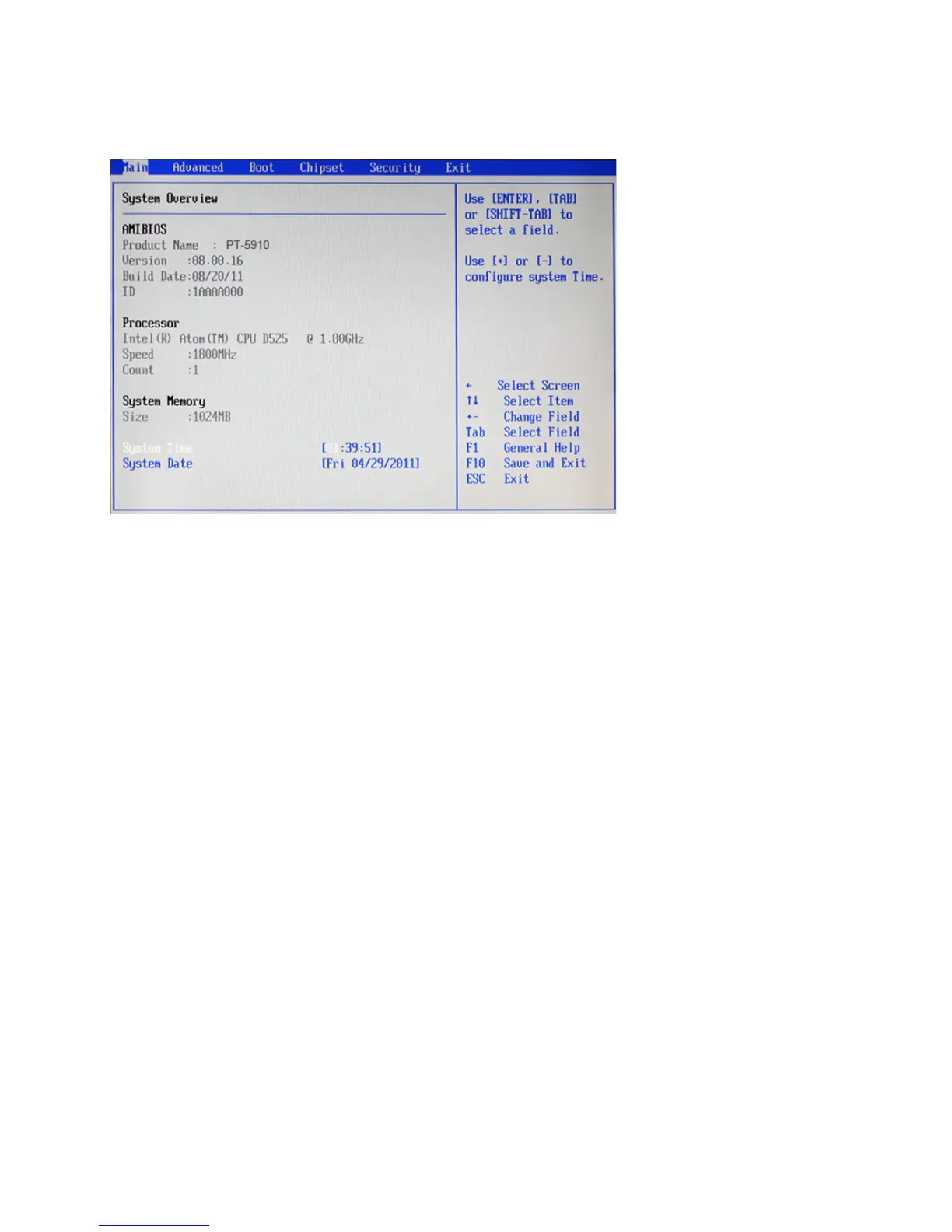
This screen includes System BIOS Information, Processor, System memory and displays the System Time
and System Date.
System Overview
This screen displays System BIOS Information, Processor, System memory, System Time and System Date.
System Time/ System Date
The System Time and System Date items show the current date and time held by the machine. If you are
running a Windows OS, these items are automatically updated whenever you make changes to the Windows
Time and Date Properties utility.
Figure 2.2 Main Screen



 To Next Page