38 CHAPTER 3 INSTALLING DRIVERS AND SOFTWARE
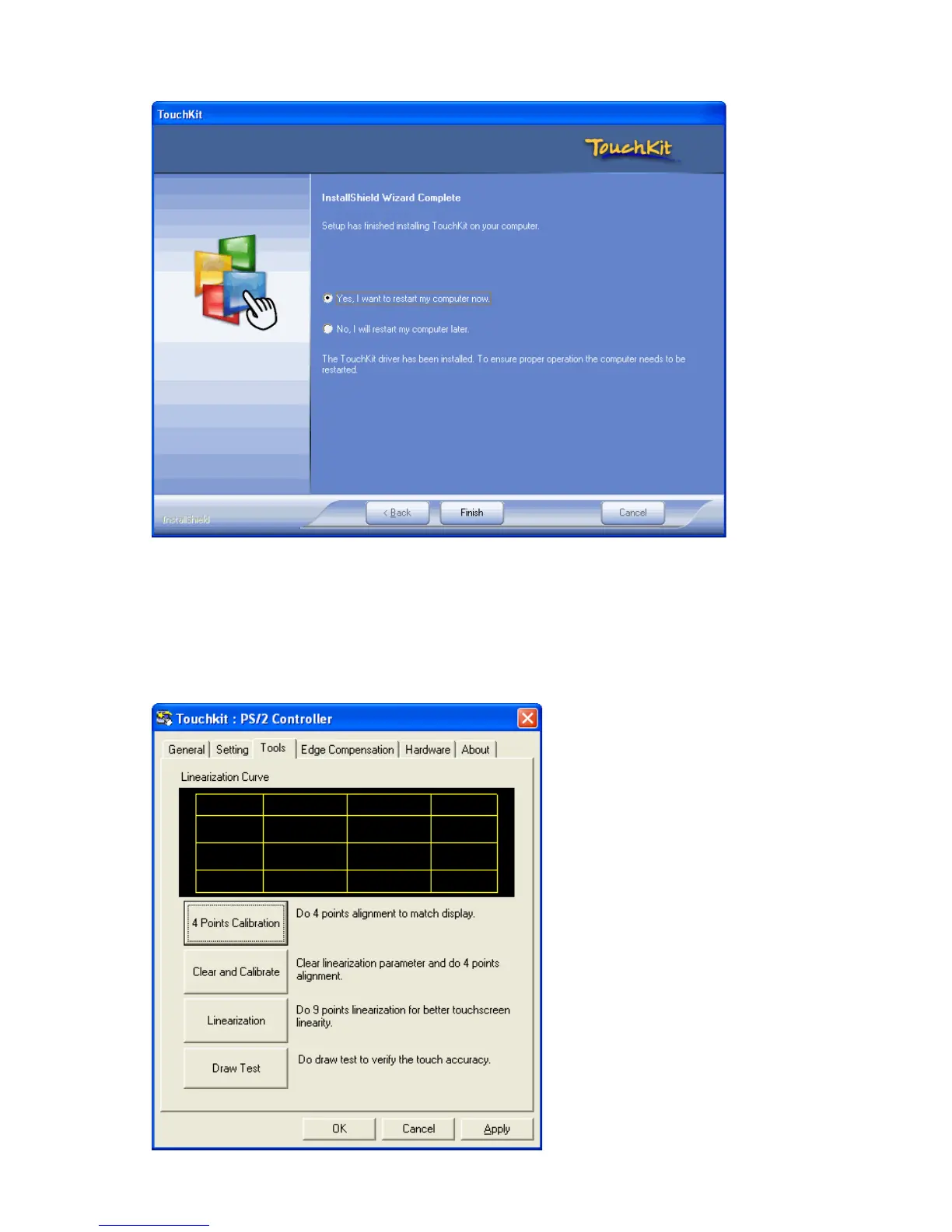
9. Click Yes, I want to restart my computer now and then click Finish.
Calibrating the touchscreen
Follow these instructions to calibrate the touchscreen using the TouchKit application:
1. Launch the TouchKit application from the Windows desktop by clicking on Start > Programs > TouchKit
> Congure Utility. The TouckKit window appears.
2. Select the Tools page.



 To Next Page