9
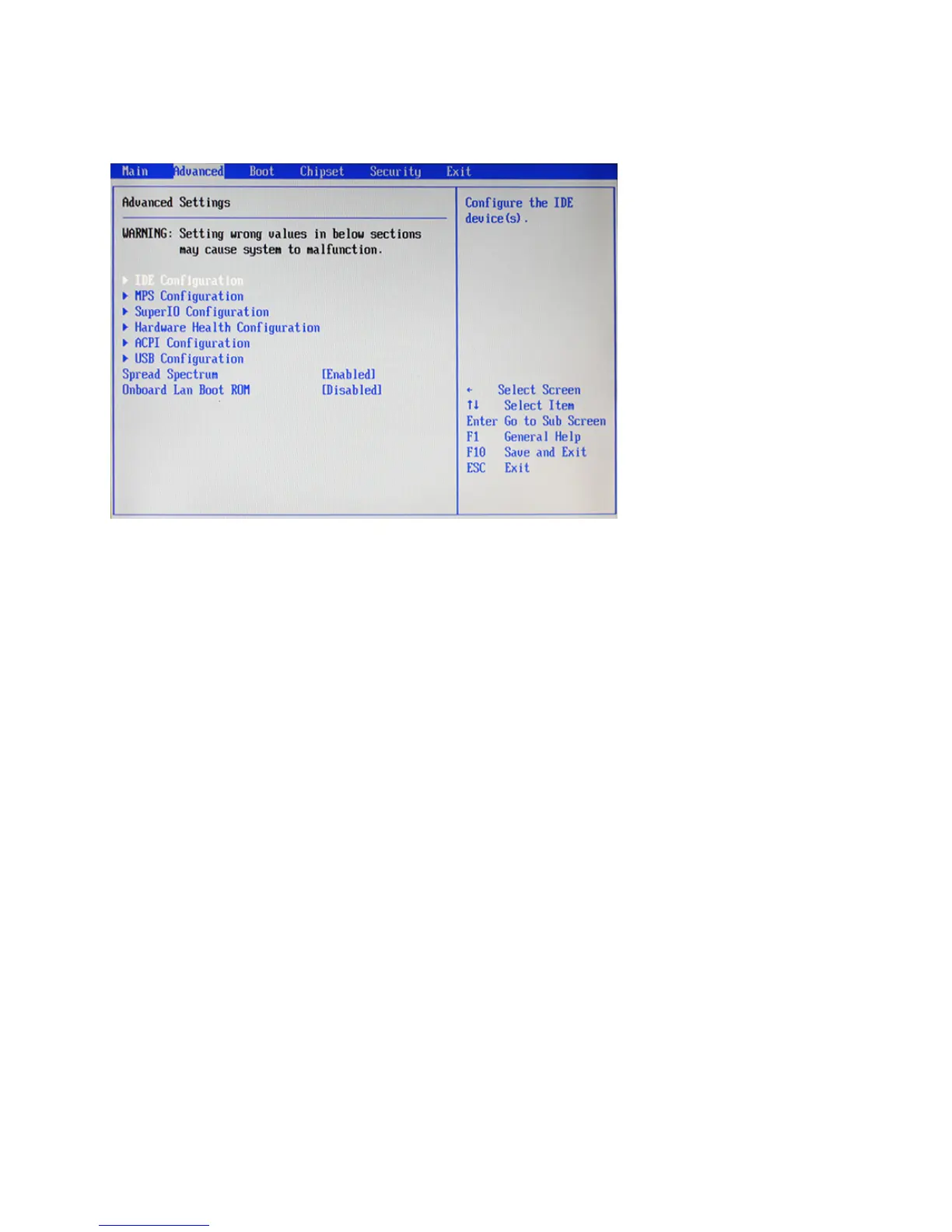
Advanced Settings
This setup screen includes sub-menus for IDE Conguration, USB Conguration, ACPI Congurations, MPS
Congurations, Super IO Congurations and Hardware Health Conguration.
Spread Spectrum
When the motherboard clock generator pulses, the extreme values (spikes) of the pulses creates EMI
(Electromagnetic Interference). The Spread Spectrum function reduces the EMI generated by modulating the
pulses so that the spikes of the pulses are reduced to atter curves. If you do not have any EMI problem, leave
the setting at Disabled for optimal system stability and performance.
Onboard LAN Boot ROM
This feature allows users to enable or disable the onboard Lan boot ROM to boot system.
Figure 2.3 Advanced
Settings Screen



 To Next Page