58 CHAPTER 5 REPLACING FIELD REPLACEABLE UNITS (FRUs)
Inverter
Before proceeding, remove the
following FRUs.
• “Front Cover” on page 60.
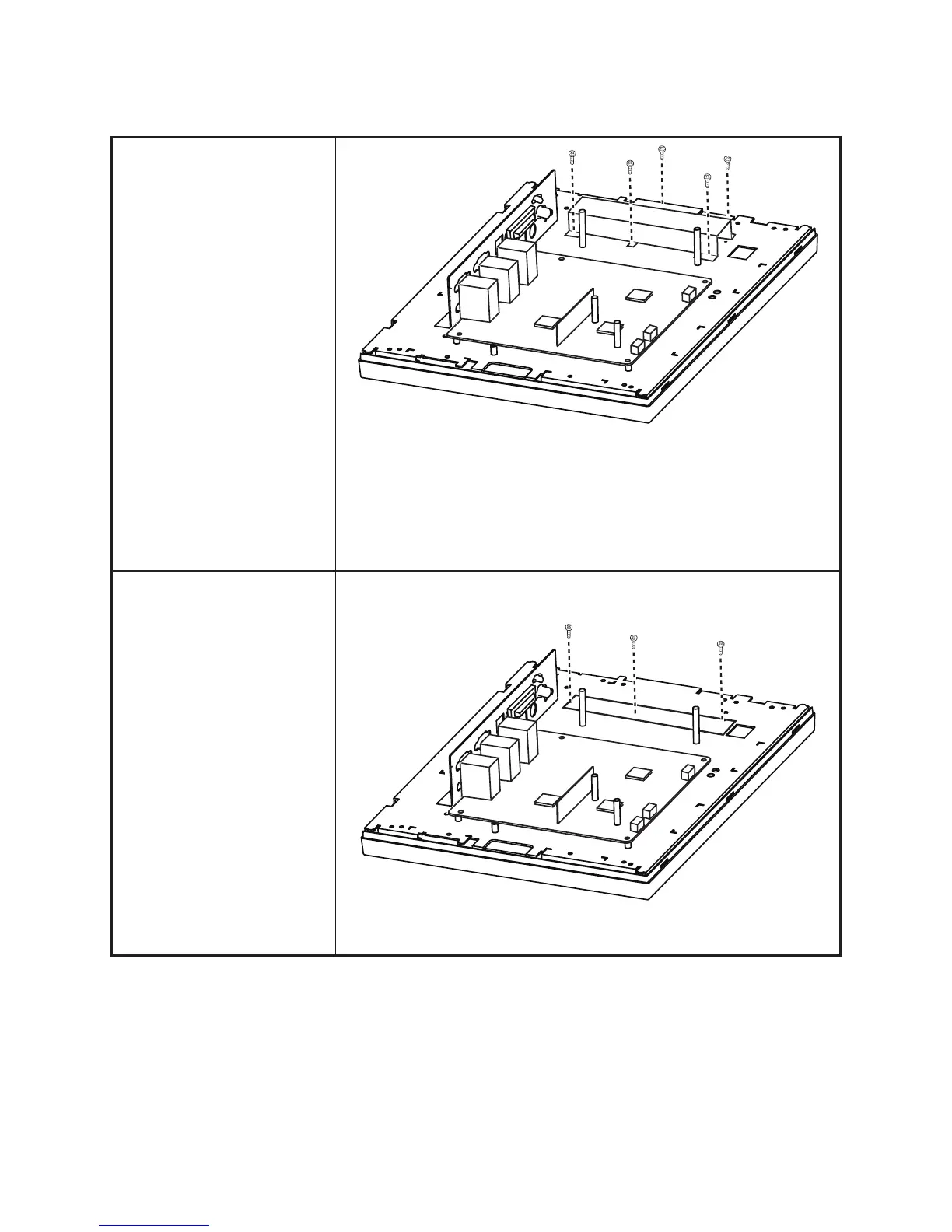
1. Remove ve screws.
2. Remove the inverter cover.
3. Remove three screws.
4. Remove all cables from the
inverter.
5. Remove the inverter.
When replacing:
Put the inverter in the plastic
cover before replacing it.



 To Next Page