13 USB
2022/07 99E13331xx-mub-en - V08 29
The following functions can be carried out with a USB flash drive:
13.1 Remove data carrier
Safe removal of a USB flash drive from the system in order to avoid data loss before the data
are completely saved.
13.2 Load settings
If there are controller settings on the USB flash drive, you can export them to the controller in
the menu item
Load settings
. A message is displayed when the loading is completed. Then the
controller is restarted.
13.3 Save settings
This menu item allows to save the controller settings on the USB flash drive. During the saving
process, the message
Copying data
is displayed, after that
Copying completed
.
13.4 Save alarm history
This menu item allows to save the alarm history on the USB flash drive.
During the saving process, the message
Copying data
is displayed, after that
Copying
completed
.
13.5 Save parameter history
This menu item allows to save the parameter history on the USB flash drive. During the saving
process, the message
Copying data
is displayed, after that
Copying completed
.
13.6 Data logging interval
Setting the data logging interval for the data recording. The log interval defines how regularly
data should be recorded on the external storage medium.
13.7 Recording type
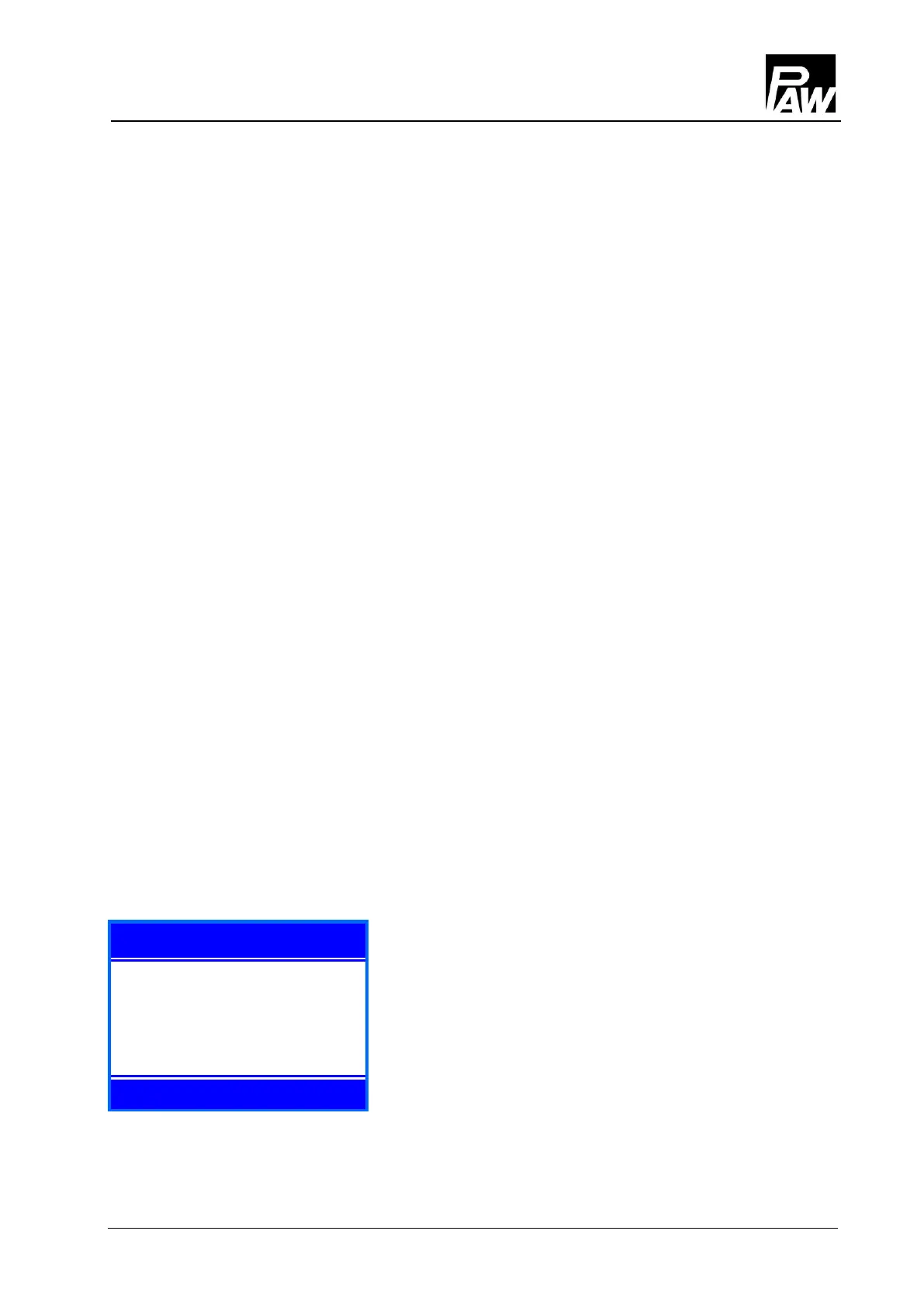
USB stick: no free space
2020- 03- 16 15:20
Selecting of the type of the data recorded.
If in the menu item the recording type
Linear
is set, the
recording stops when the capacity limit is reached.
The message
USB stick: no free space
is displayed.
In the
Cyclical
setting, the oldest data on the card are overwritten as soon the capacity limit is
reached.



 To Next Page